
At a glance
What AMP is
AMP is Blockstream’s Asset Management Platform. An issuer uses it to put a security on the Liquid Network with rules about who may own it. Every transfer needs a second signature, given only when the issuer’s rules allow it, so the asset can only move to wallets the issuer has approved.
Your SideSwap wallet holds two accounts. The Regular account takes ordinary Liquid assets. The AMP account is the one issuers approve, and the desktop app calls it the AMP Securities wallet. Both come from the same recovery phrase. Your AMP ID names your AMP account, and it is what you give the issuer.
Before you start
- The SideSwap app, from sideswap.io/downloads. To trade, the desktop app.
- An account with the issuer or its registration agent. Most ask you to prove who you are first. STOKR says its check may take up to 24 hours.
- The asset open to people where you live. Some issuers block certain countries.
Find your AMP ID
On your phone
Open Settings. Your AMP ID is the first thing on the page. Tap the copy button to copy it, or tap the panel to open AMP registration.Settings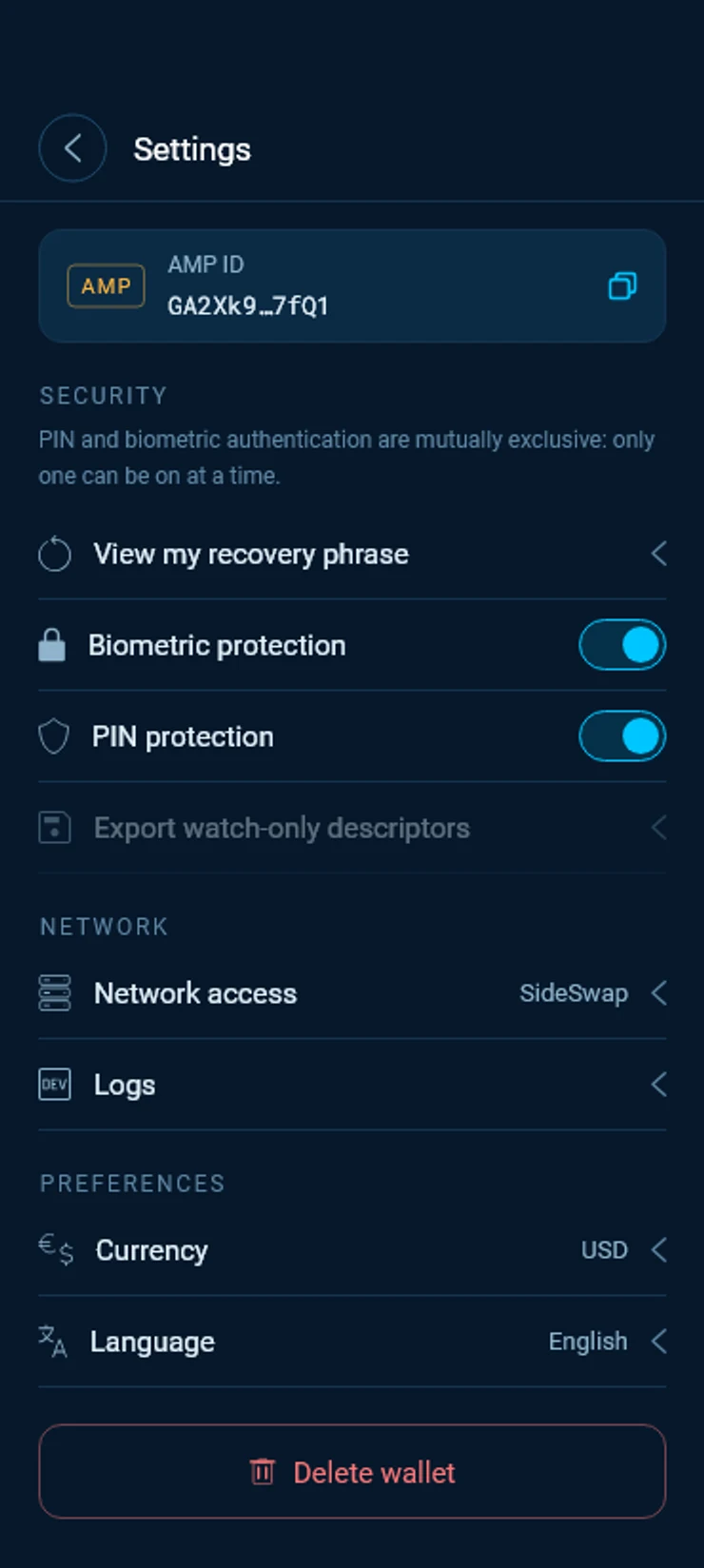
On your computer
In the desktop app, your AMP ID sits at the top of the wallet overview, with a copy button. Click it to open AMP registration.
Get approved by the issuer
Each issuer keeps its own list, so you register your AMP ID with every issuer or agent whose assets you want. AMP registration in the app is headed Register your AMP ID to trade securities and helps with two of them.
STOKR
Choose STOKR. Create an account with STOKR and complete their identity check, then submit your AMP ID in the STOKR portal. The app opens the portal in your browser.PEGx
Choose PEGx. PEGx takes your AMP ID through the Auth eID app. Scan the QR code the app shows with Auth eID, then sign the request in Auth eID. The app says AMP ID was successfully submitted when it is done.Any other issuer
Open the asset and its Asset info. The Registration Agent line links to where you register. Submit your AMP ID there, as the agent explains.
Receive and send
Find the asset
On your phone, tap See all on Home to open All assets. Tap AMP to list only AMP assets. Each one carries the AMP tag.All assets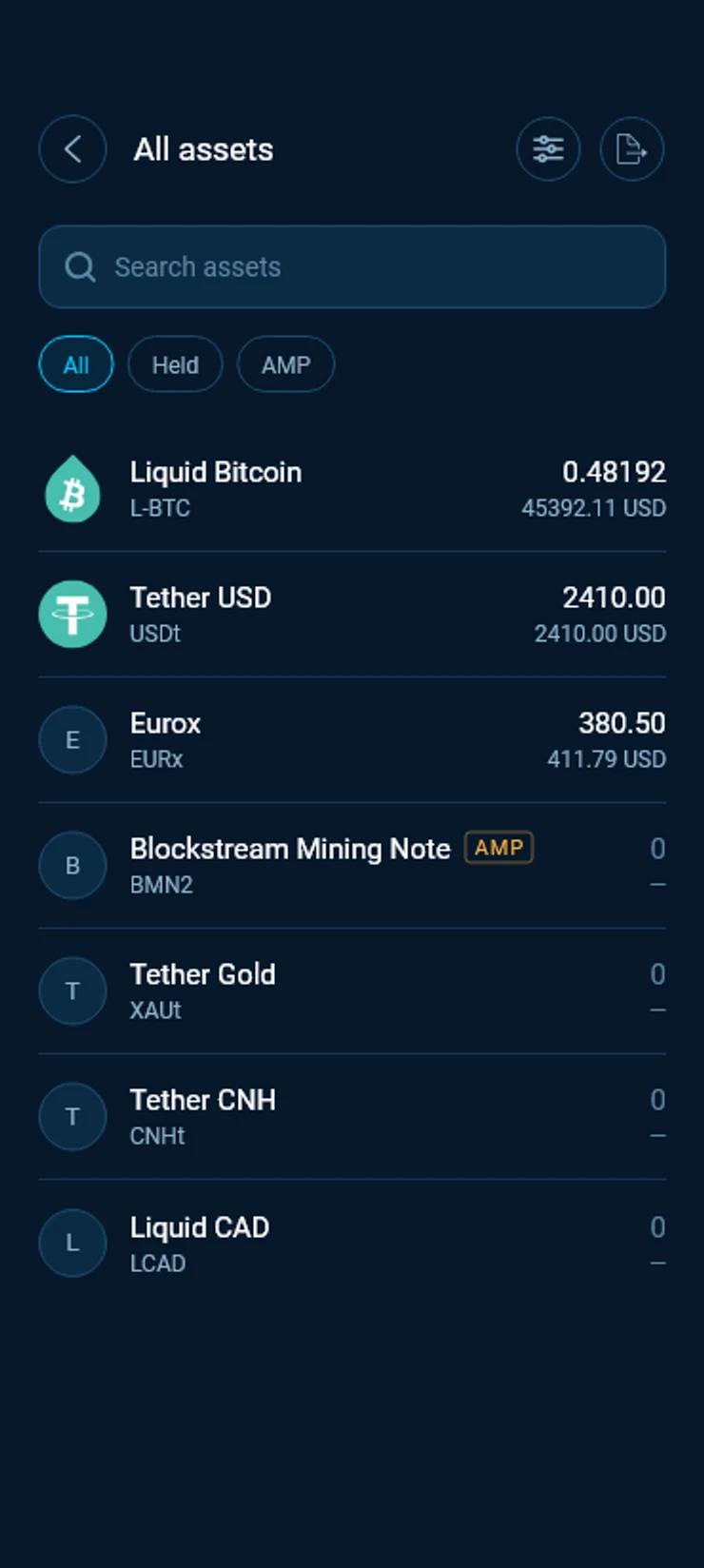
Receive from the asset
Tap the asset, then Receive. The address you get belongs to your AMP account. Copy it or show its QR code, and give it to the sender.On your computer
Click Receive and choose AMP Securities wallet as the address type, then copy the address.Receive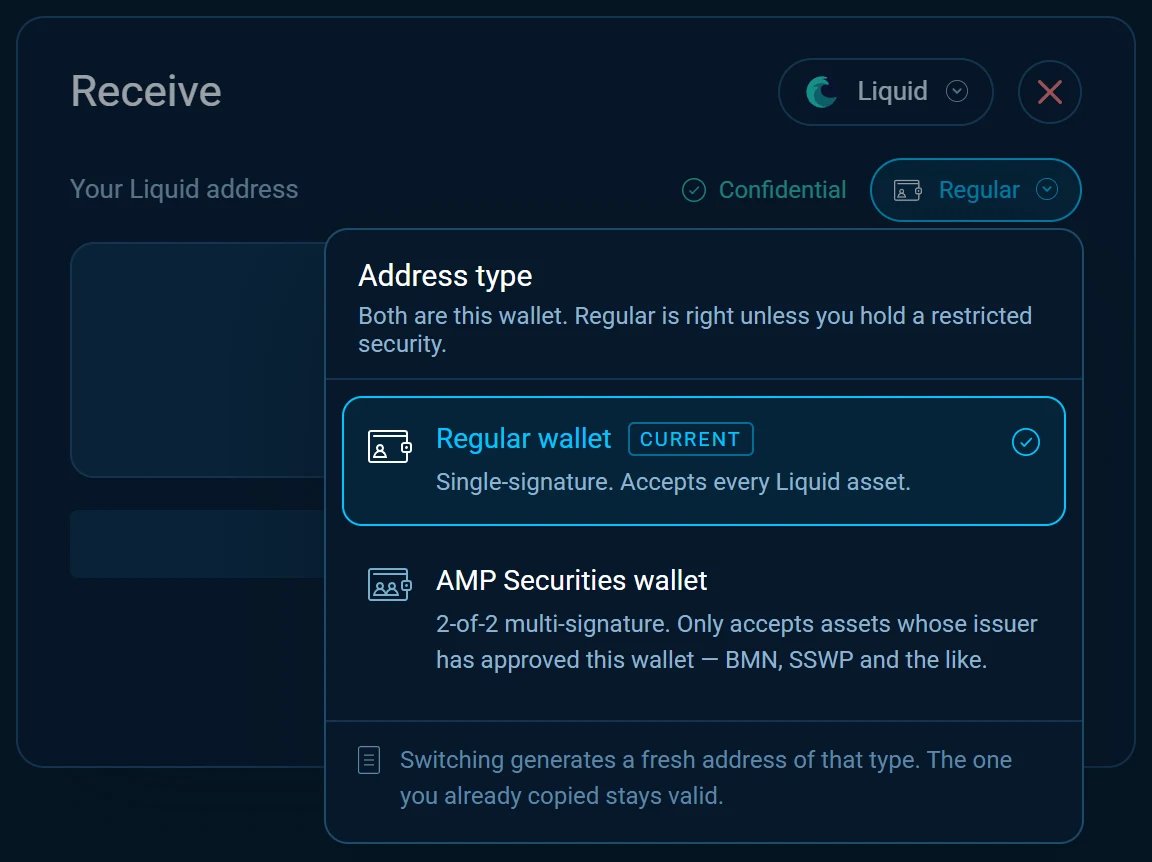
Start from the asset
On your phone, Receive on Home gives your Regular address. For an AMP asset, always start from the asset itself, so the address is your AMP account’s.
Your AMP assets show on Home and in All assets with everything else. Send works as for any asset, and the app pays from your AMP account. The person you pay needs an AMP account the issuer has approved too.
Trade AMP assets
AMP assets have their own order books in the Swap Market of the SideSwap desktop app, listed under AMP. Most trade against L-BTC and some against USDt. Instant Swap does not offer them.
Pick the market
Open Markets and choose a market under AMP.Markets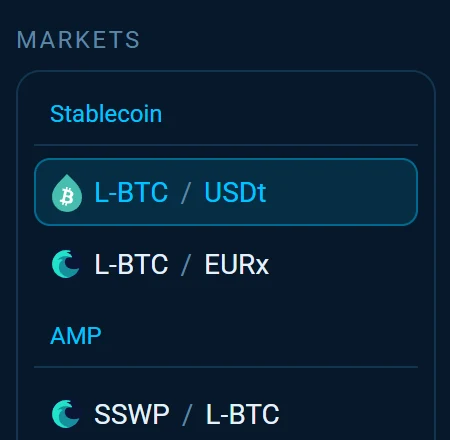
Place your order
Swap at the market price or place a limit order, as on any market. See The Swap Market in the desktop app.Unregistered AMP ID
If the issuer has not approved your wallet yet, the app says Unregistered AMP ID and shows where to register. Register there, then try again.
Country restrictions
Some STOKR securities are closed to people in certain countries. The first time you open such a market, the app says This asset has country restrictions and lists the blocked countries.
What SideSwap does and does not do
SideSwap is a platform provider. It makes the wallet and shows the orders people post. It does not issue securities, it does not decide who may own them, and it does not stand behind any asset listed on it.
Every trade is a swap between two wallets, built and signed by the two people trading. SideSwap is never the other party to your trade and never holds your assets.
SideSwap does not provide liquidity or marketing for securities. A trade happens only when someone else has an order on the other side.
Questions about an asset, its documents or whether you may own it go to the issuer or its registration agent. Asset info names both.
A listing is not a recommendation
SideSwap does not check or endorse the assets it lists. Read the issuer’s documents and decide for yourself before you buy.
Good to know
Your AMP ID and your recovery phrase
Restoring the same recovery phrase brings back the same AMP account and the same AMP ID, so issuers still know it. A new wallet gets a new AMP ID that no issuer has approved yet. See Back up and restore.
Privacy
SideSwap does not keep a list of wallet addresses linked to your AMP ID. The issuer knows the ID is yours, because you registered it with them.
Phone and computer
Use the same wallet in both apps and your AMP assets show in both. On the phone you hold, receive and send them. Trading is done in the desktop app.
Look your transaction up first. If it still looks wrong, write to support with the Bitcoin transaction ID.
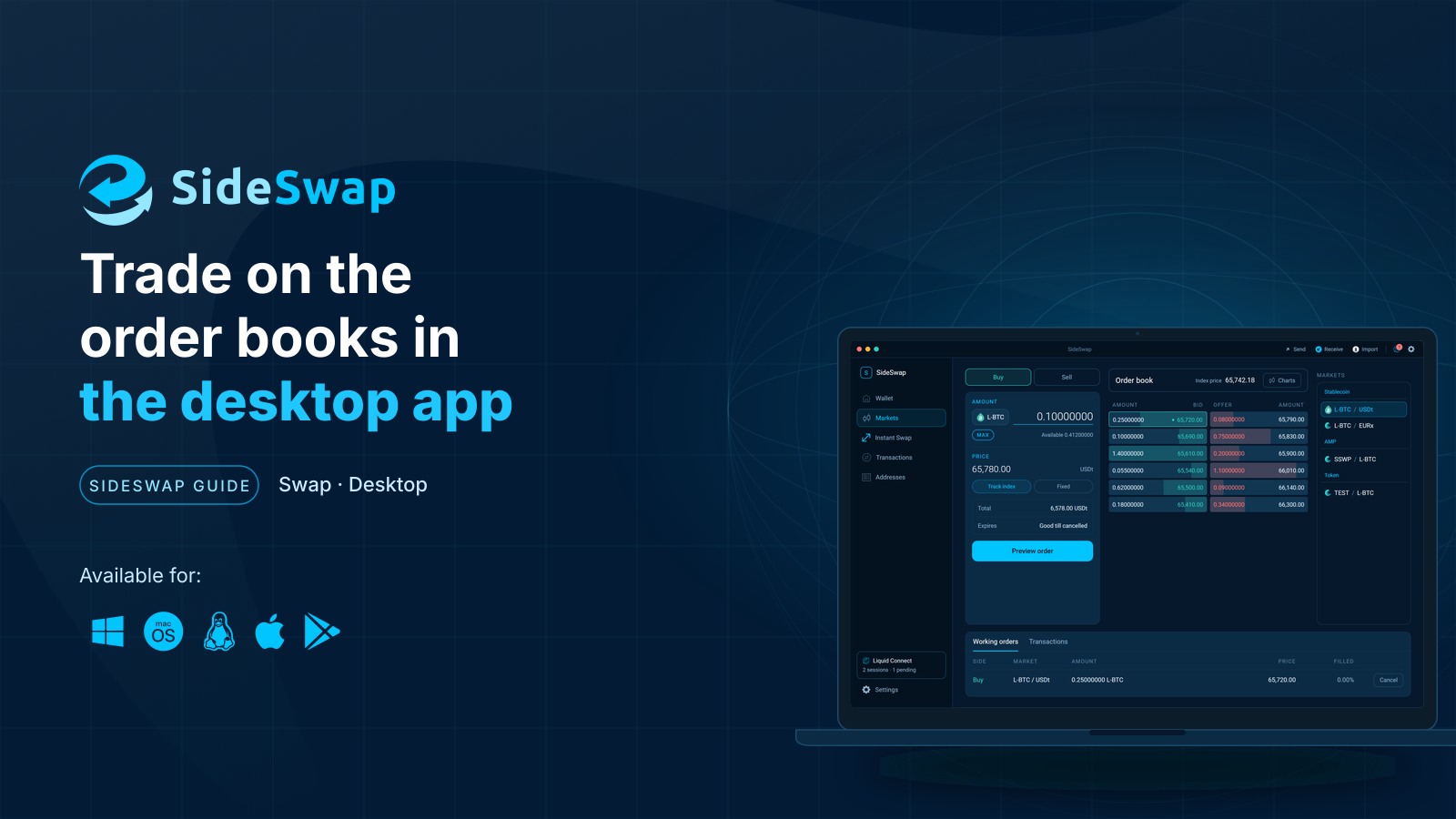
The Swap Market in the desktop app
Place, change and cancel orders on the order books, online or offline, public or private.
Back up and restore your wallet
Keep your recovery phrase safe, restore on a new device and know what a first scan looks like.
Staying safe
Spot fake support and copycat sites, and why a sent transaction cannot be reversed.