
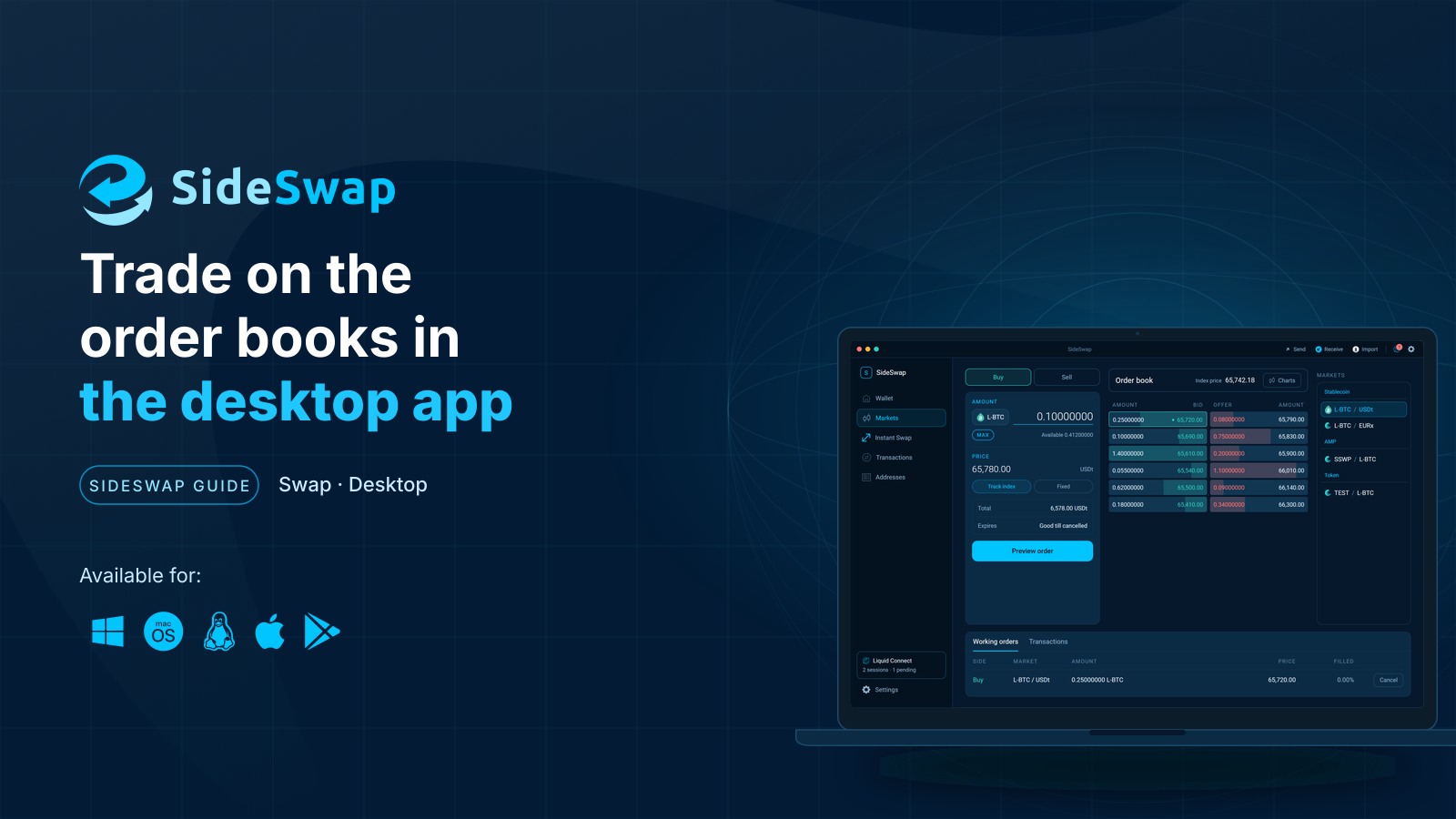
At a glance
Before you start
- The SideSwap desktop app, from sideswap.io/downloads.
- The asset you want to give in your wallet. Your coins stay there until the swap.
- For AMP assets such as securities, an AMP ID registered for that asset. If yours is not, the app shows where to register it.
- On a phone there is no Markets tab. Trade on sideswap.io from your wallet, or use Instant Swap.
The Markets screen
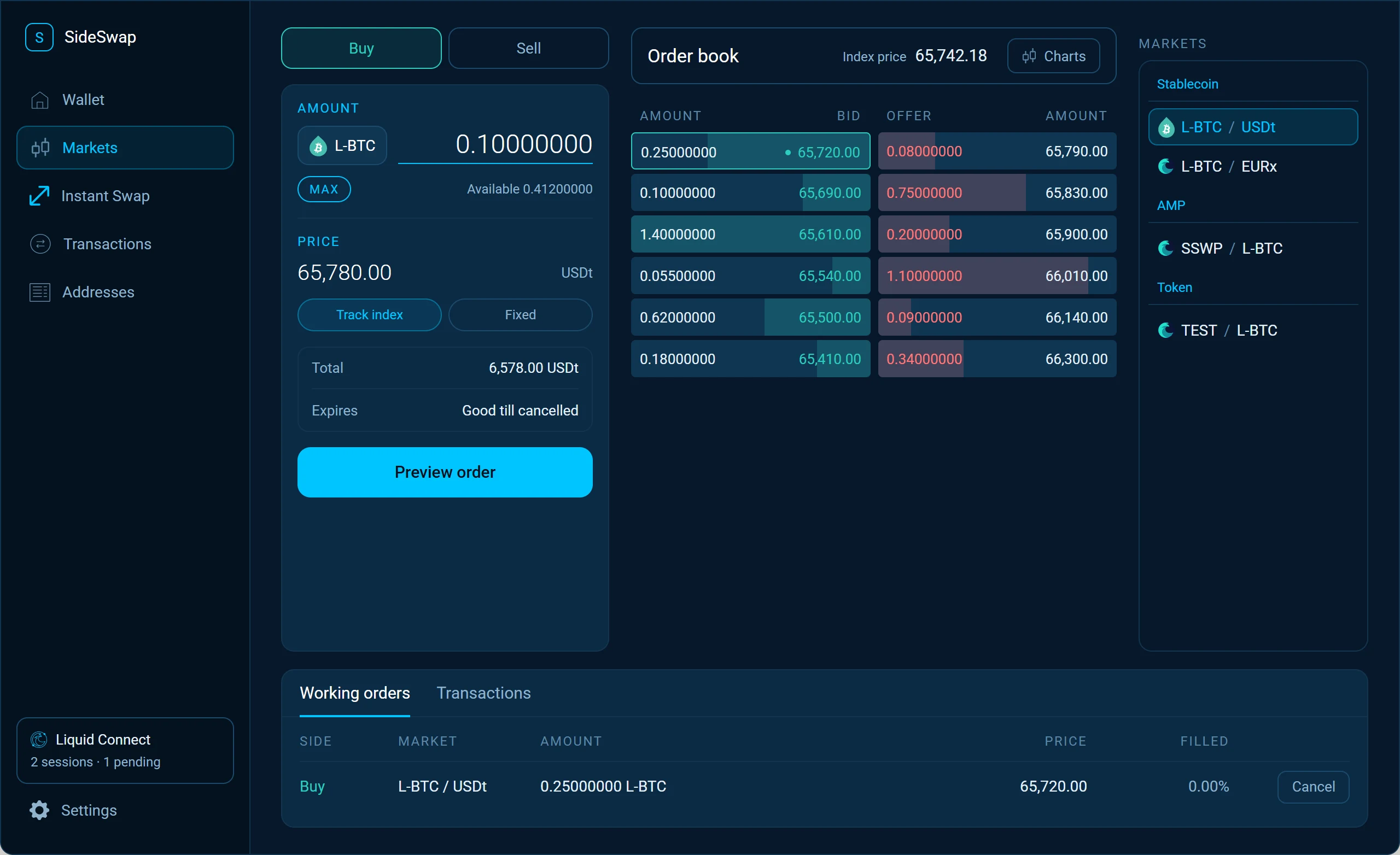
Choose a product on the right. The order book in the middle lists the bids and offers, with the index price above it as a reference. You place orders in the panel on the left, and your open orders are under Working orders at the bottom.
Swap at the market price
Enter the amount
Choose Market order, the product and Buy or Sell, and enter the amount. The panel shows what you deliver, what you receive and the price. Click Continue.Accept the swap proposal
The proposal shows what leaves your wallet and what arrives, the price per unit and the index price beside it. It stays valid for the time shown. Click Accept and the swap settles in one transaction.Swap proposal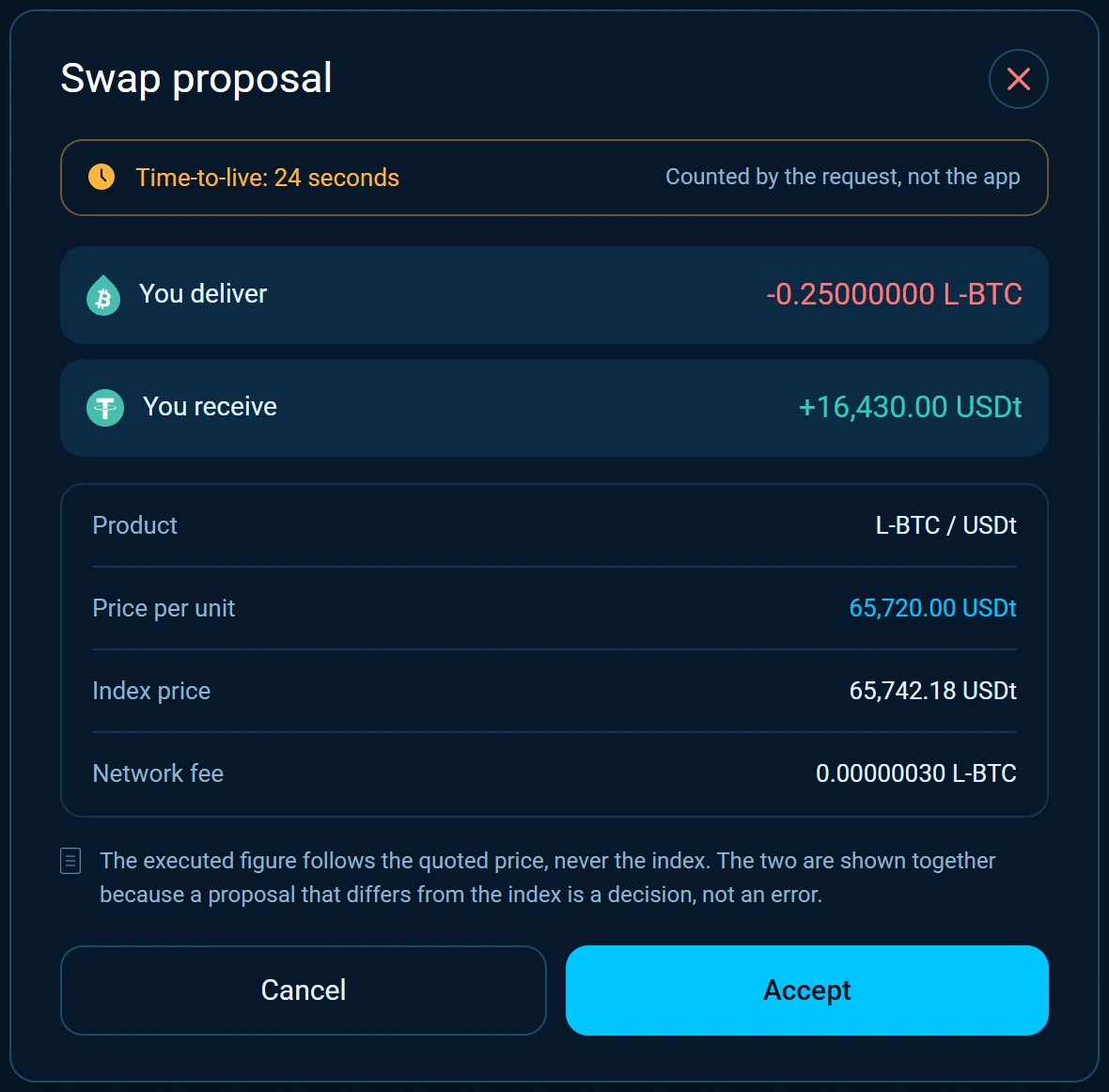
Take an order from the book
Click any order in the order book to take it. The same swap proposal opens with that order’s terms.
Place a limit order
Set your price
Choose Limit order, Buy or Sell, the amount and your price per unit. Or switch on Track index price to keep the order a set percentage from the index price as it moves. Click Continue.Review and submit
Check the product, side, amount, price and total. Choose how long the order lives, from one hour to a month or unlimited, how it is signed and whether it is public. Then submit.Review limit order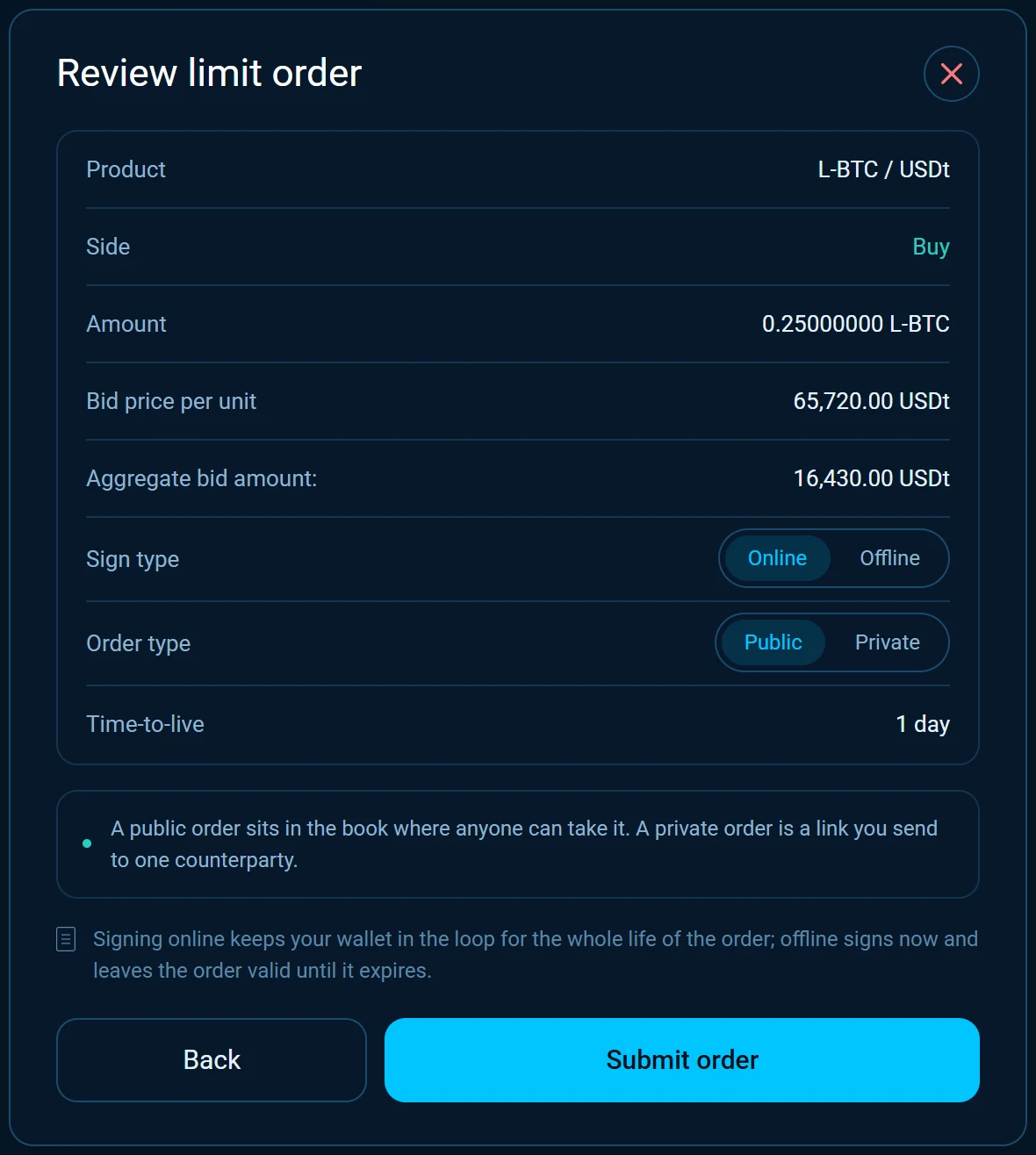
Your order is live
A public order appears in the order book, and every order you place is listed under Working orders. When someone takes it, the swap settles in one transaction and shows in your transactions.
Online or offline
Online is recommended. Your app signs when the order is taken.
- Not tied to particular coins, so spending some does not cancel the order.
- Can be filled in part.
- Can be for more than your wallet holds right now.
- The price can be changed.
- The app must stay open and your computer running.
Offline signs now, so the order can be taken while your app is closed.
- Tied to particular coins, so spending them can cancel the order.
- Needs a coin of the exact amount, so it may first need a funding transaction with its network fee.
- Cannot be for more than your wallet holds.
- The price cannot be changed.
Public or private
A Public order sits in the order book, where anyone can take it. A Private order is not shown there. Under Working orders, its copy button copies a link to it. Send the link to the one person who should take the order, and they open it with SideSwap.
Change or cancel an order
Edit an online order
Click your own order in the order book, or its edit button under Working orders. Change the amount or the price, or switch Track index price on or off. Offline orders cannot be edited.Edit order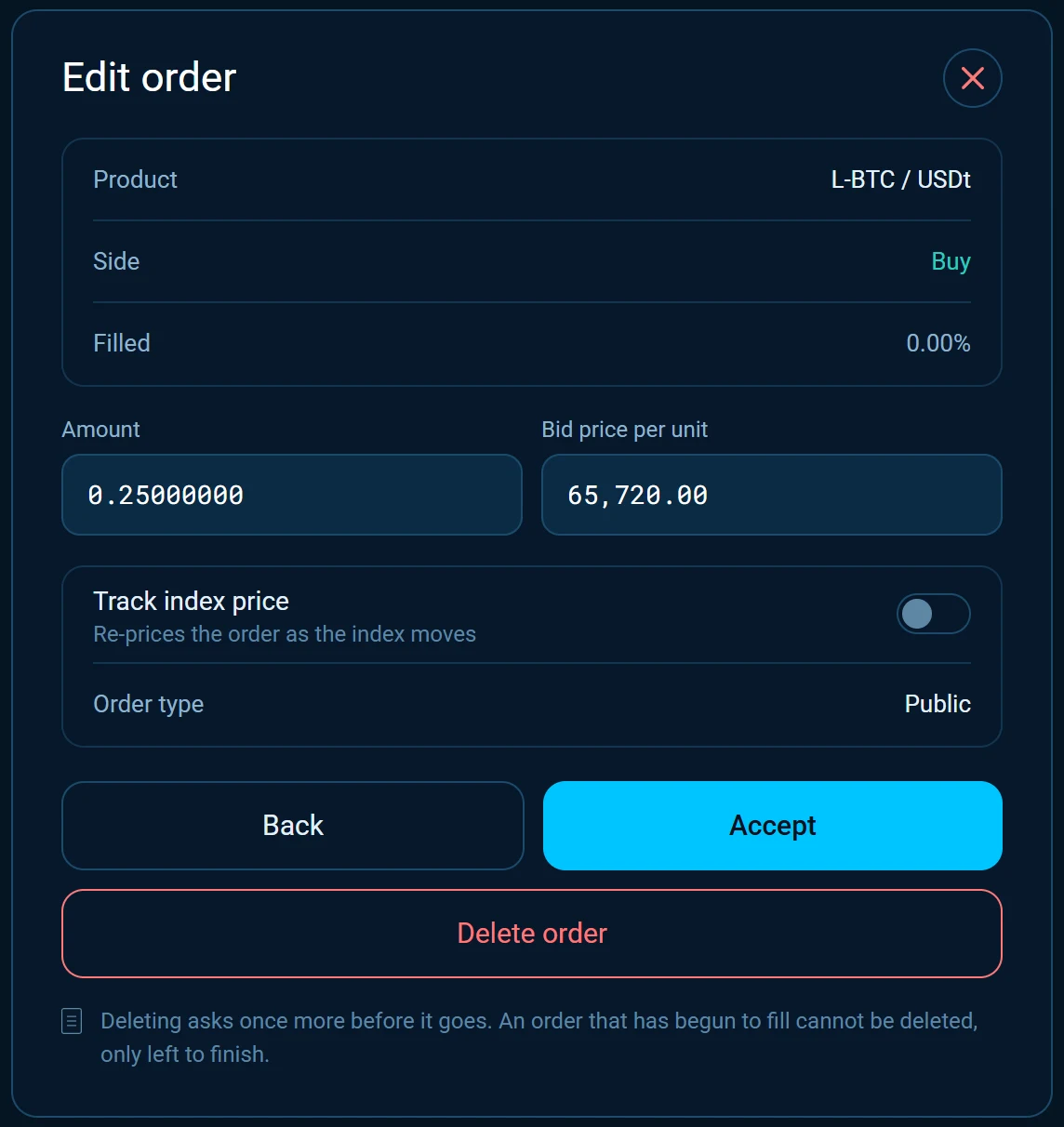
Cancel
Use the delete button under Working orders and confirm Delete order?. The order leaves the book and your coins stay in your wallet.
Good to know
Fees
Placing an order that someone takes costs you nothing. Taking an order costs 0.2%, on the L-BTC side of the swap, or on the stablecoin side in a market without L-BTC, plus a small fixed fee for the Liquid network. Both are part of the quote you accept.
The index price
The index price is a reference from outside markets. A swap always executes at the price in the proposal, which can differ from the index.
No custody
Your coins never leave your wallet before the swap. Both sides of a trade move in one transaction, or nothing moves.
A swap is final
A completed swap cannot be reversed. The way back is a new swap in the other direction, at the price of that moment.
Look your transaction up first. If it still looks wrong, write to support with the Bitcoin transaction ID.
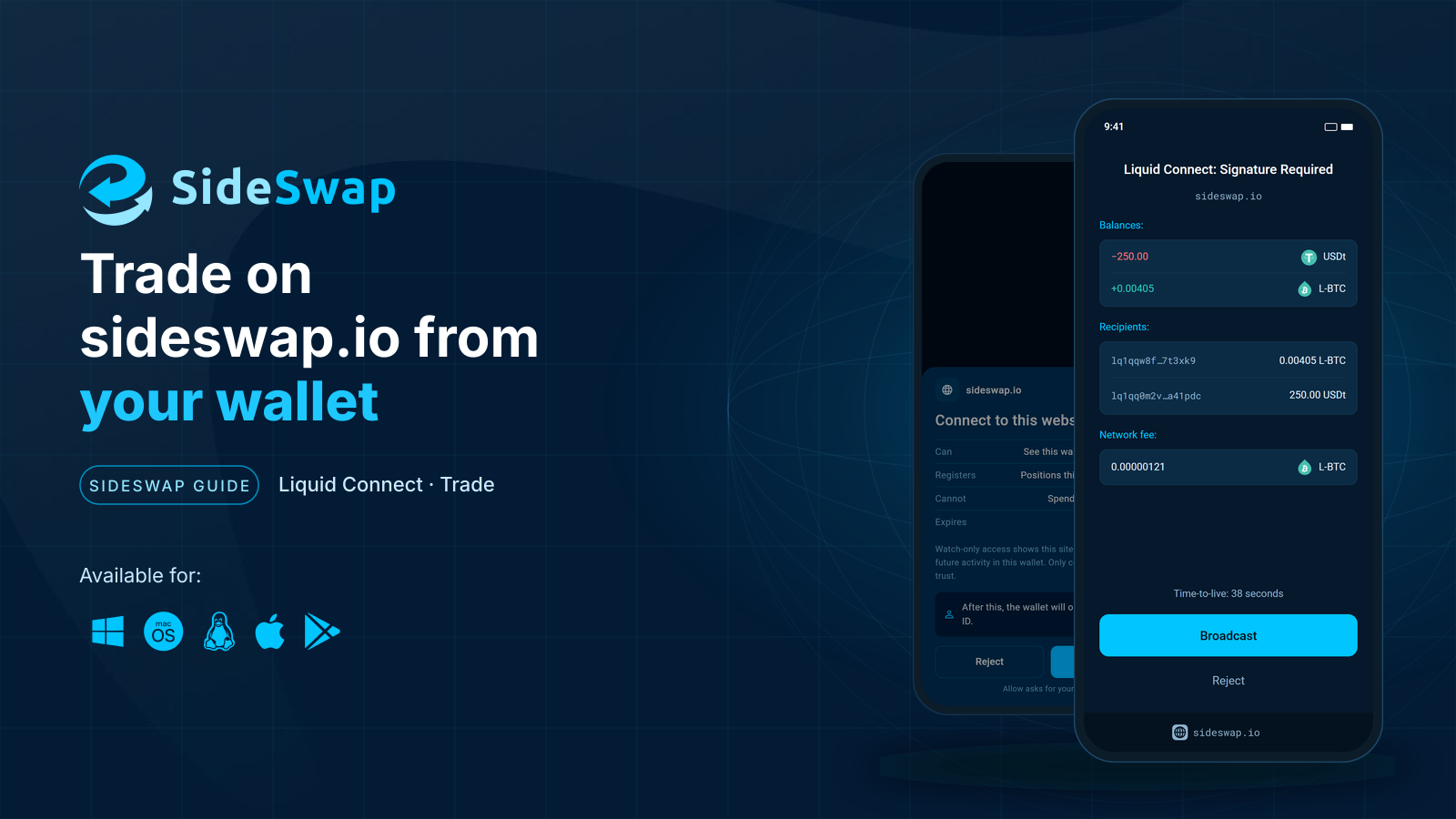
Trade on sideswap.io from your wallet
Swap at market or place limit orders on sideswap.io and approve every trade in your wallet.
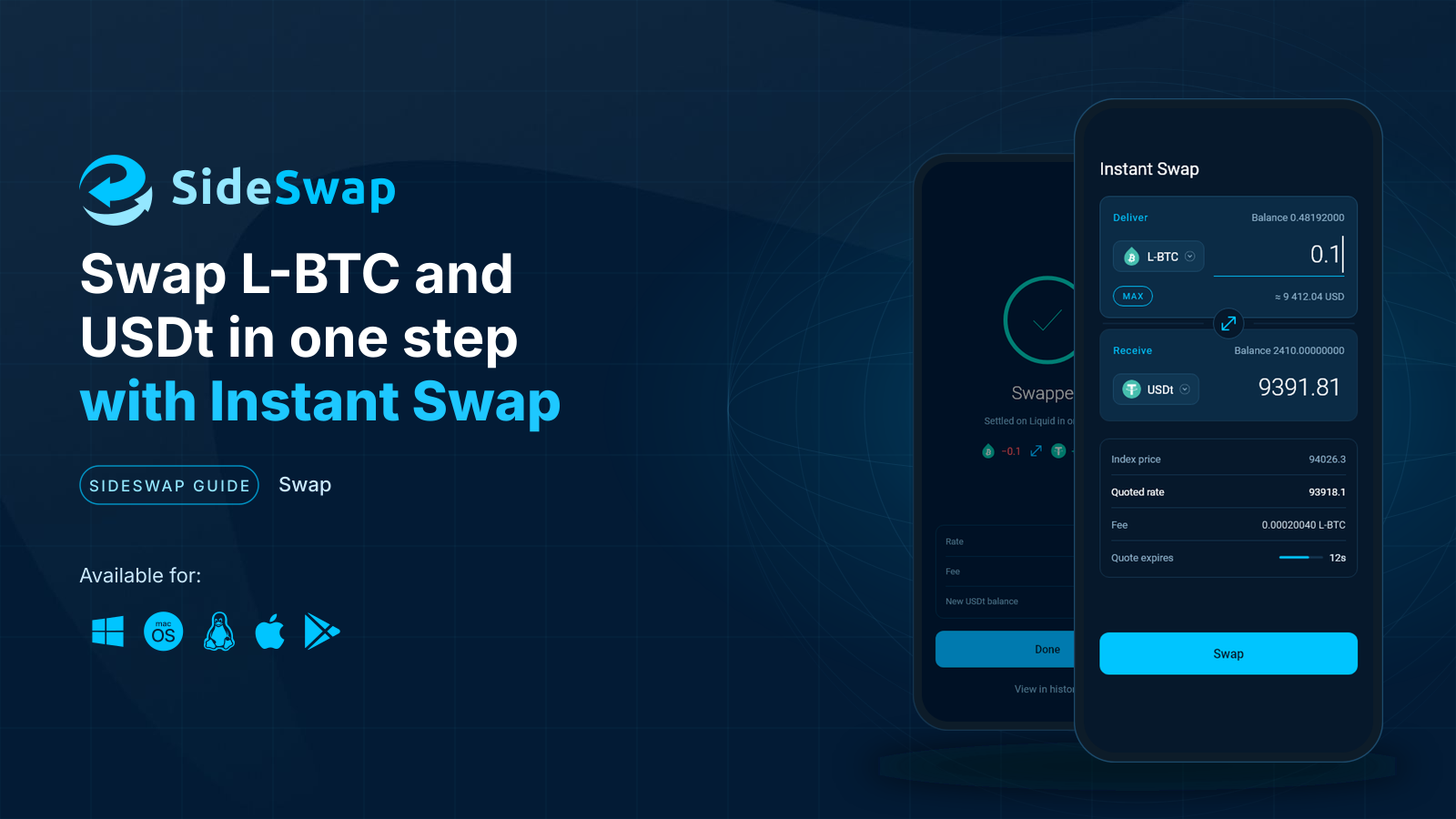
Instant Swap
Swap between L-BTC, USDt and other assets in one step at a firm quoted rate.
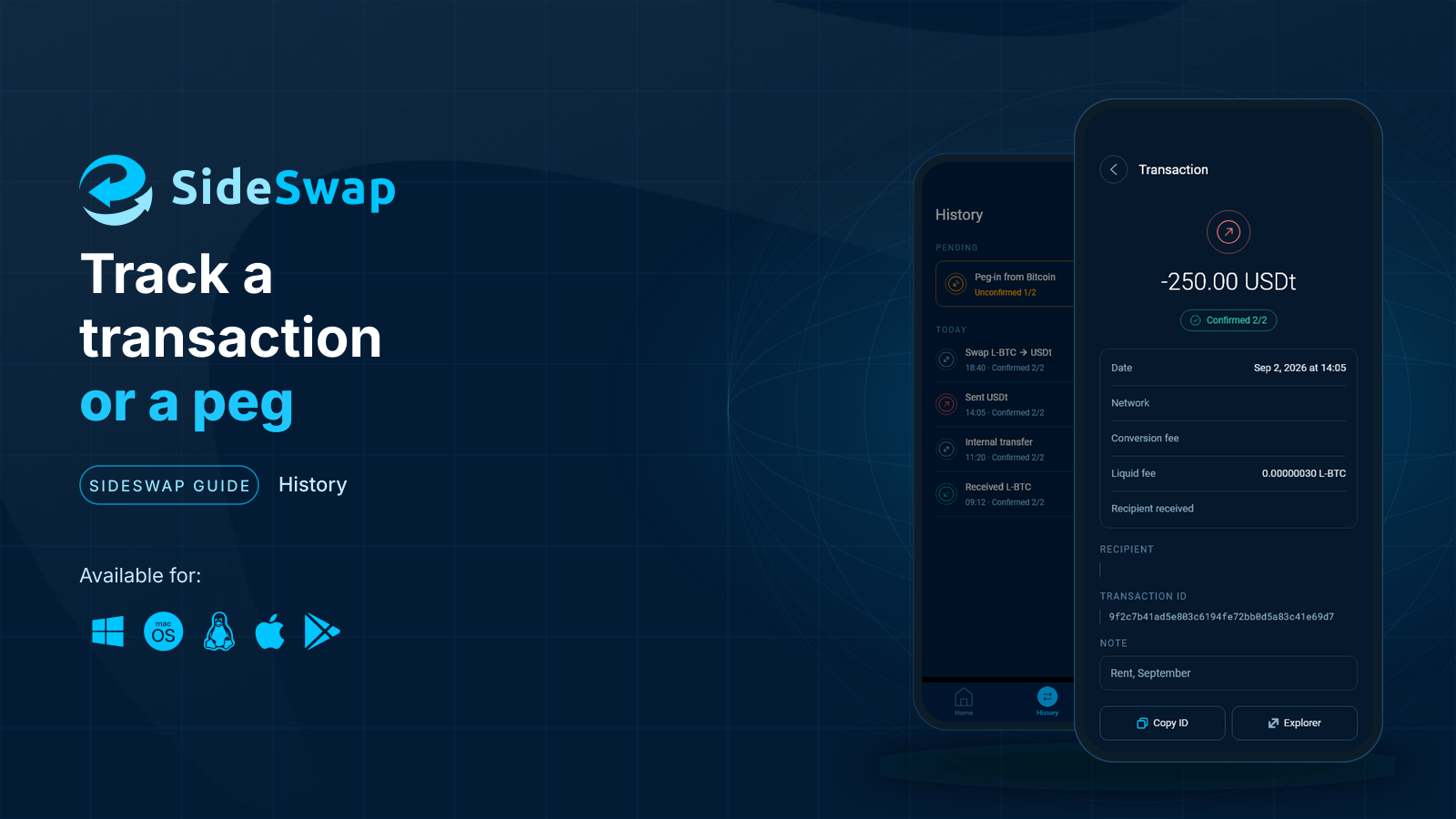
Track a transaction or a peg
Find any payment, swap or peg, read its status and check it on the explorer yourself.