
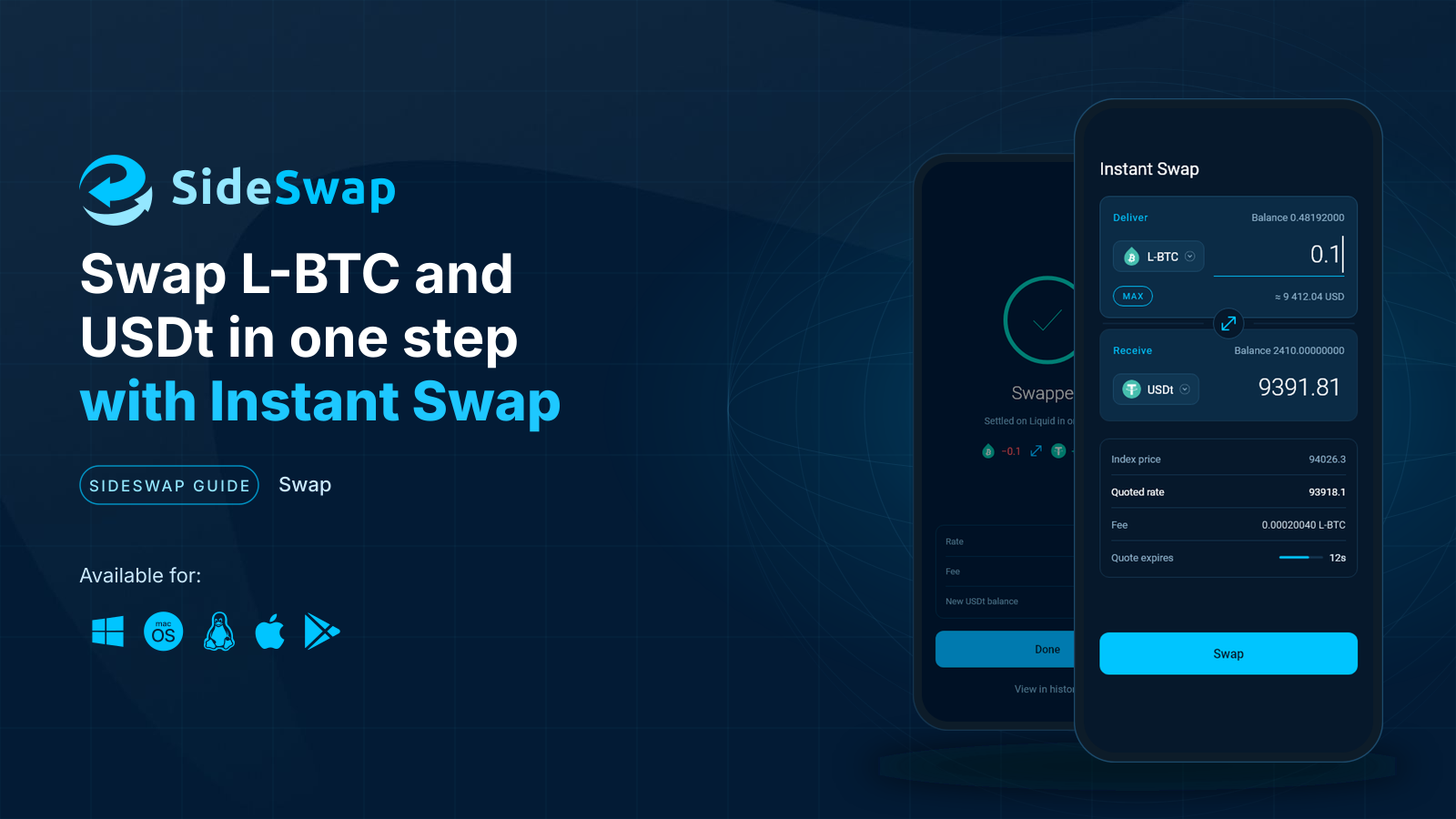
At a glance
Before you start
- A SideSwap wallet with L-BTC, USDt or another asset SideSwap quotes. New here? See Get started.
- Bitcoin still on the Bitcoin network? Bring it in first with Move bitcoin to Liquid.
Step by step
Open Instant Swap
Tap Instant Swap at the bottom of the wallet. Before you type an amount, the index price is only an indication. It is not a quote.Instant Swap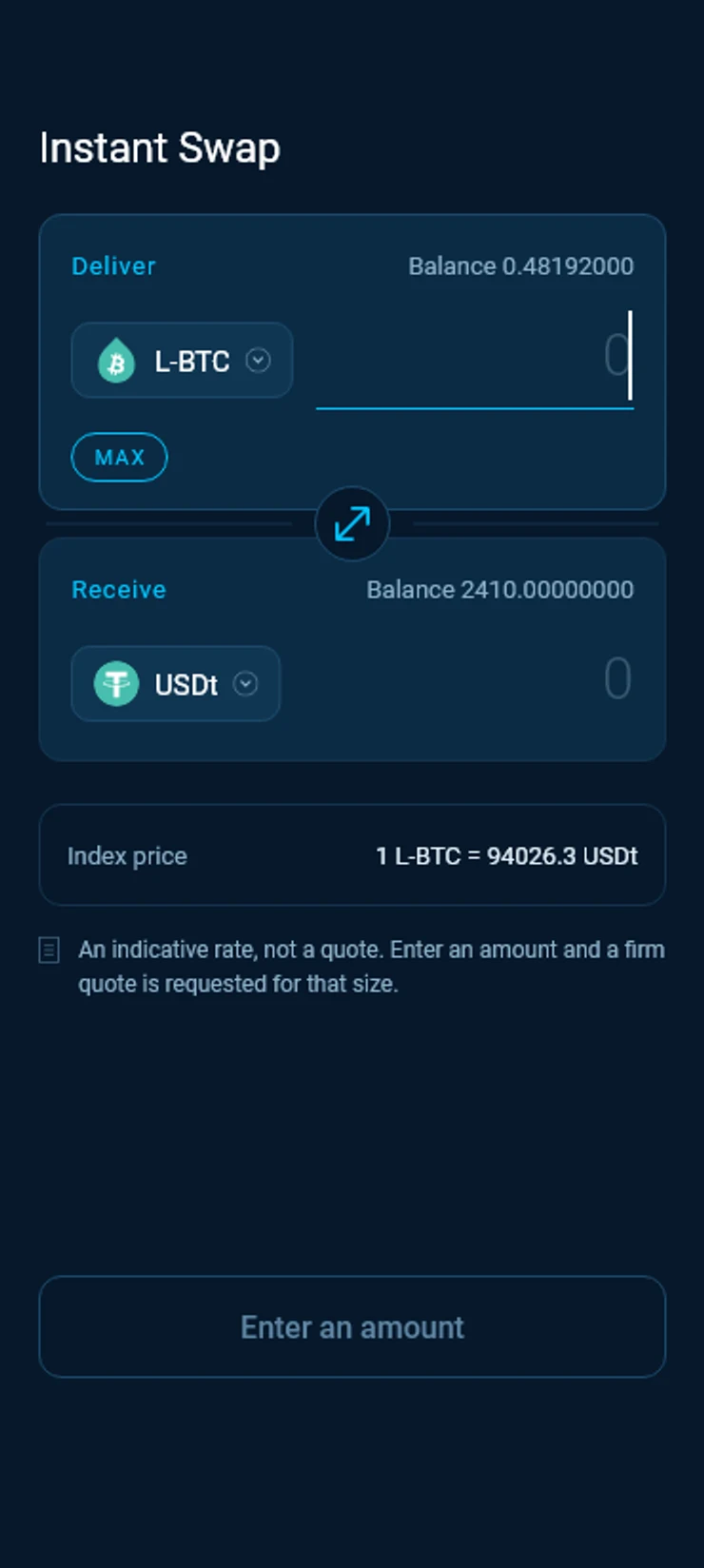
Choose the two assets
Tap the asset under Deliver or Receive to change it. Only assets with a market against the other side are listed. The round button between the two sides flips them.Deliver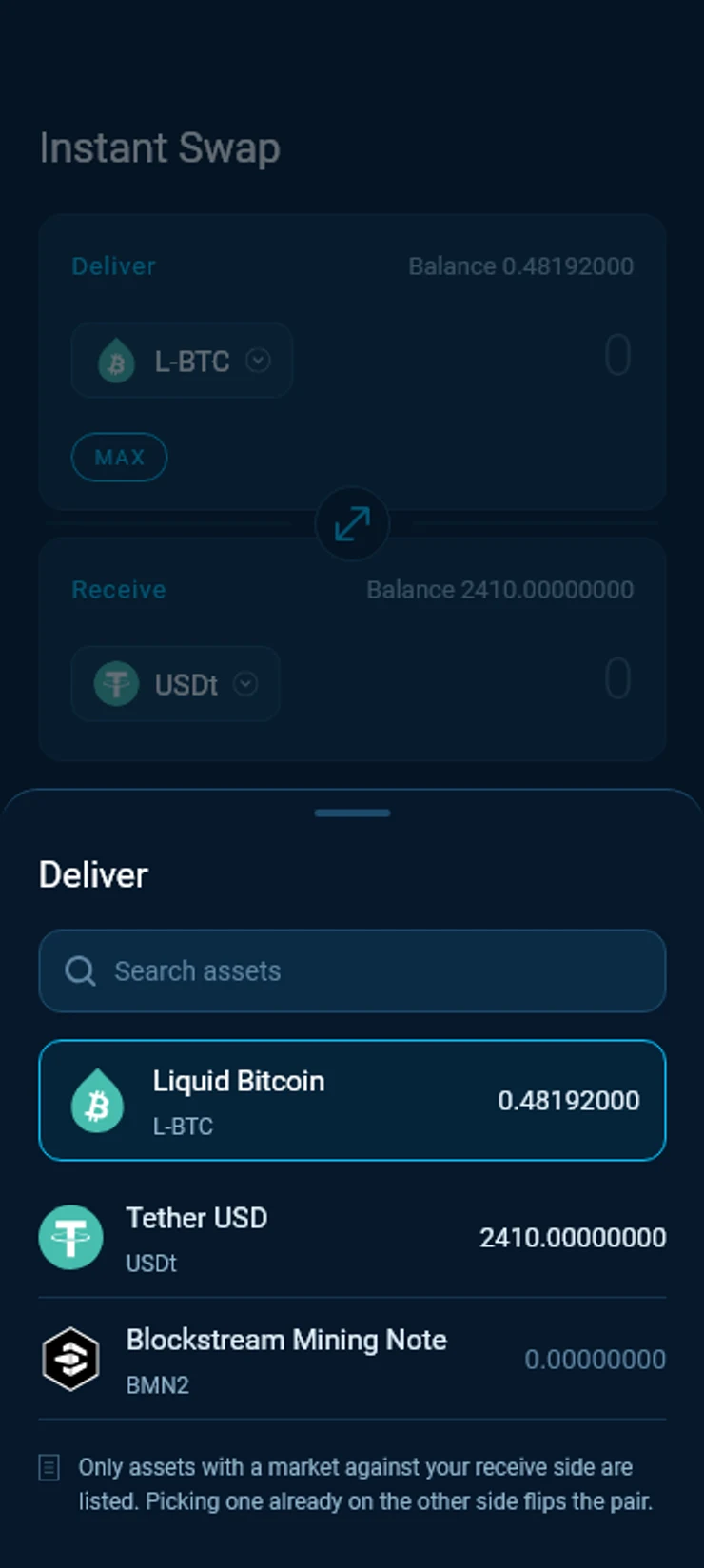
Enter the amount
Type the amount or tap MAX. The wallet asks for a firm quote for that size and shows the index price, the quoted rate you get, the fee and how long the quote holds.Live quote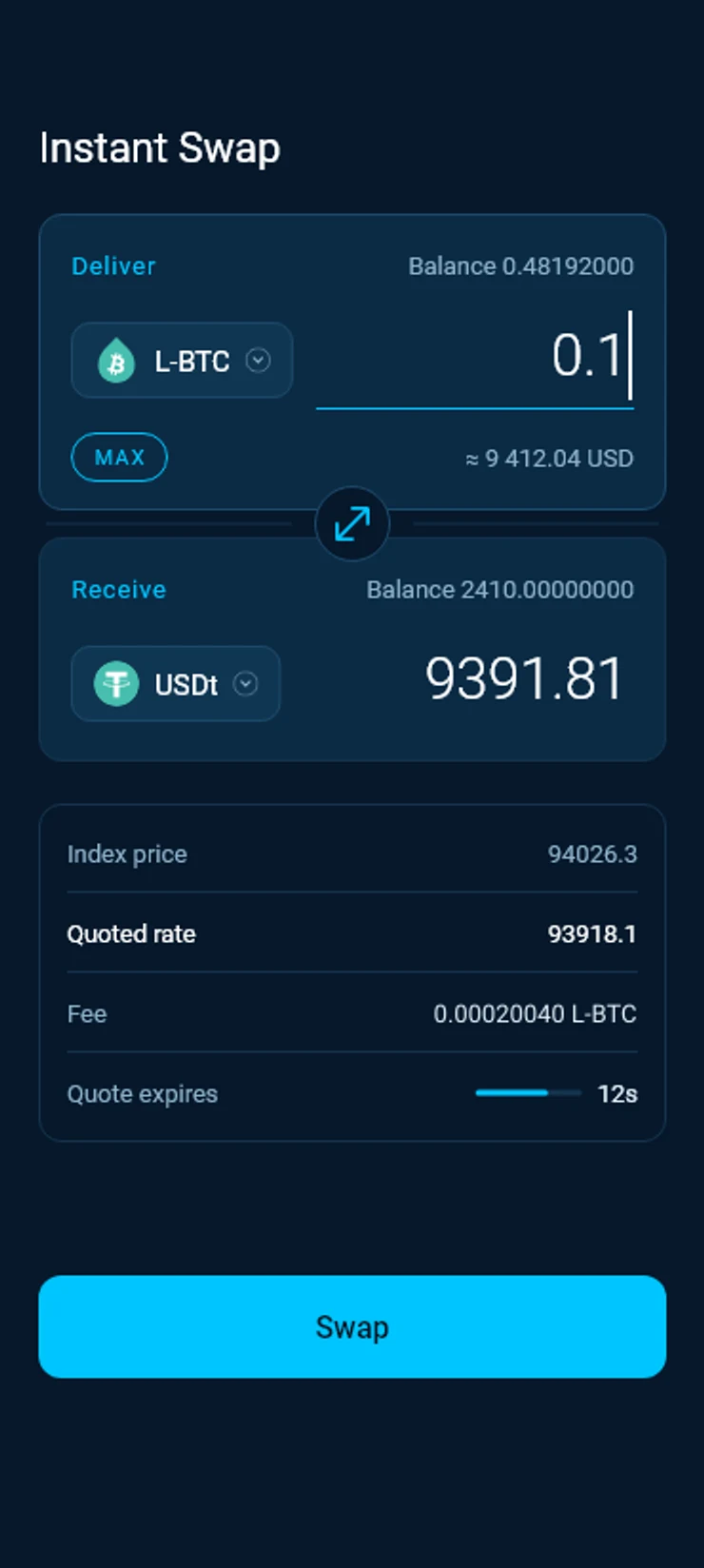
Swap
Tap Swap. The wallet signs and sends the swap. Keep the app open until it finishes. The quote is held for you until then.Swapping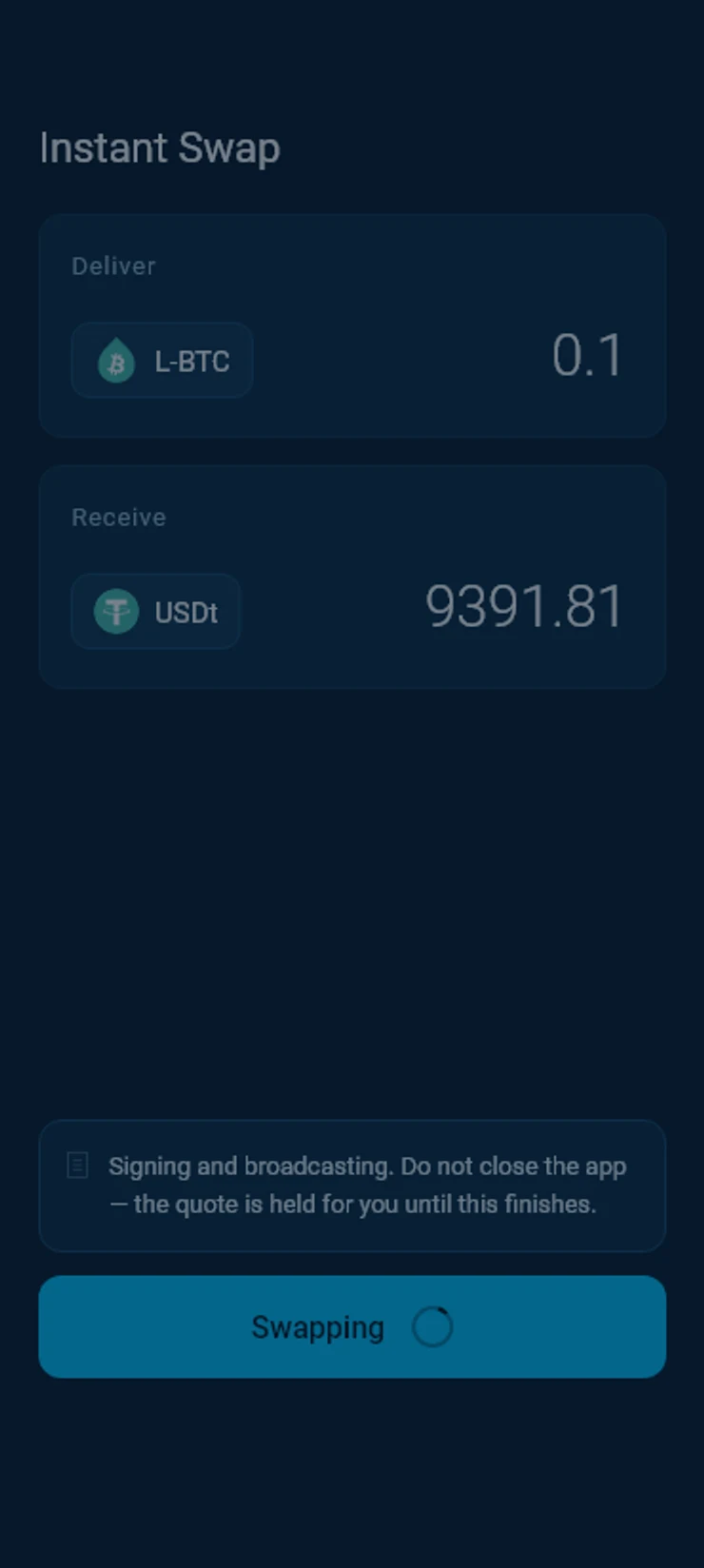
Swapped
The swap settles on Liquid in one block. The wallet shows what left, what arrived, the rate, the fee and your new balance. Tap View in history to find it later.Swapped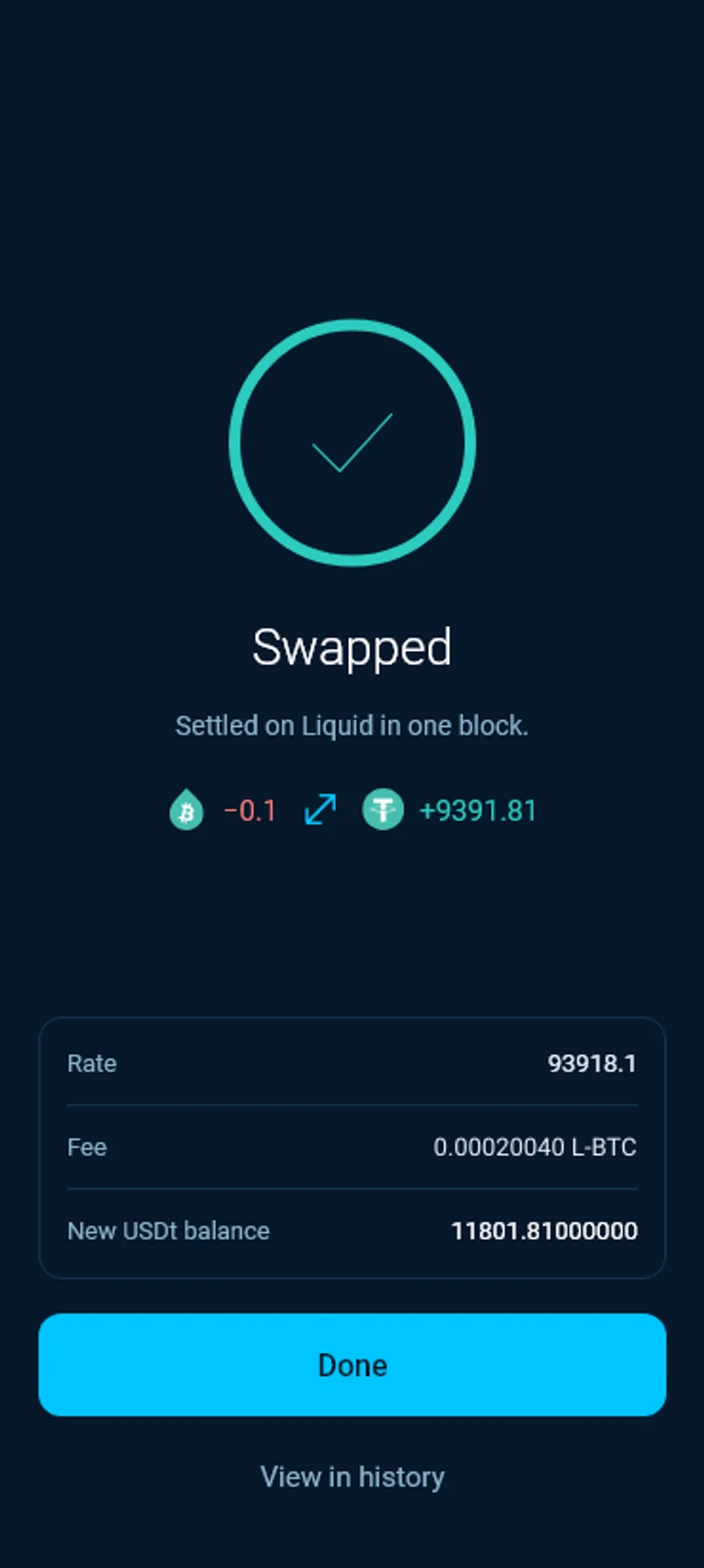
If a swap does not go through
Not enough
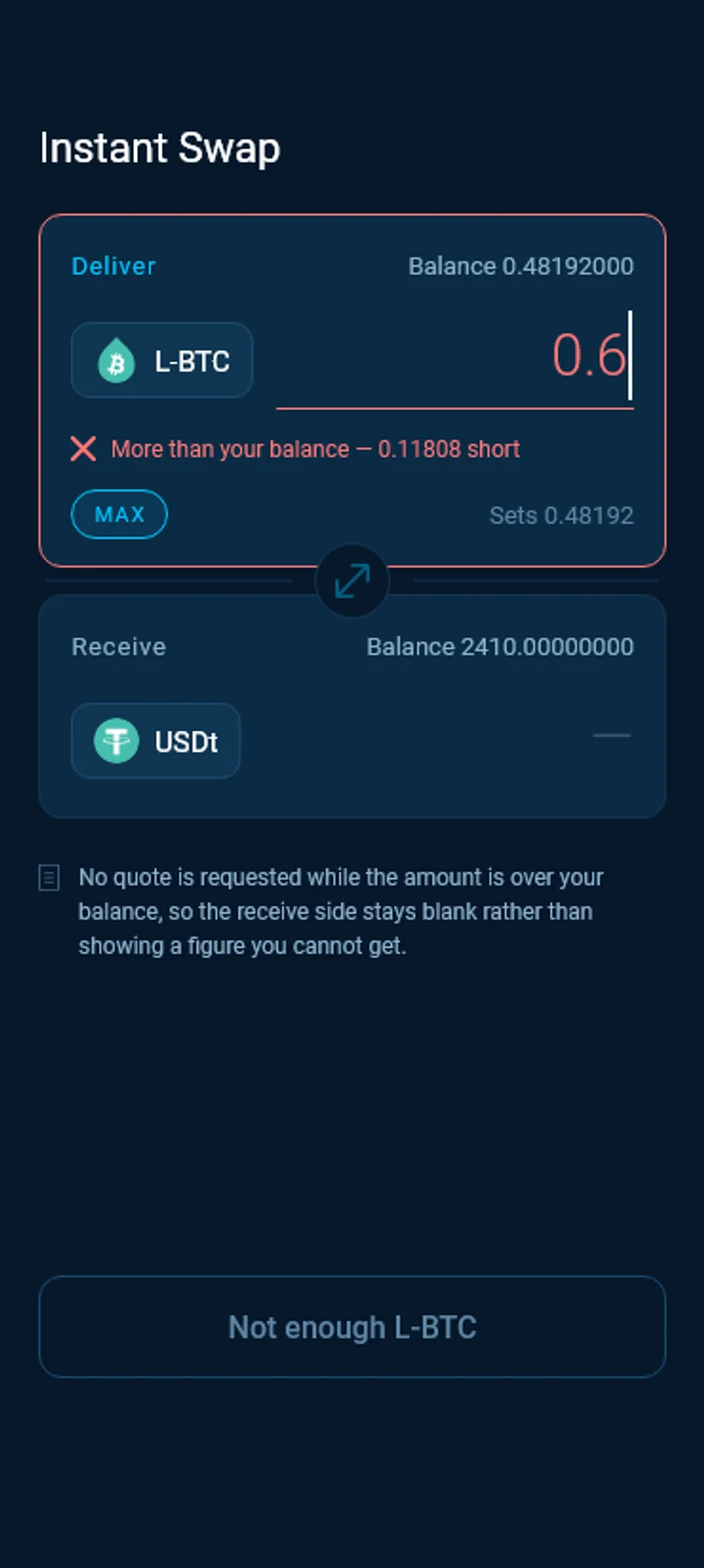
The amount is more than your balance. The wallet shows how much you are short and asks for no quote, so the receive side stays blank rather than showing a figure you cannot get. Lower the amount or tap MAX.
Quote expired
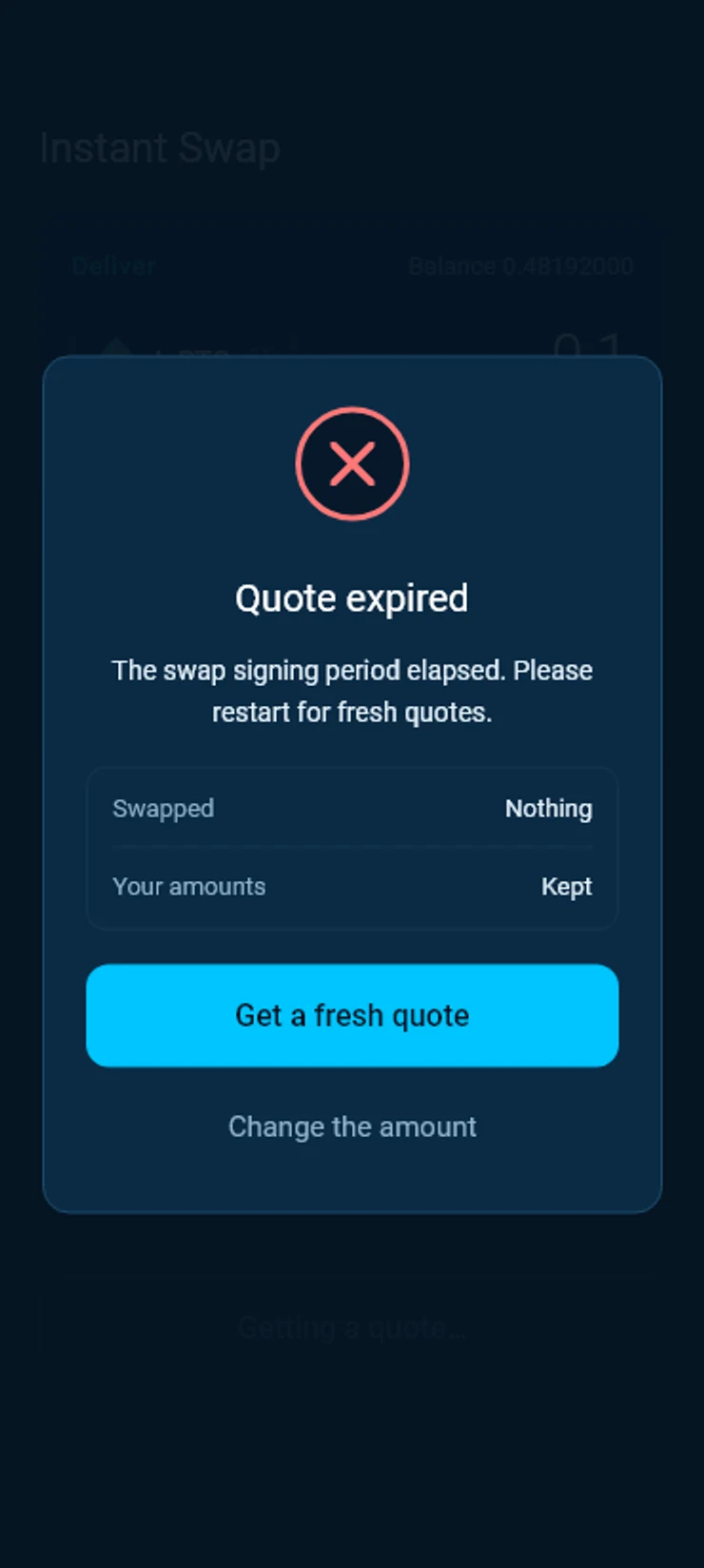
The time to sign ran out before the swap was done. Nothing was swapped and your amounts are kept. Tap Get a fresh quote to try again at the new price, or Change the amount.
Good to know
Index price and quoted rate
The index price follows the wider market and is for orientation. The quoted rate is what your swap gets, and every figure in the swap follows it.
Your own price
Want to name your own price? Use the Swap Market, on sideswap.io or in the desktop app.
On a computer
The desktop app has the same Instant Swap. On sideswap.io/instant you can swap with your wallet connected through Liquid Connect and approve the swap in the app.
Look your transaction up first. If it still looks wrong, write to support with the Bitcoin transaction ID.
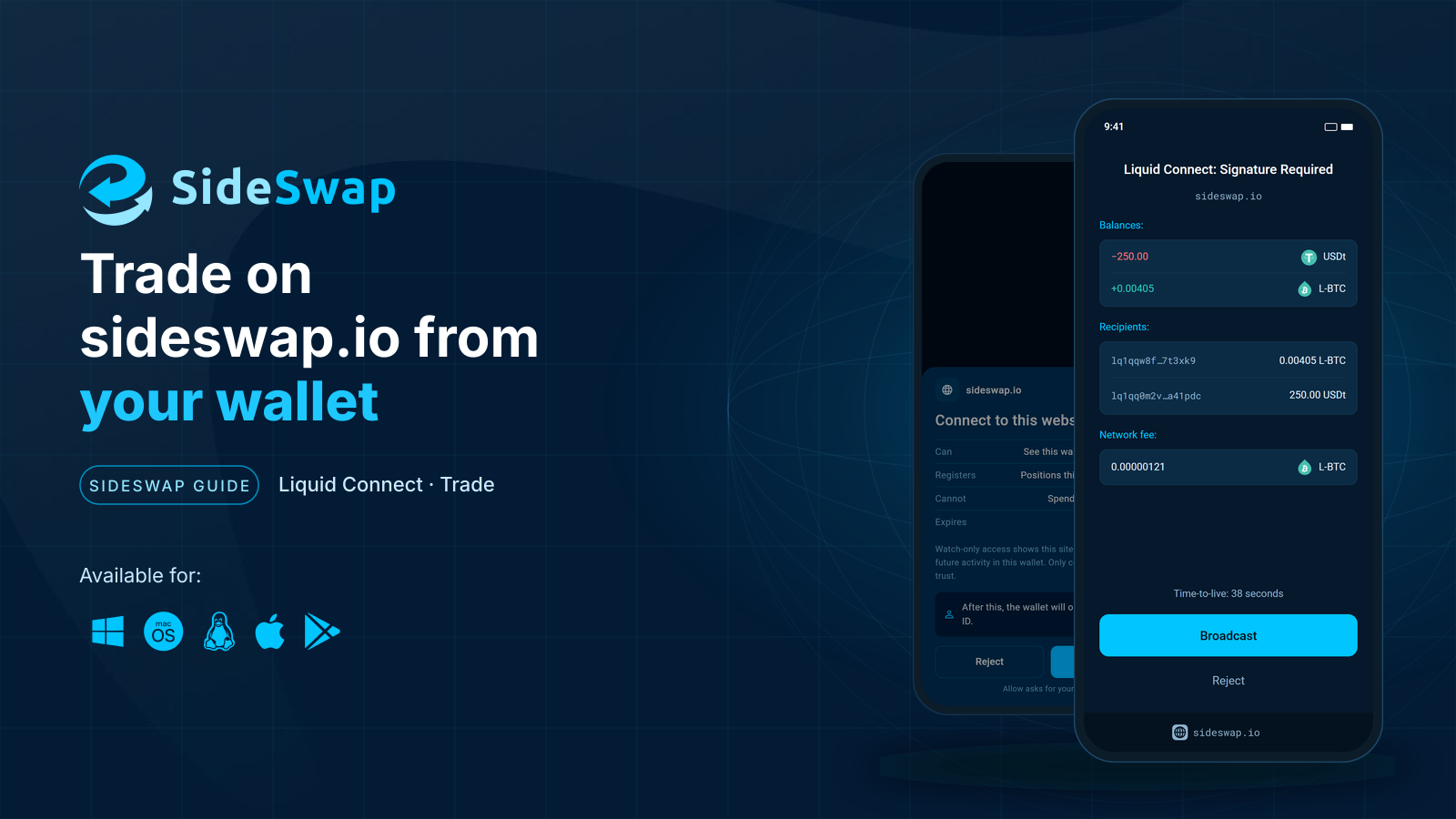
Trade on sideswap.io from your wallet
Swap at market or place limit orders on sideswap.io and approve every trade in your wallet.
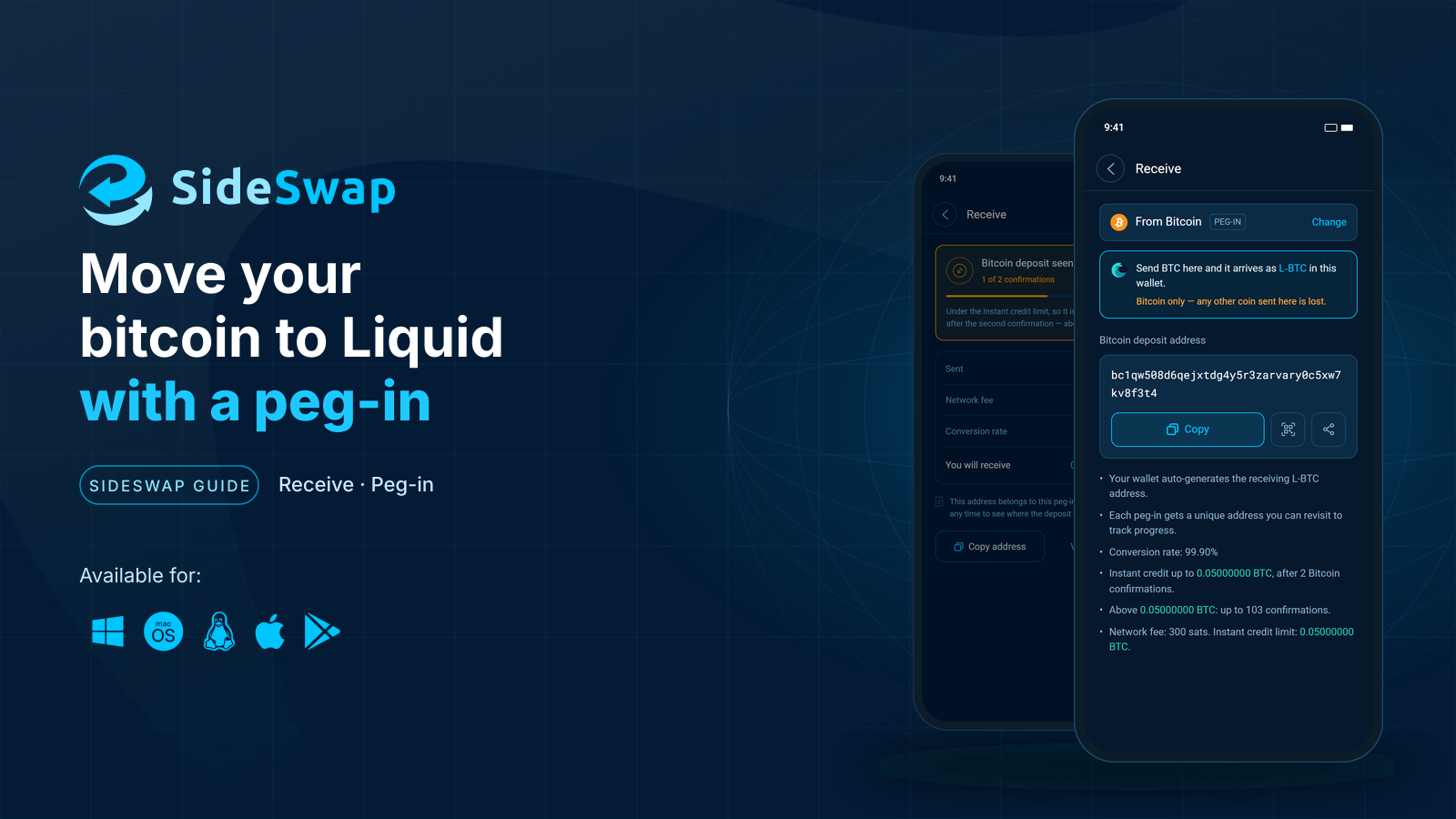
Move bitcoin to Liquid
Send BTC to your SideSwap wallet and get L-BTC on Liquid, usually after two Bitcoin confirmations.
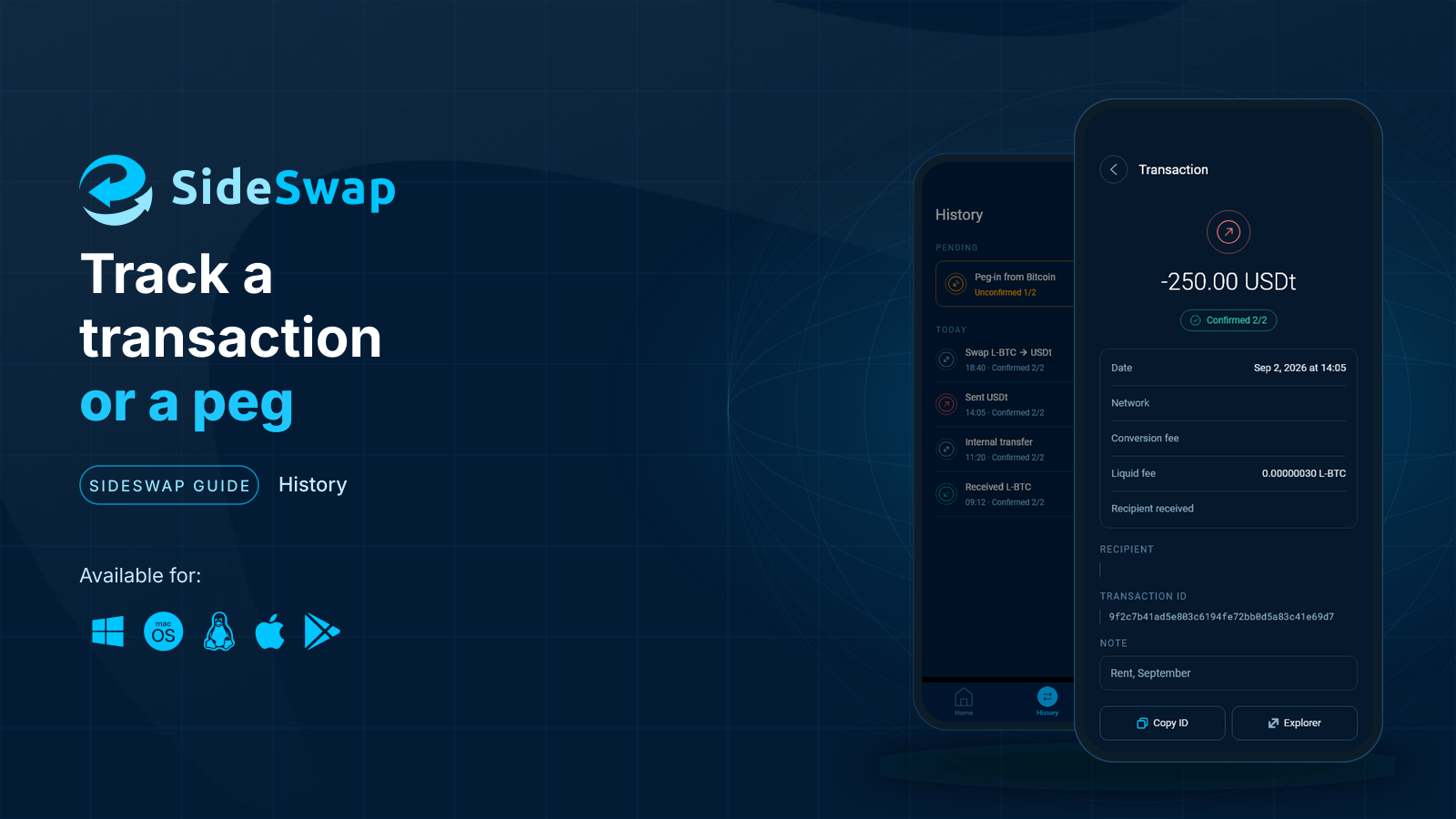
Track a transaction or a peg
Find any payment, swap or peg, read its status and check it on the explorer yourself.