
At a glance
Before you start
- Your wallet connected to sideswap.io. See Connect your wallet to a website.
- L-BTC or USDt in the wallet, in confidential coins. The page says if part of a balance cannot be swapped.
- The page and the wallet on the same network.
The Swap Market page
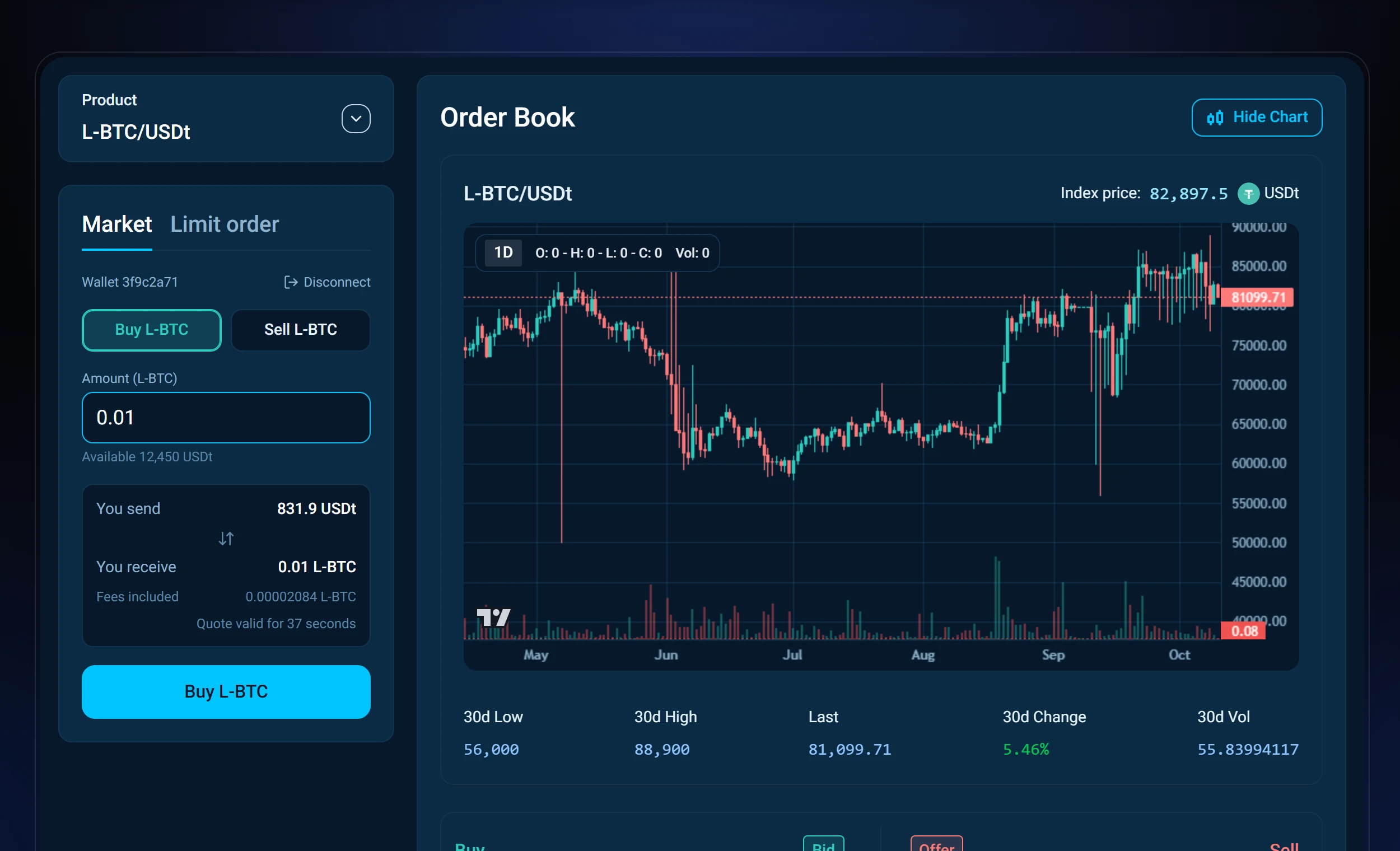
Trading sits on the left, the order book and the chart on the right. Choose a product such as L-BTC/USDt, then Market to swap now or Limit order to name your own price.
Swap at the market price
Connect your wallet
Open sideswap.io/swap-market and click Connect wallet. Choose Desktop for the app on this computer or Mobile for the app on your phone, then allow the connection in your wallet.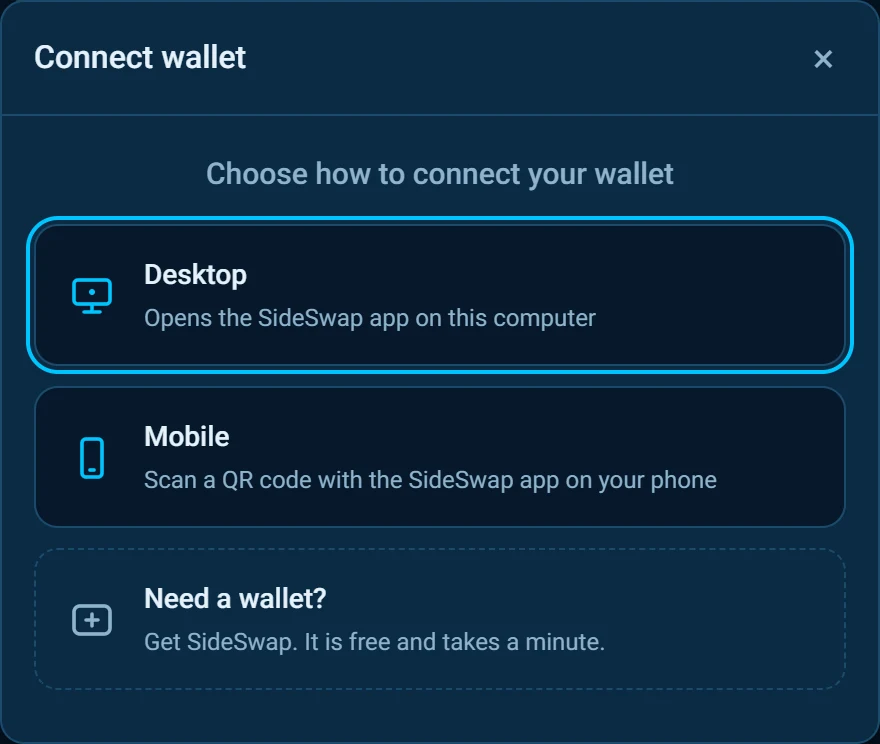
Choose a side and an amount
On Market, pick Buy or Sell and type the amount. The page shows a quote with what you send, what you receive and the fees, all included. A new quote follows when the old one runs out.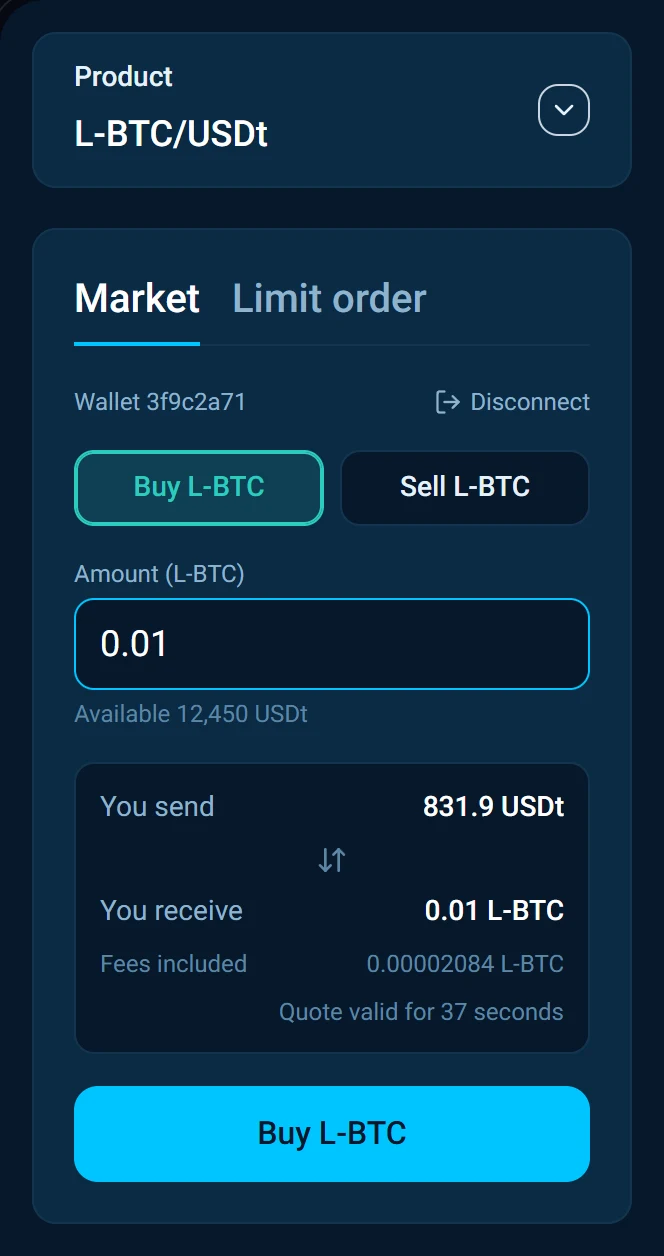
Approve it in your wallet
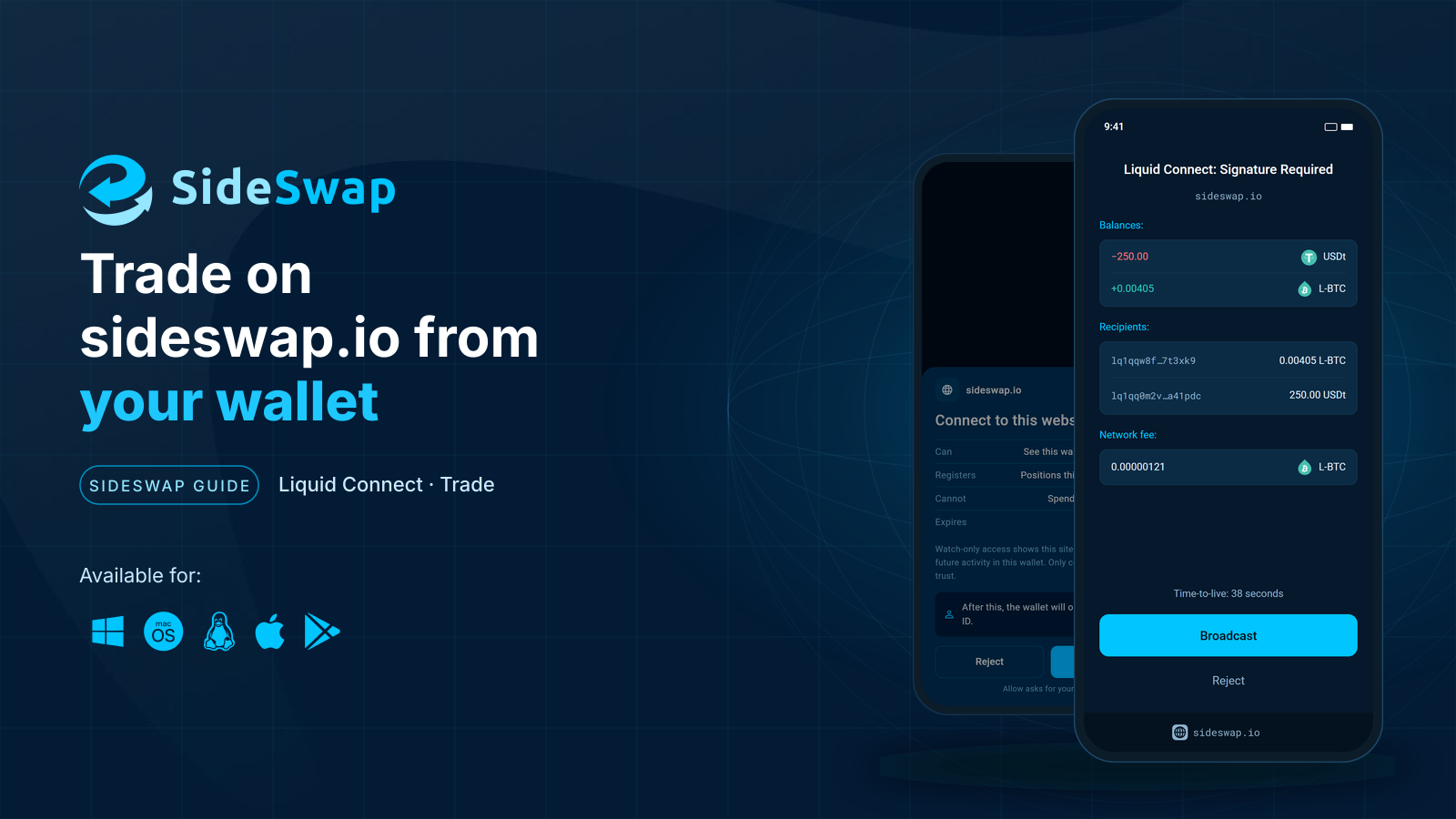
Click the Buy or Sell button. Your wallet shows the request from sideswap.io. Under Balances it lists what leaves your wallet and what arrives. If the figures match the quote, approve it. If not, tap Reject.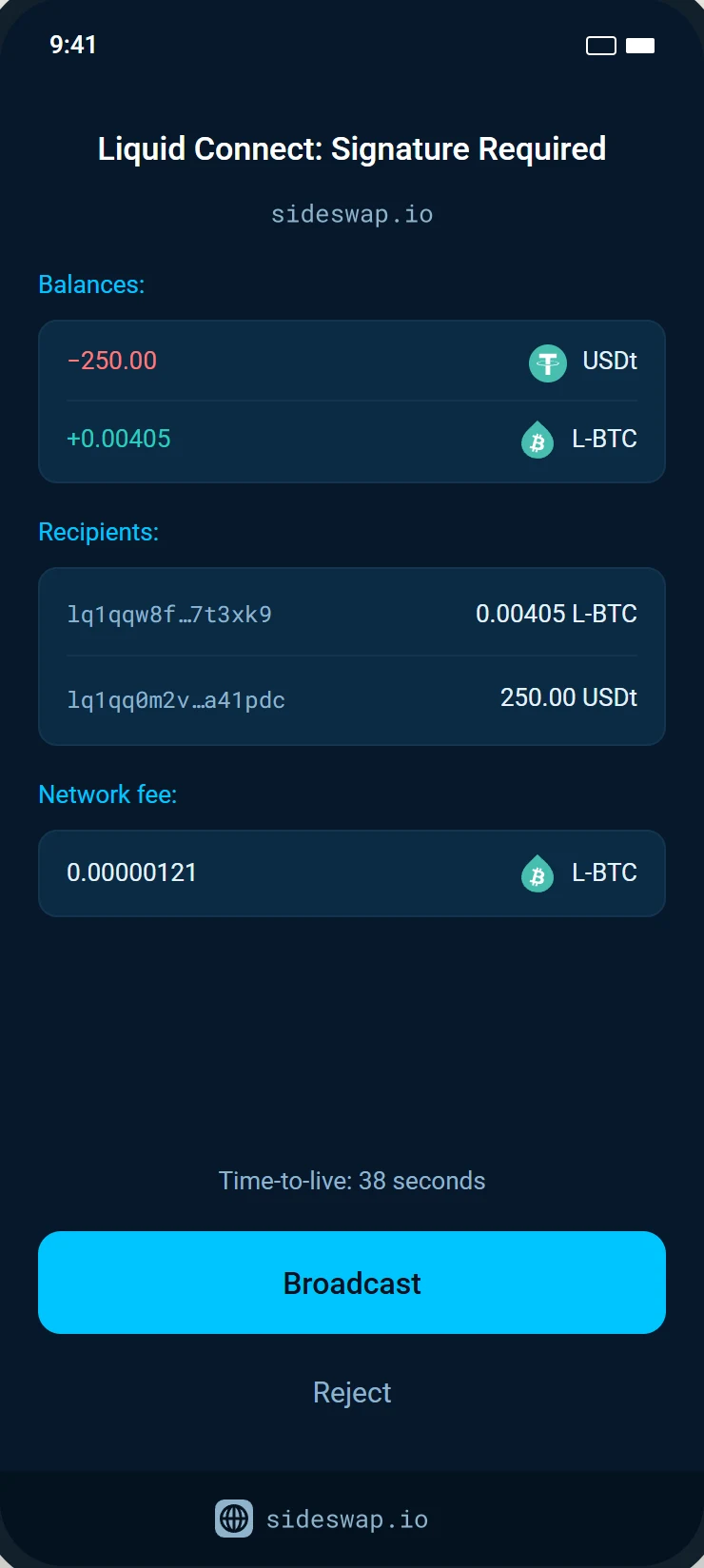
Swap sent
The page says Swap sent. Follow View transaction to see it on the explorer, or start a New swap.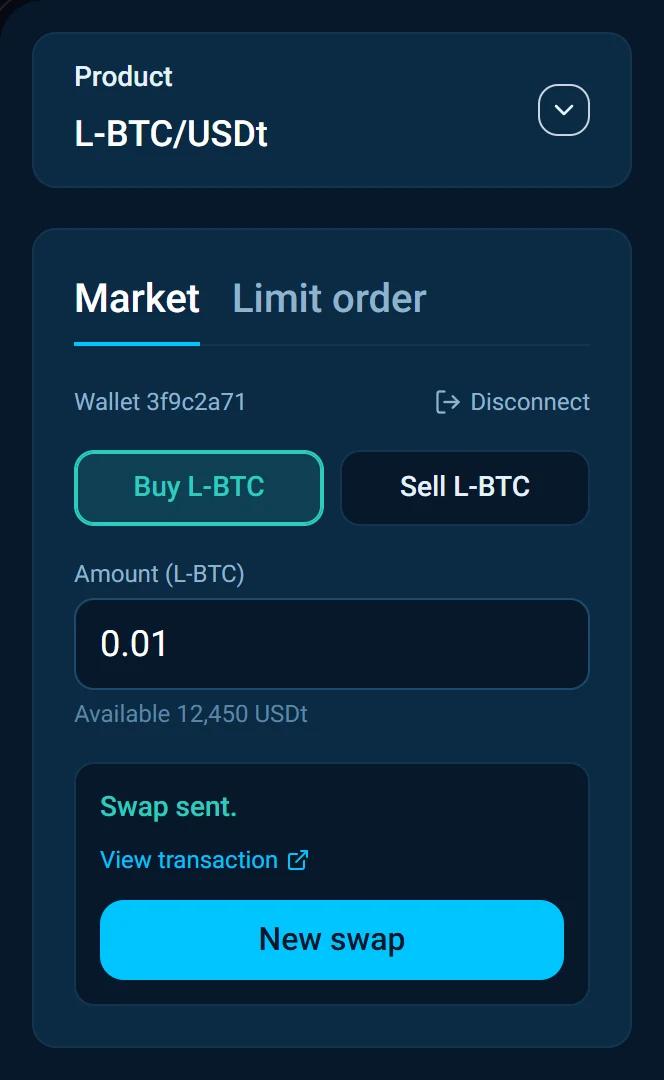
Place a limit order
Name your price
Open Limit order, pick Buy or Sell, then type the amount and your price. The page adds up the total. Click Submit.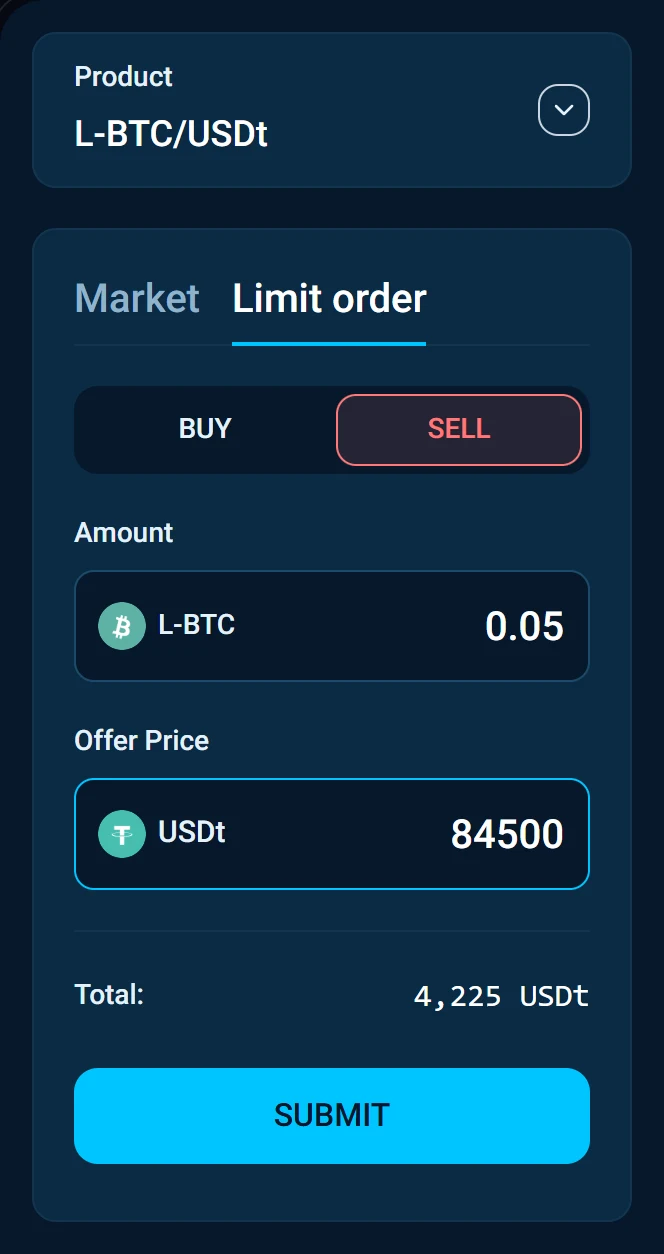
Check the order
The order rests at the market until it is filled whole or you cancel it. It fills with nobody online, so your wallet will not ask again when it is taken. If your wallet has no coin of exactly this amount, the order first moves the amount within your wallet for a small network fee. Click Place order.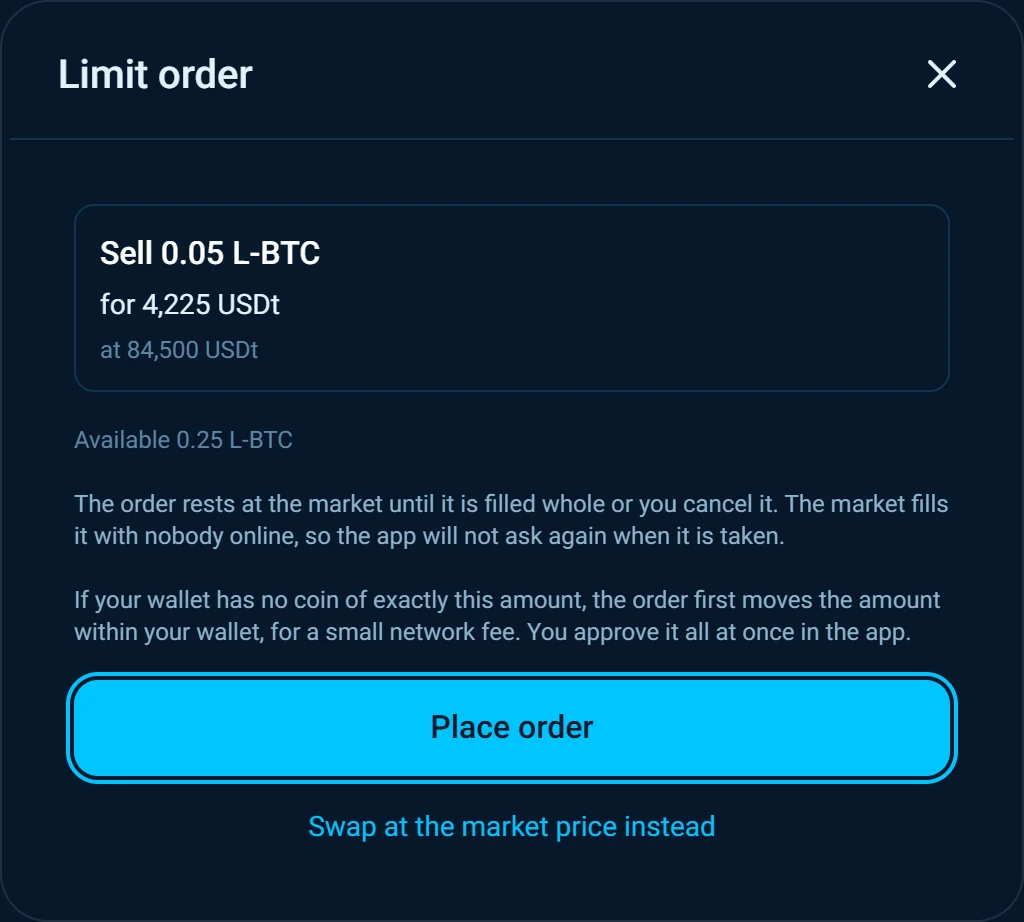
Approve once in your wallet
Your wallet shows what you give and what you receive. You approve it all at once, including the move within your wallet if one is needed.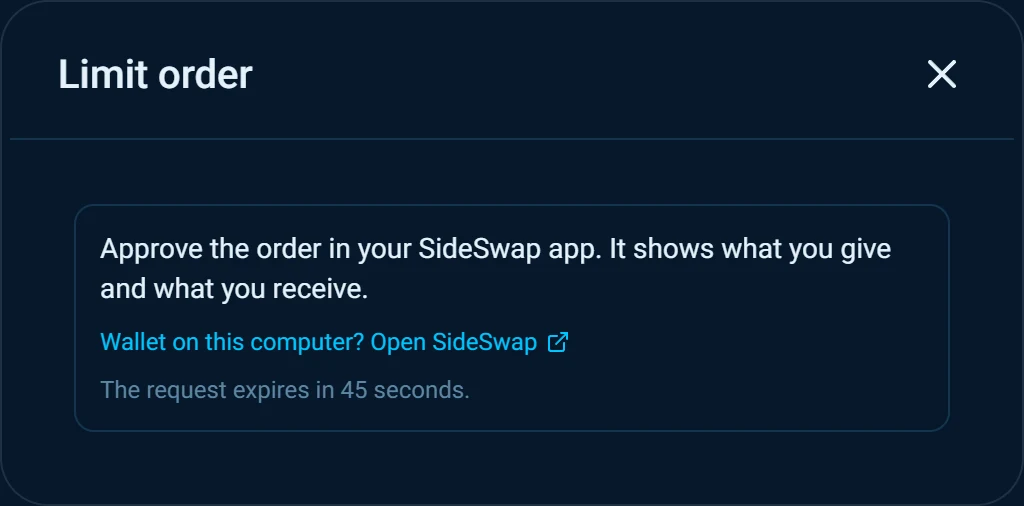
Your order rests
The order appears under Working Orders at the bottom of the page. Cancel it there at any time before it is filled.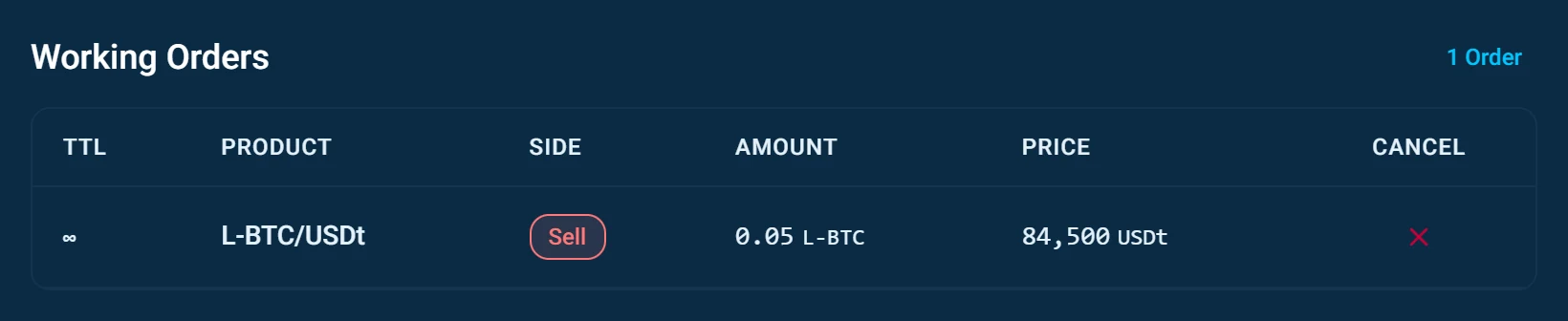
Good to know
No answer arrived
If the page loses track of a swap or an order, check the transactions in your wallet before you try again, so you do not trade twice.
Coins that are not confidential
The market takes confidential coins only. If part of your balance is in coins that are not, the page says how much cannot be swapped.
No offer for this amount
There is no offer for that size right now. Try a different amount, or place a limit order at your price.
On a phone
On a phone the page opens the SideSwap app for each approval and brings you back afterwards. The mobile wallet has no market tab of its own. It swaps with Instant Swap, and trades here.
The desktop app
The desktop app has the full Swap Market built in, including the AMP markets. An AMP market cannot be traded from this page.
Look your transaction up first. If it still looks wrong, write to support with the Bitcoin transaction ID.
Connect your wallet to a website
What Liquid Connect is, what one approval gives a website and what it never can.
Instant Swap
Swap between L-BTC, USDt and other assets in one step at a firm quoted rate.
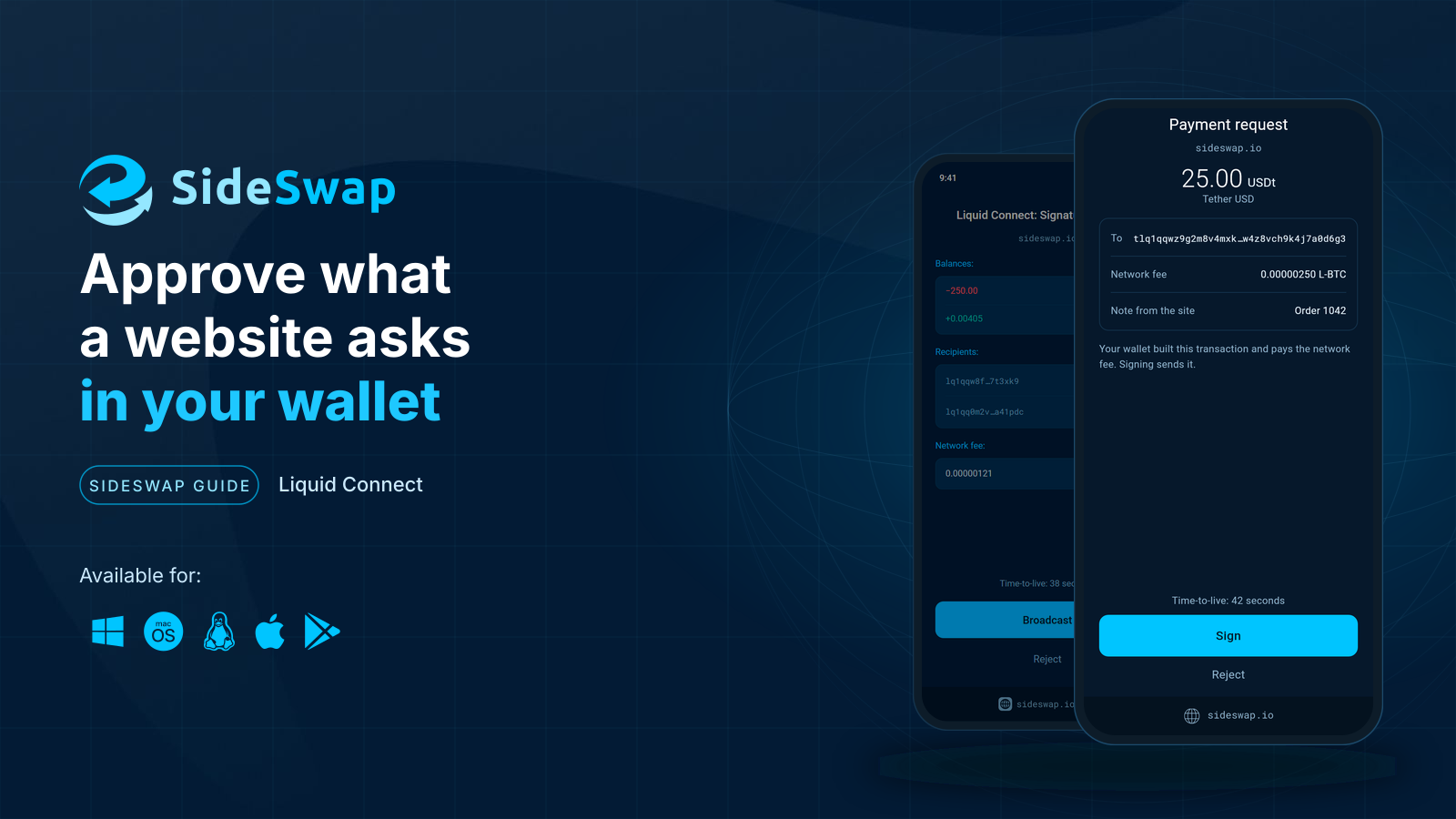
Approve what a website asks
Read a signature request, see what leaves and what arrives, and let small trades sign themselves.
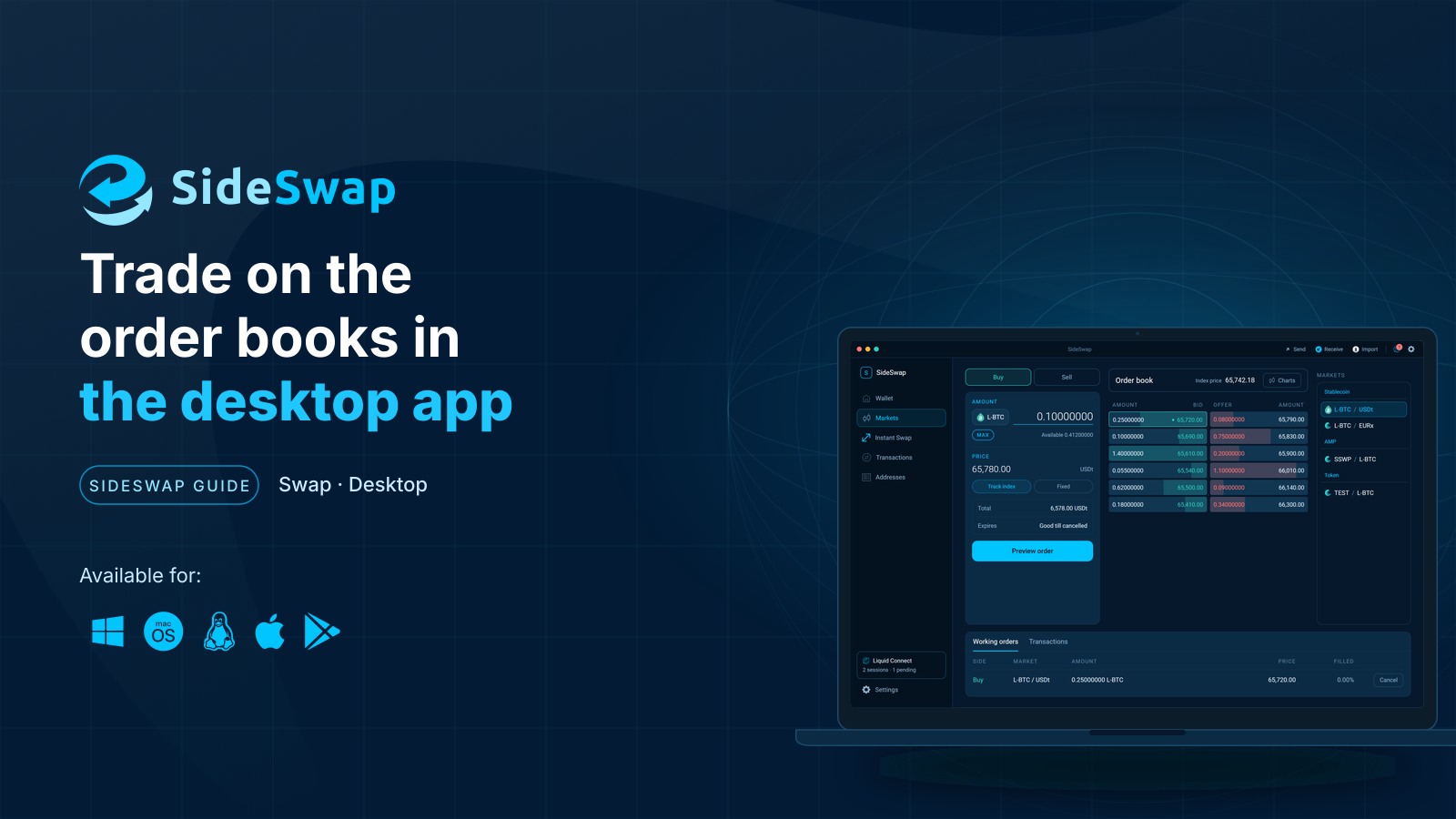
The Swap Market in the desktop app
Place, change and cancel orders on the order books, online or offline, public or private.