
Connect your wallet. Keep your keys.
Liquid Connect links your SideSwap wallet to the sites and services you use. Your keys never leave your device, and nothing moves without your approval in your own wallet.
How it works
- 1
Activate once
The first time, your wallet asks you to activate Liquid Connect. It says what is shared, and you decide.
- 2
A site asks to connect
You get a QR code to scan with the SideSwap app, or a link that opens your wallet directly when it is on the same device.
- 3
Approve in your wallet
Your wallet shows who is asking and what for, in plain words. You decide site by site.
- 4
Stay in control
You can end a connection in the app at any time, and anything that moves your coins asks you first.
What connecting does and does not do
It does
- Let a site you approve see this wallet's balances and activity for as long as the connection lasts
- Let it ask you to approve a payment or a signature
- Give the Connect server a watch-only view of the wallet, so it can relay to the sites you approve. It can see and never spend
- Give you one place in the app to see and end every connection
It does not
- Move your keys, which never leave your device
- Let anyone spend without your approval
- Give any site your recovery phrase, ever
Your recovery phrase stays yours
Nobody from SideSwap will ever ask for your recovery phrase, and no site you connect needs it. Anyone who asks for it is trying to steal from you.
Where you can use it
On sideswap.io
Swap instantly, trade on the Swap Market and pay peg-outs straight from your SideSwap wallet, with every step approved in the app.
On Swaption
Trade Bull and Bear and High and Low on swaption.io, and sign each order in your wallet.
On TetherSwap
Move USDt between Liquid and Tron, Ethereum or Solana, and pay the Liquid side straight from your connected wallet.
On BetSimply
Play on chain games where the contract is the house, with your wallet linked through Liquid Connect.
Wallets
Liquid Connect works with the SideSwap wallet on iOS, Android and desktop.
For developers
Make your wallet a Liquid Connect wallet, or give your site or app wallet connectivity without custody.
Guides
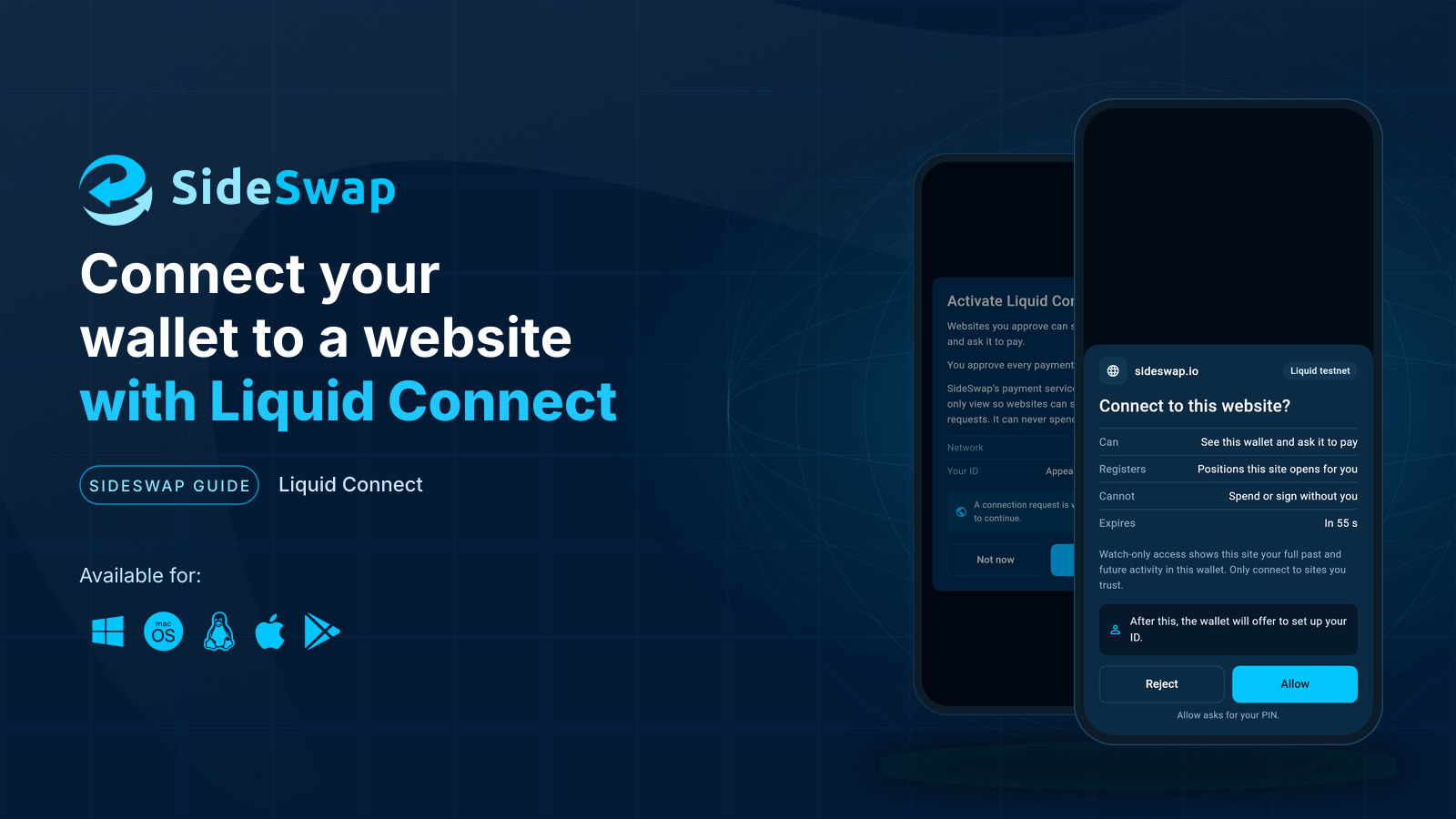
Connect your wallet to a website
What Liquid Connect is, what one approval gives a website and what it never can.
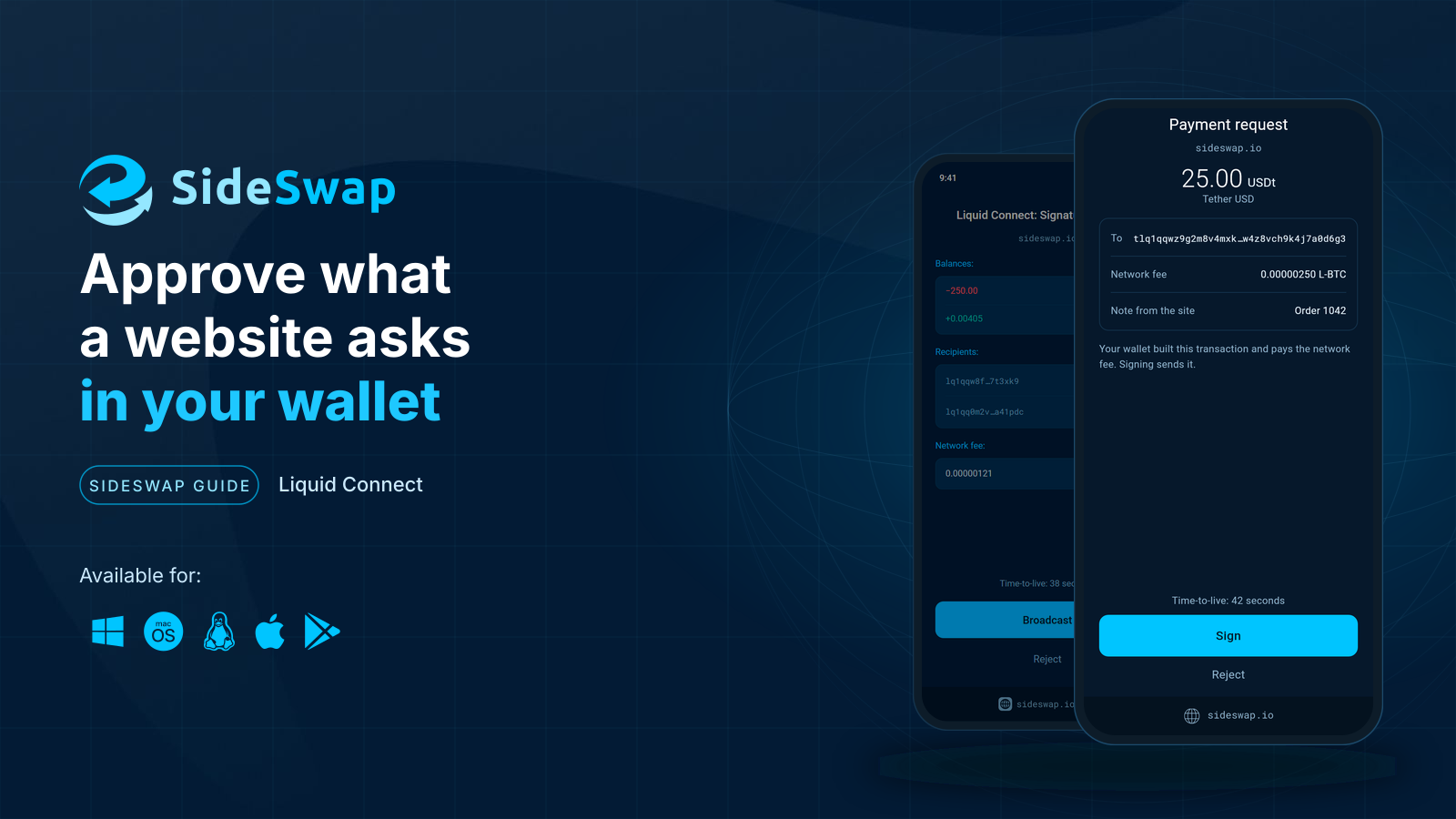
Approve what a website asks
Read a signature request, see what leaves and what arrives, and let small trades sign themselves.

Manage connected websites
See which websites are connected and disconnect any of them.
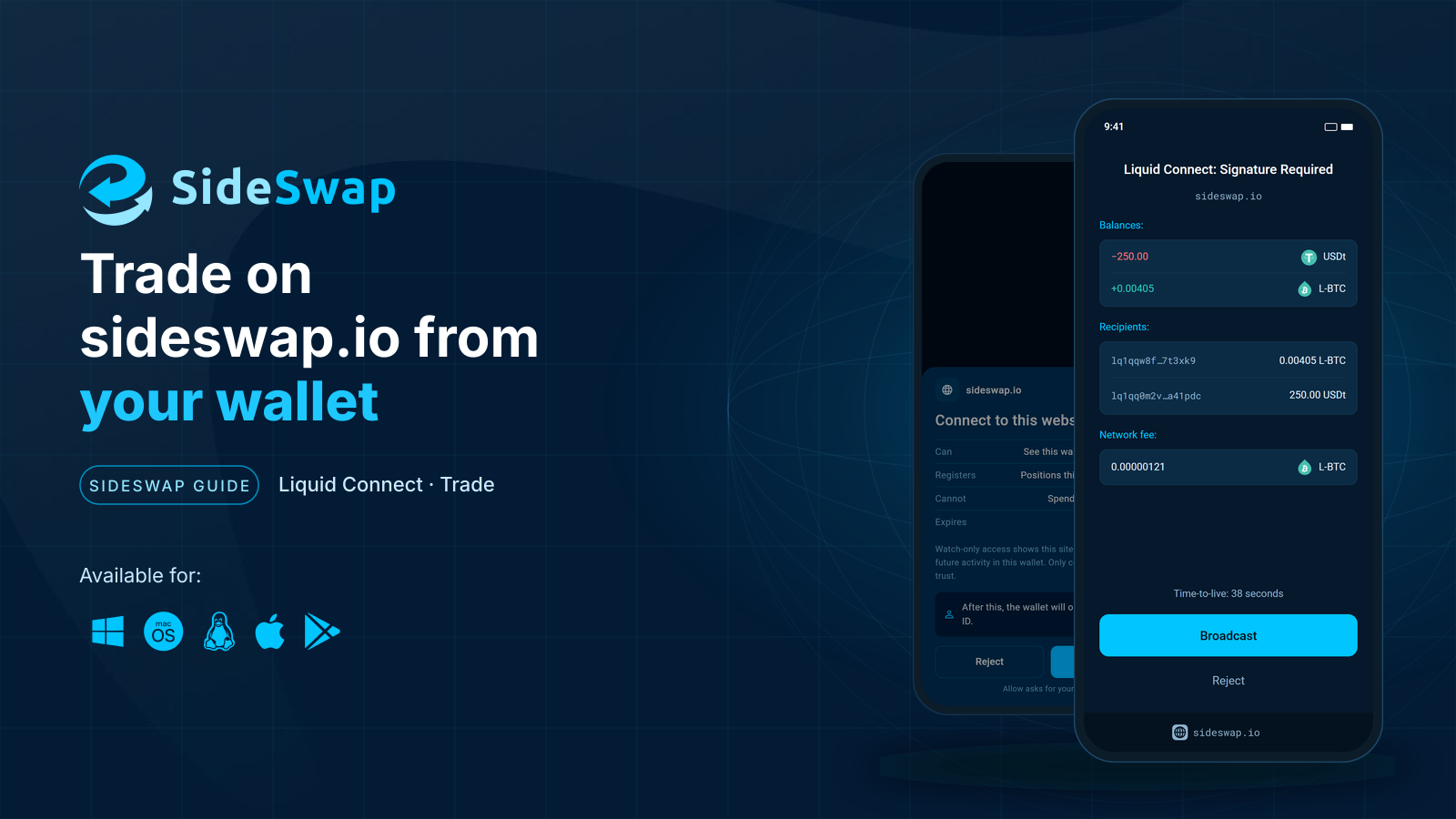
Trade on sideswap.io from your wallet
Swap at market or place limit orders on sideswap.io and approve every trade in your wallet.
Questions? Write to [email protected].