
At a glance
Before you start
- A pen and paper for twelve words.
- A few quiet minutes where nobody can see your screen.
- Already have a SideSwap recovery phrase? Then restore your wallet with it instead of creating a new one.
Step by step
Install SideSwap
Get the app from the App Store or Google Play, or download it for Windows, macOS or Linux from sideswap.io/downloads. Install it only from these places.Create a new wallet
Open the app and tap Create a new wallet. Read the terms that follow and tap I agree.Welcome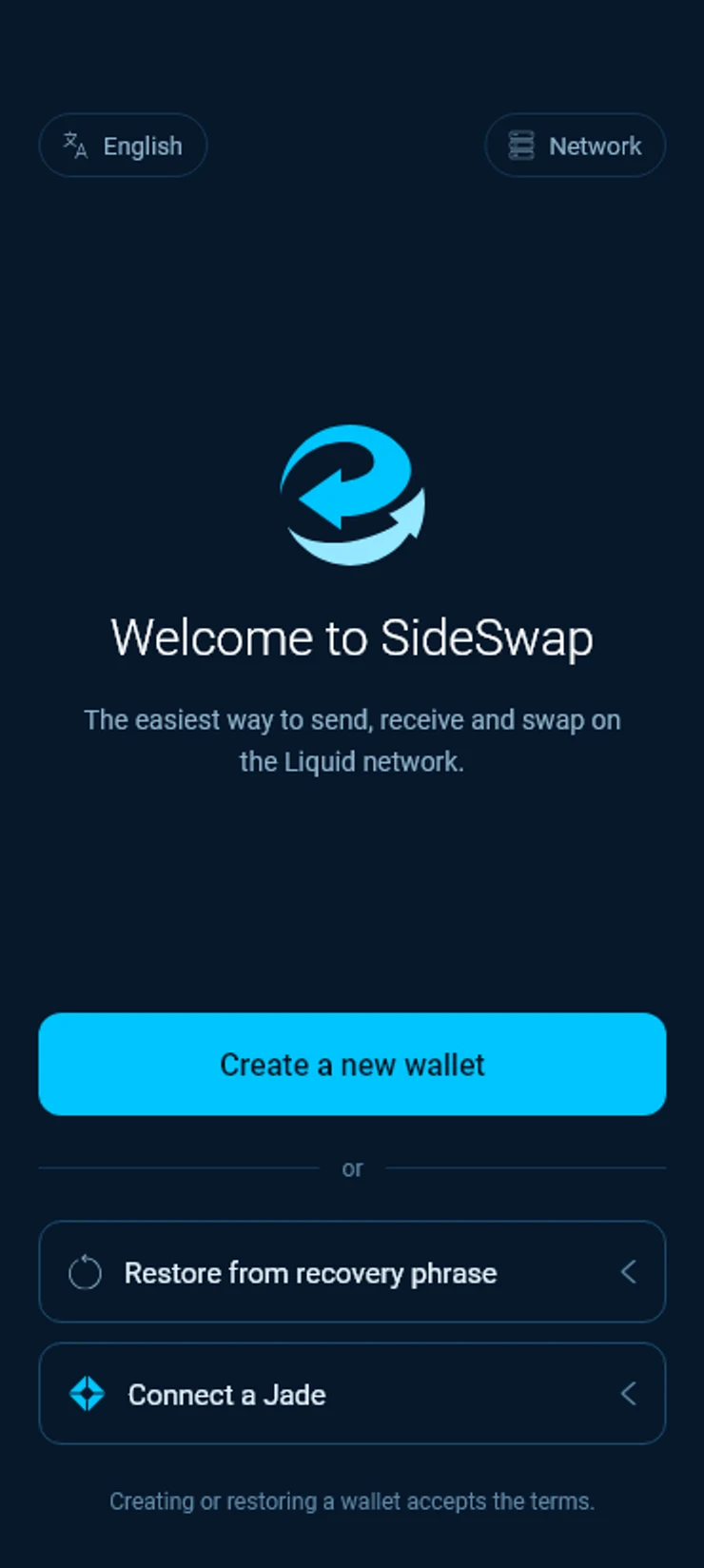
Set a PIN
Choose a PIN of 6 to 8 digits and enter it twice. The PIN unlocks the app on this device. It is not your recovery phrase and cannot restore the wallet anywhere else.Protect your wallet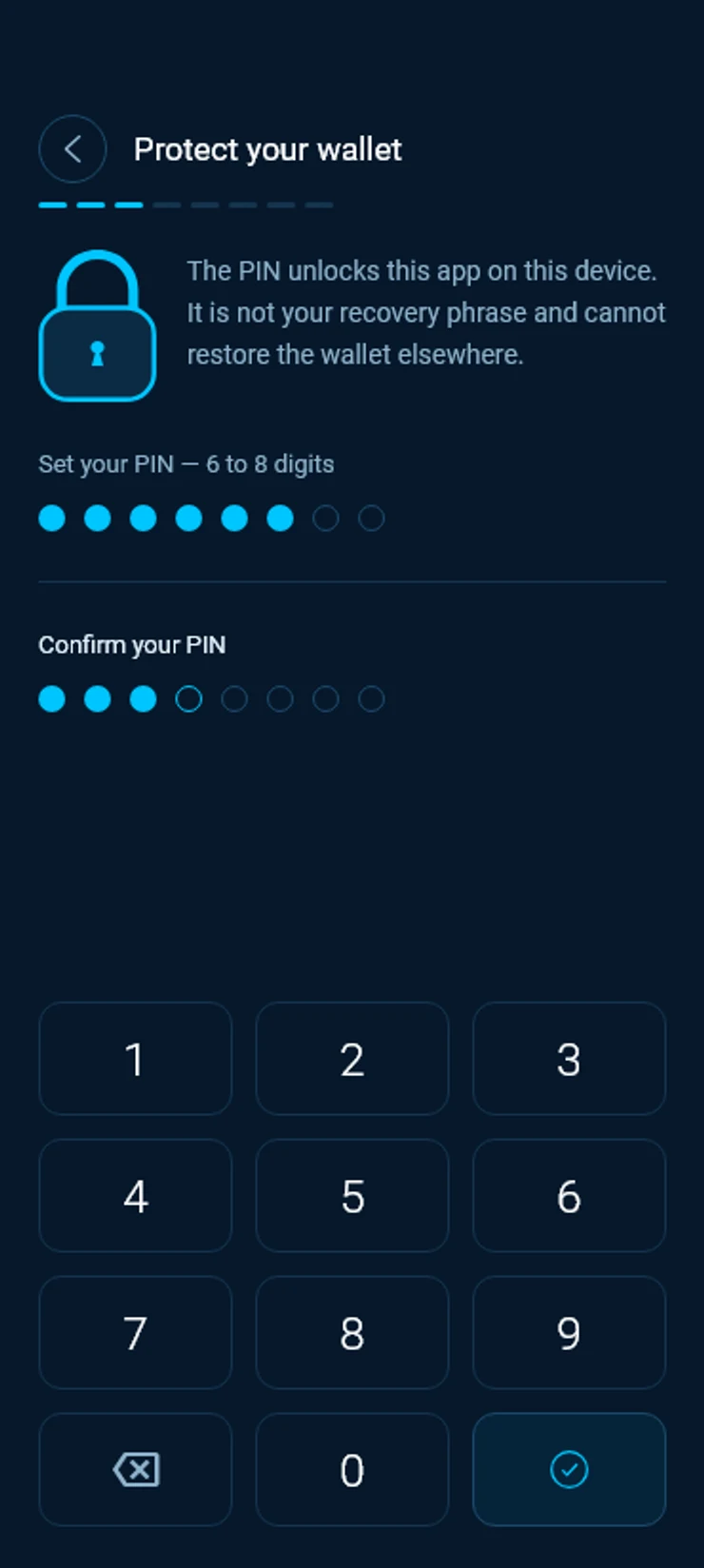
Choose biometrics or PIN
Tap Enable biometric authentication to unlock with your phone’s biometrics, or Use PIN only. You can switch between them later in Settings.Unlock with biometrics?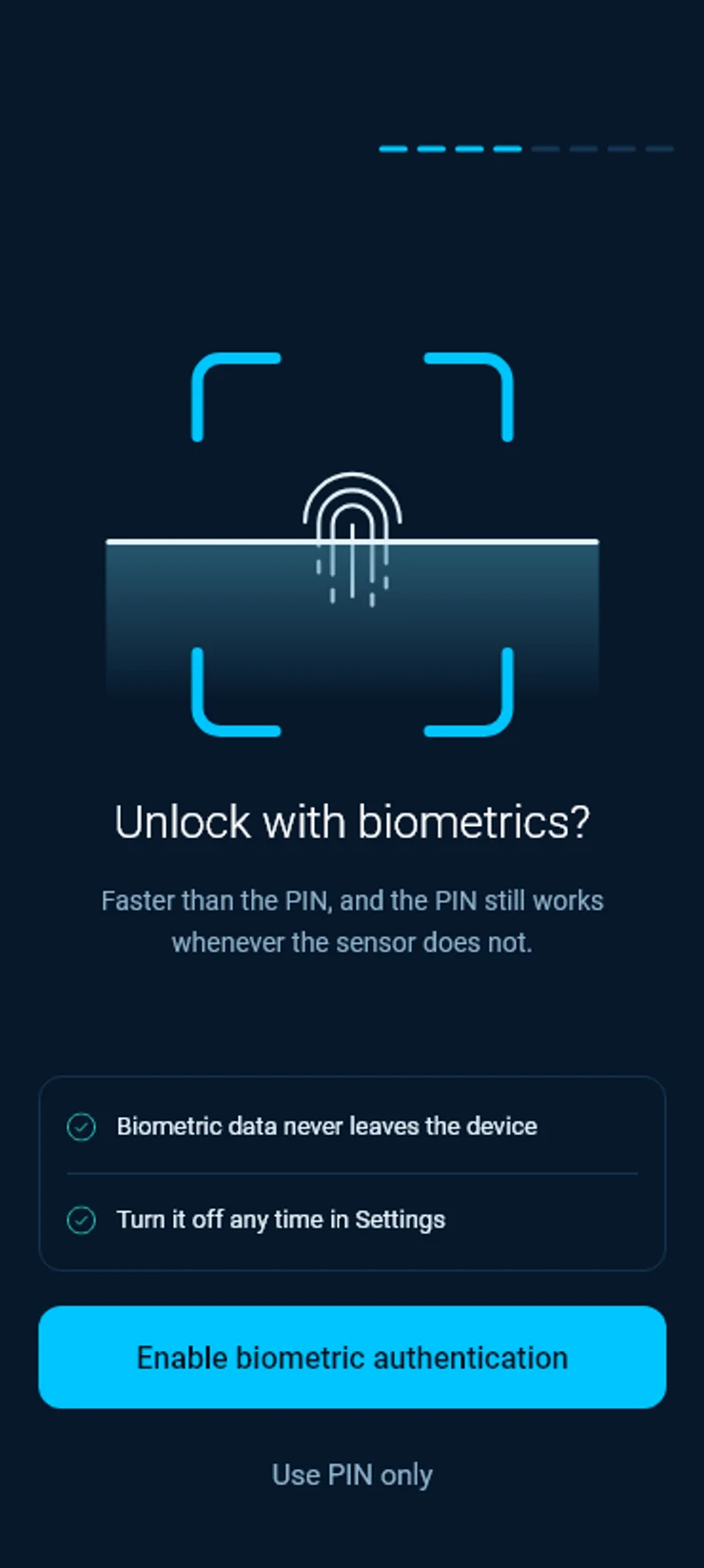
Write down your recovery phrase
The app shows twelve words. Write them on paper, in this order, and keep the paper somewhere safe. Then tap I’ve written it down. A screenshot is not a backup, because photos sync to the cloud.Write down your recovery phrase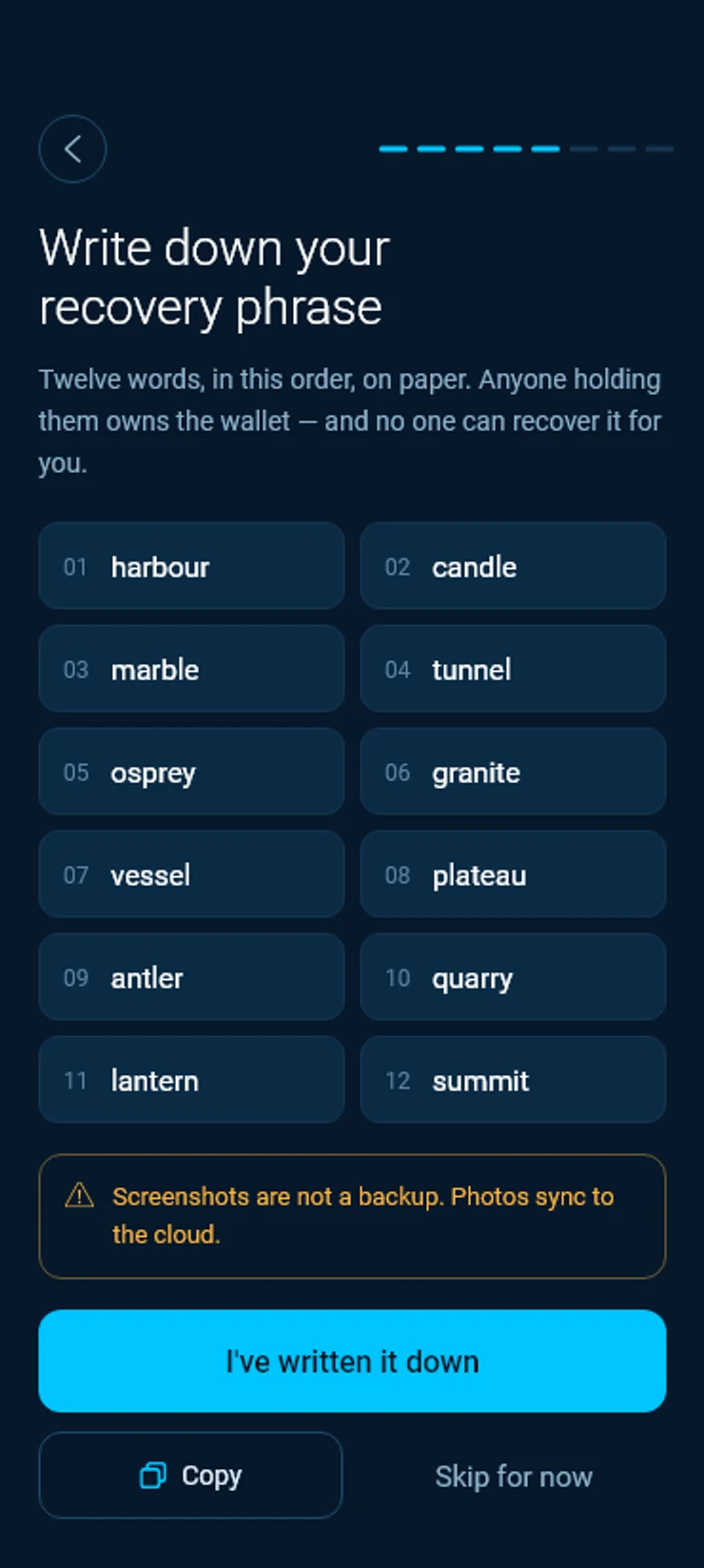
Check your backup
Pick the right word for four positions chosen at random. If you are unsure, tap Show phrase again and look at your paper.Check your backup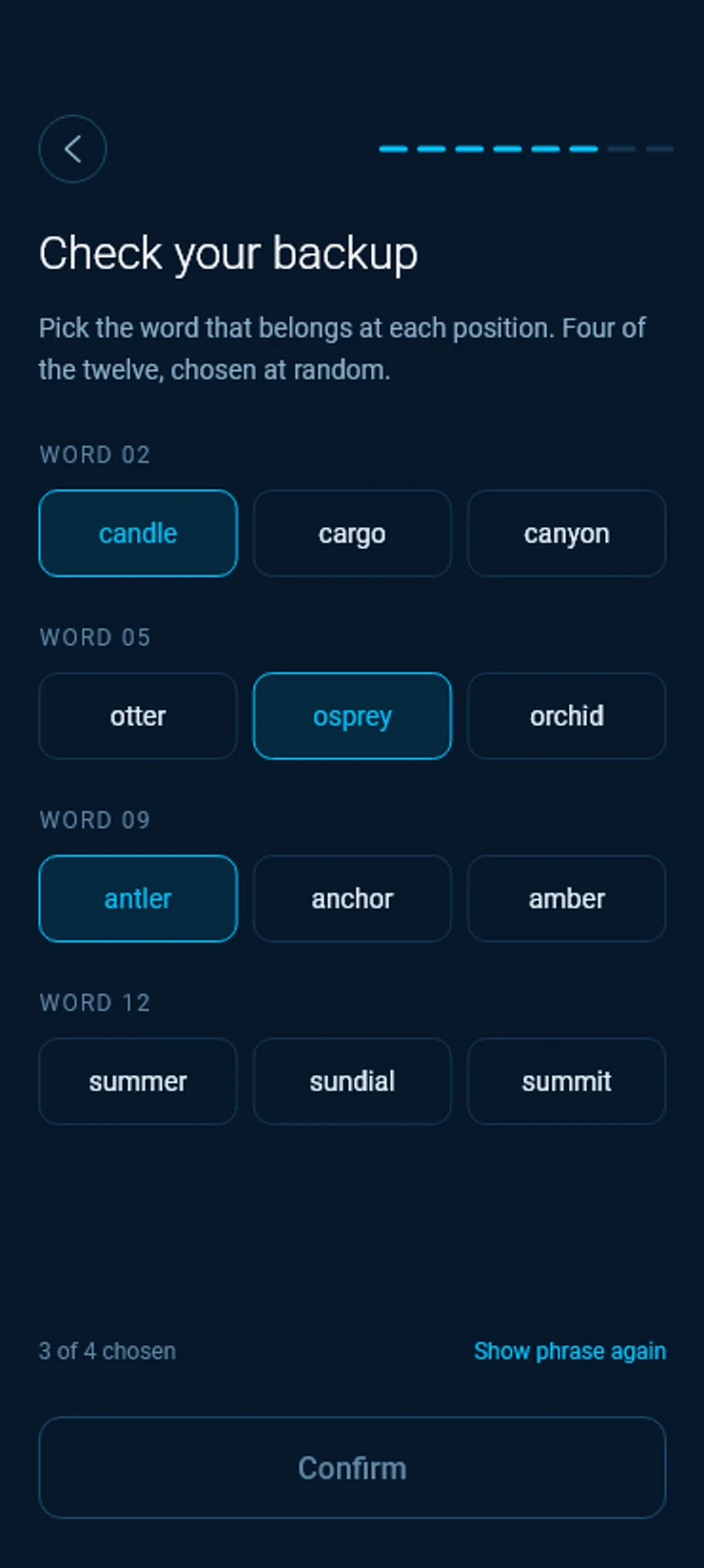
Open your wallet
Your wallet is backed up and protected. Tap Open my wallet.Your wallet is ready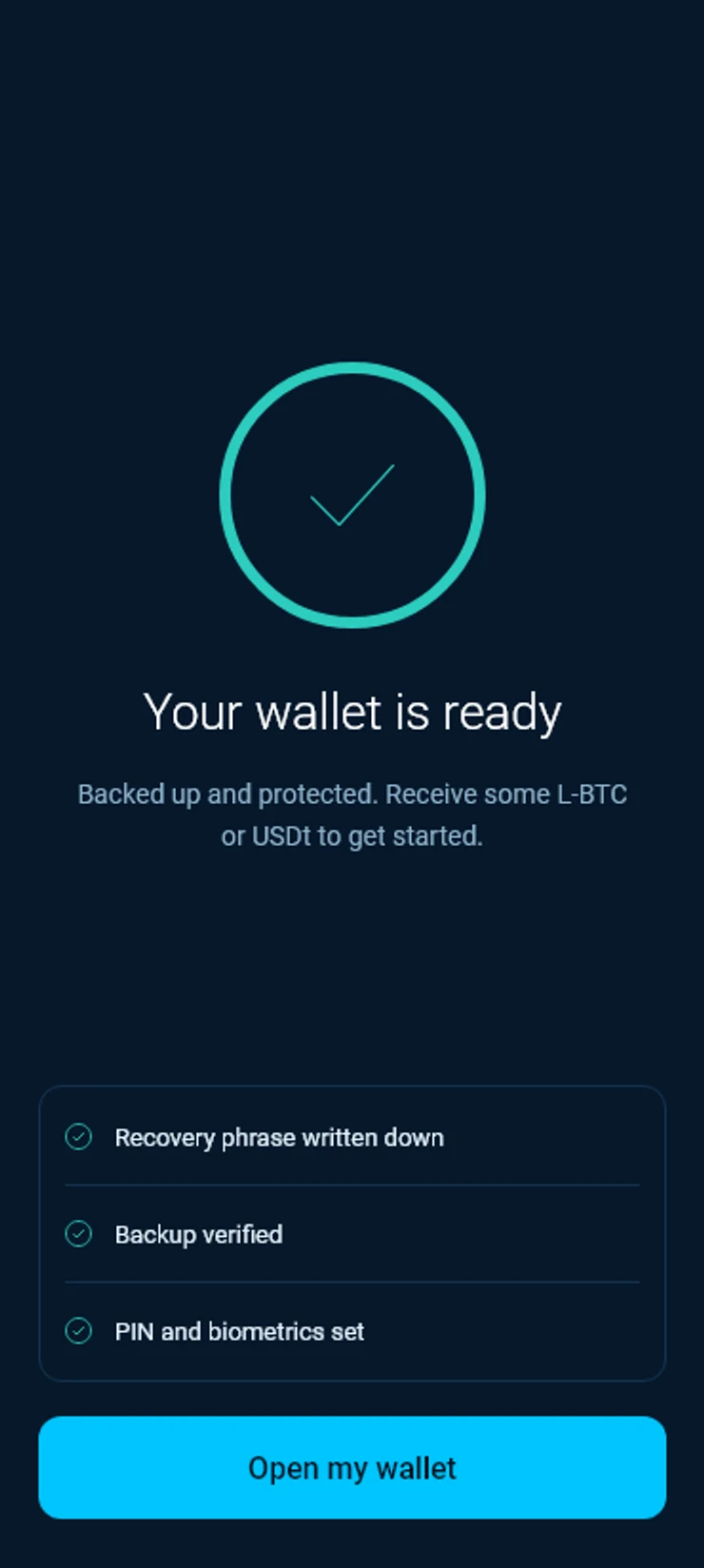
Your wallet
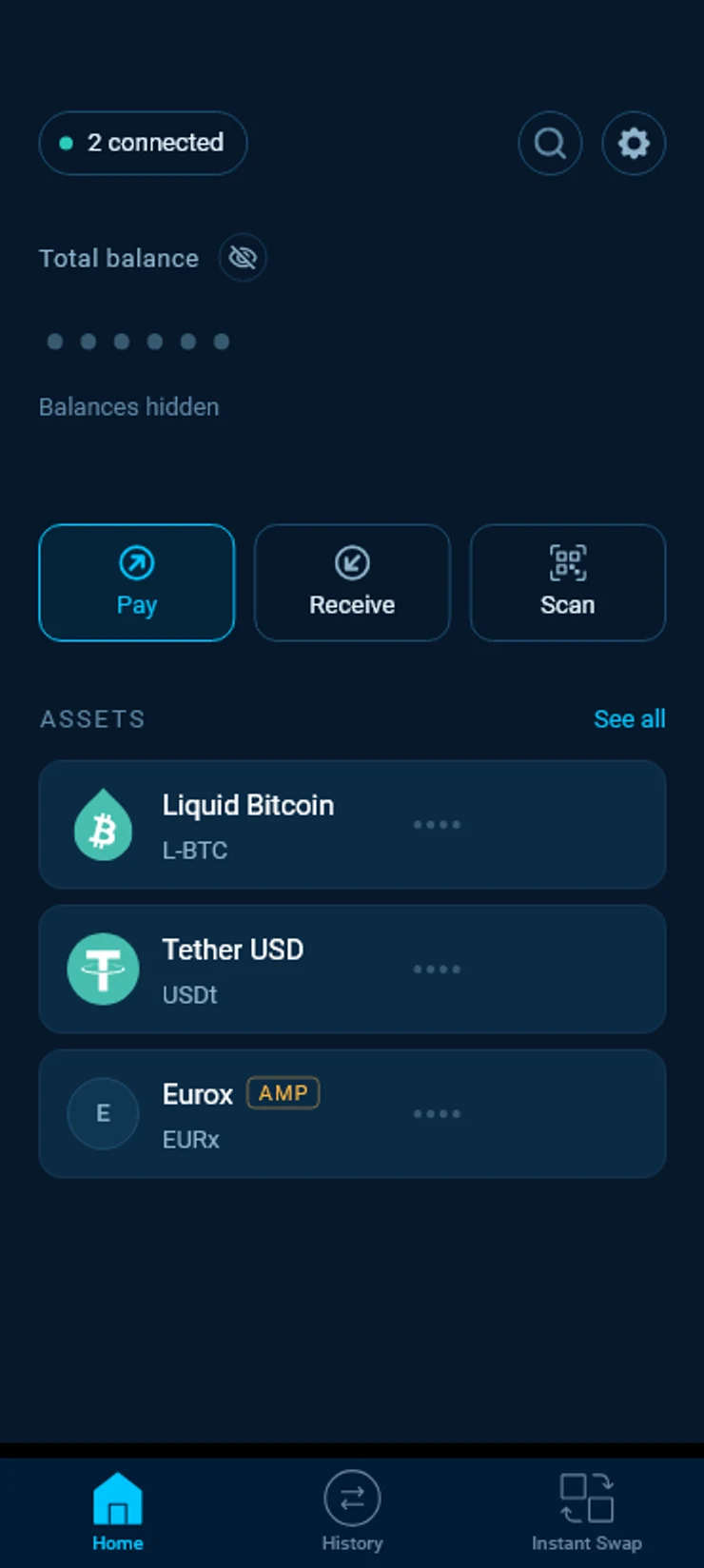
Home shows your assets with the amounts hidden, so nobody looking over your shoulder sees them. Tap the eye next to Total balance to show them until you close the app.
The three buttons are Pay, Receive and Scan. At the bottom you find Home, your History and Instant Swap.
Your first coins
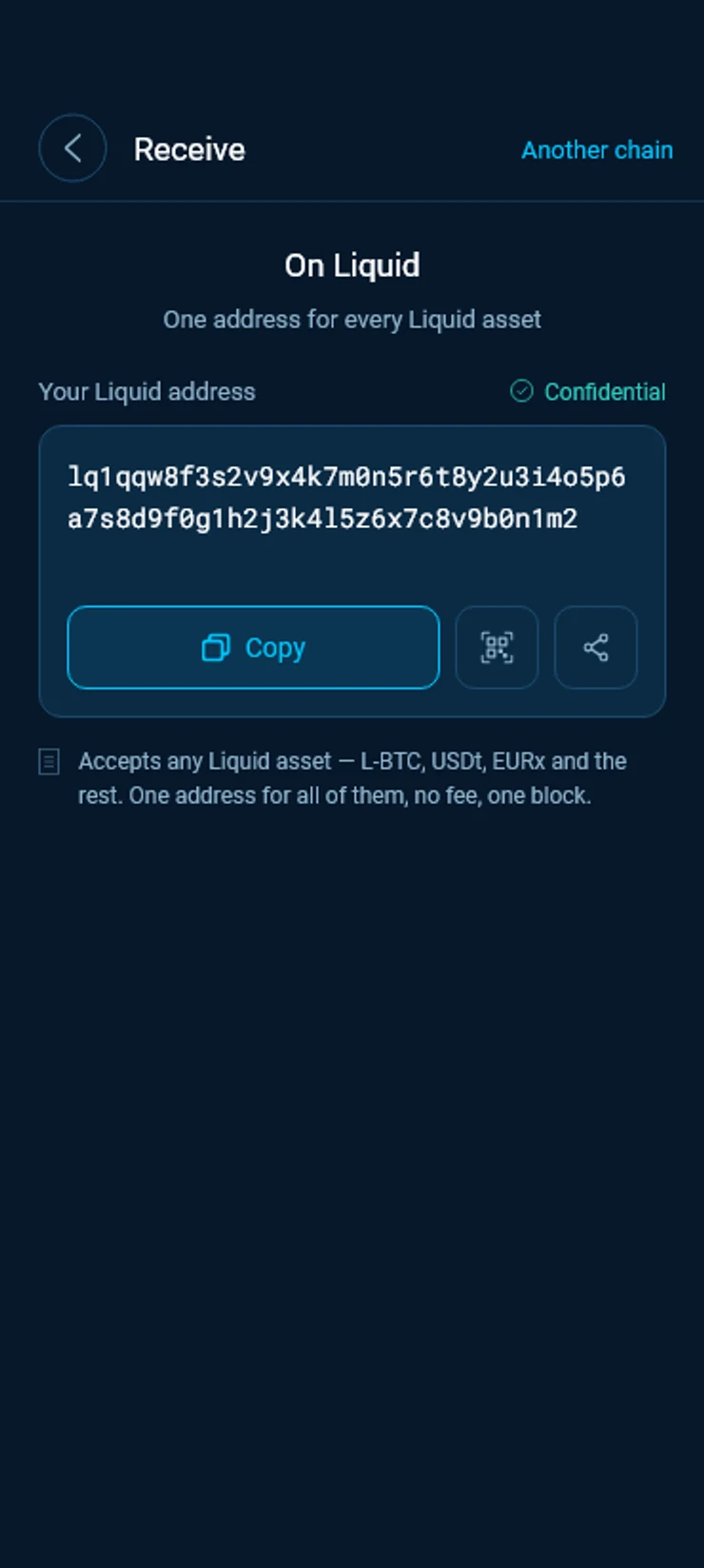
Tap Receive. Your wallet shows one confidential Liquid address, and it takes every Liquid asset. Copy it or show its QR code to whoever is paying you.
Holding bitcoin on the Bitcoin network? The guide Move bitcoin to Liquid shows how to bring it into this wallet.
Good to know
Your recovery phrase is your wallet
Anyone with the twelve words can take the funds. Nobody from SideSwap will ever ask for them, and nobody at SideSwap can restore a wallet without them.
Skipped the backup
Open Settings and choose View my recovery phrase to write it down later. Until you do, a lost or wiped phone means the funds are gone.
Two accounts, one phrase
Your wallet has a Regular account for everyday assets and an AMP account for assets whose issuer approves each transfer, such as securities. Both come back from the same twelve words.
On a computer
The desktop app for Windows, macOS and Linux takes you through the same steps. Its downloads come with PGP signatures, so you can check a file before you install it.
Open source
The wallet’s code is public on GitHub.
Look your transaction up first. If it still looks wrong, write to support with the Bitcoin transaction ID.
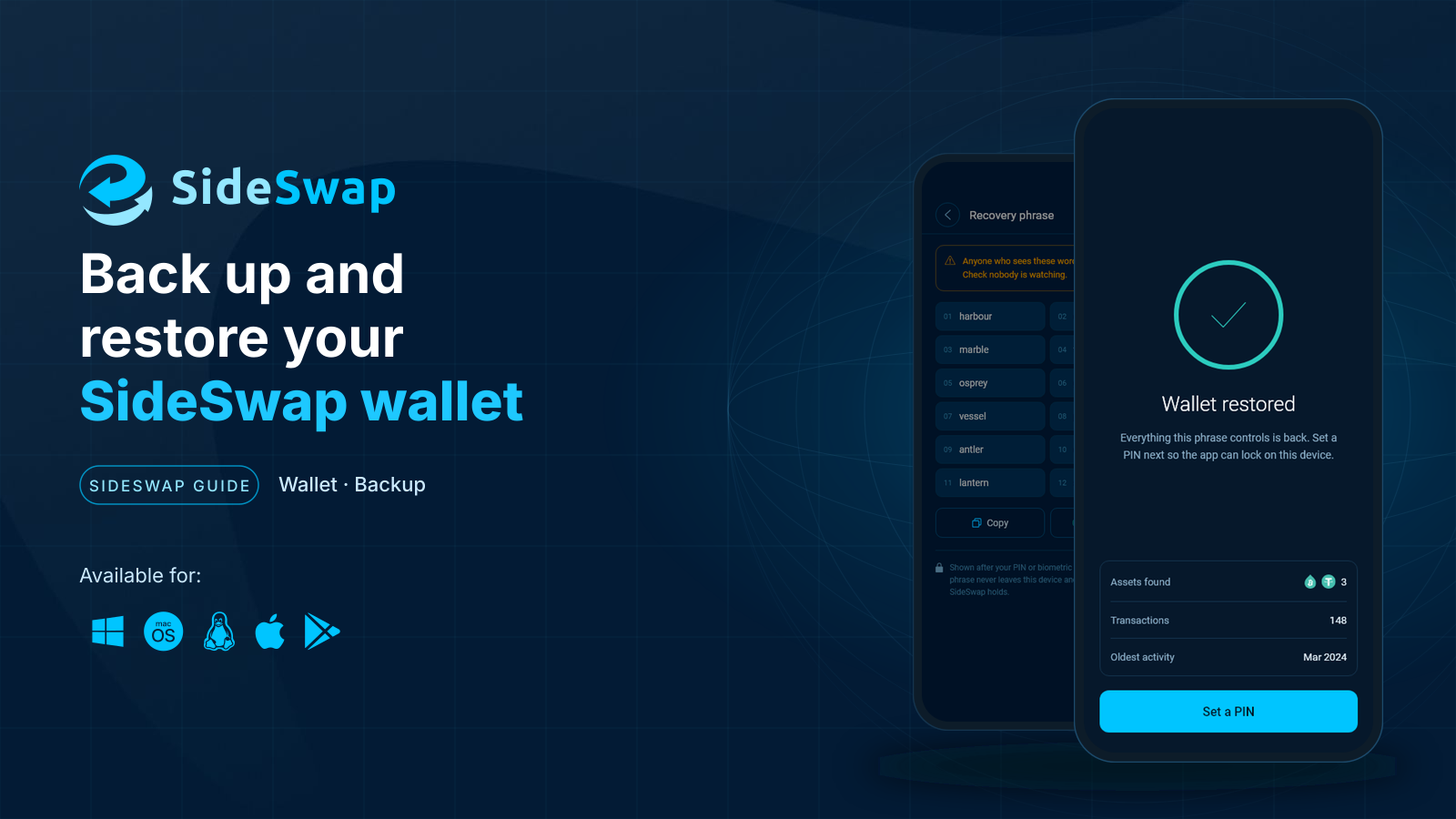
Back up and restore your wallet
Keep your recovery phrase safe, restore on a new device and know what a first scan looks like.
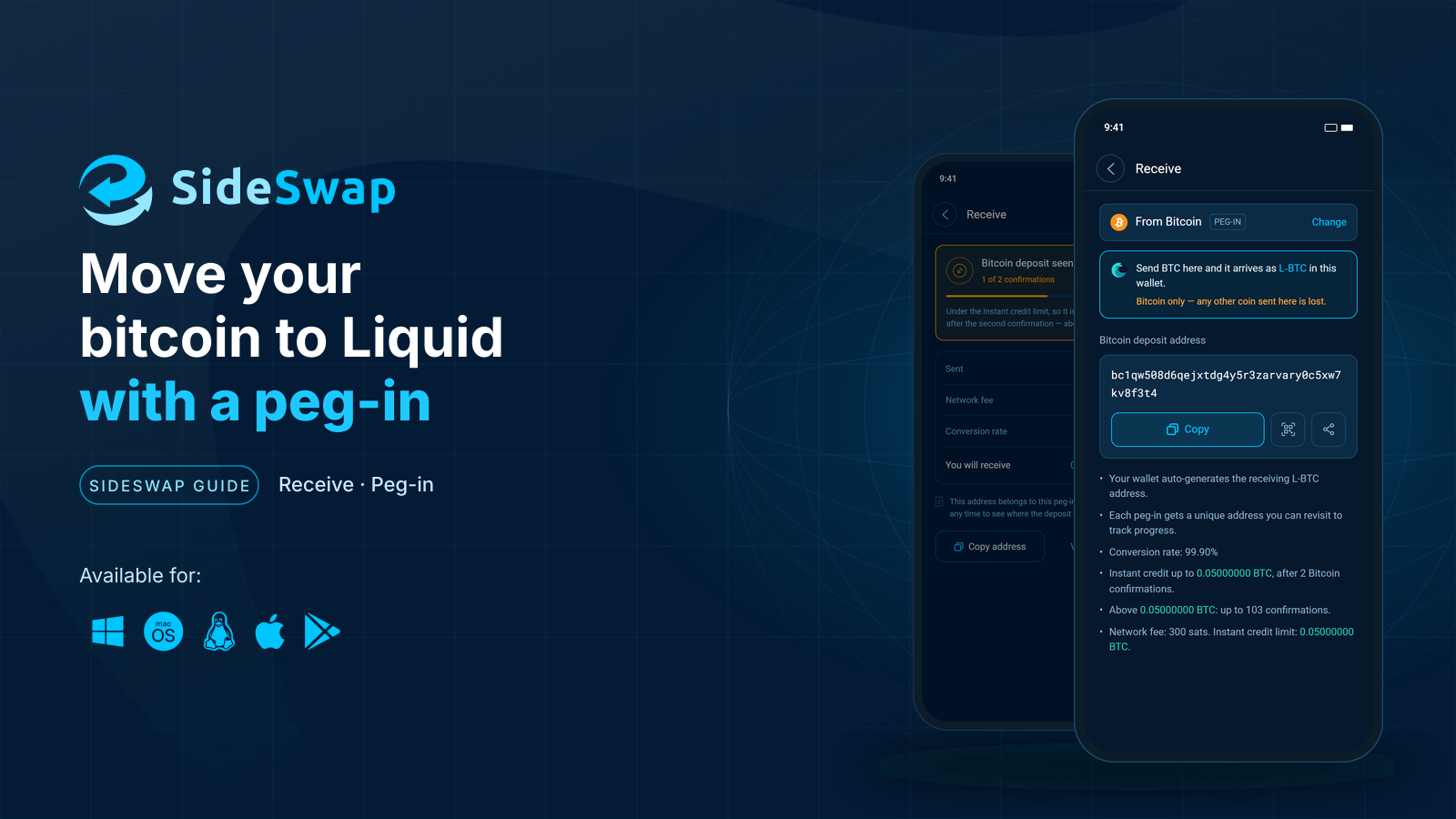
Move bitcoin to Liquid
Send BTC to your SideSwap wallet and get L-BTC on Liquid, usually after two Bitcoin confirmations.
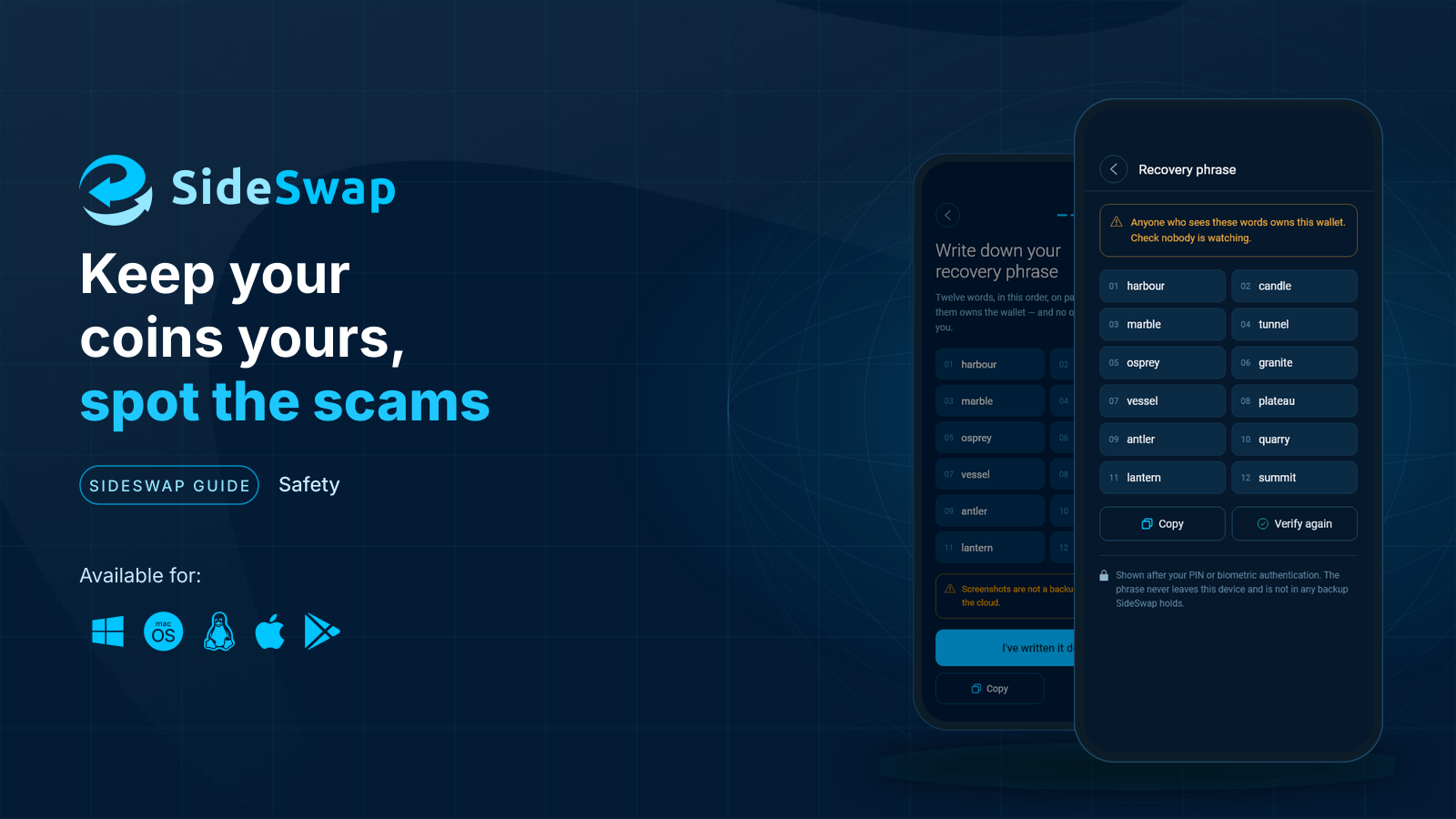
Staying safe
Spot fake support and copycat sites, and why a sent transaction cannot be reversed.