
At a glance
Your recovery phrase
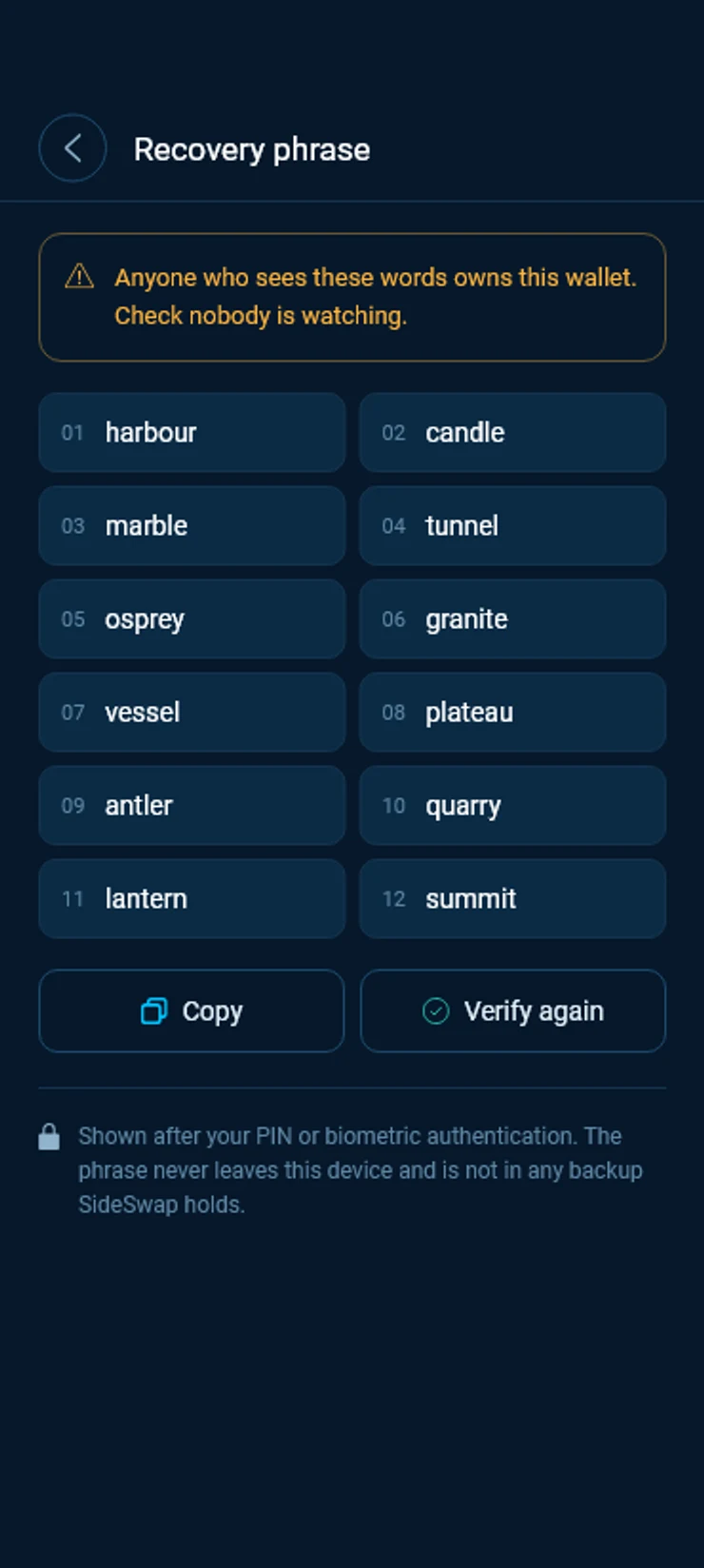
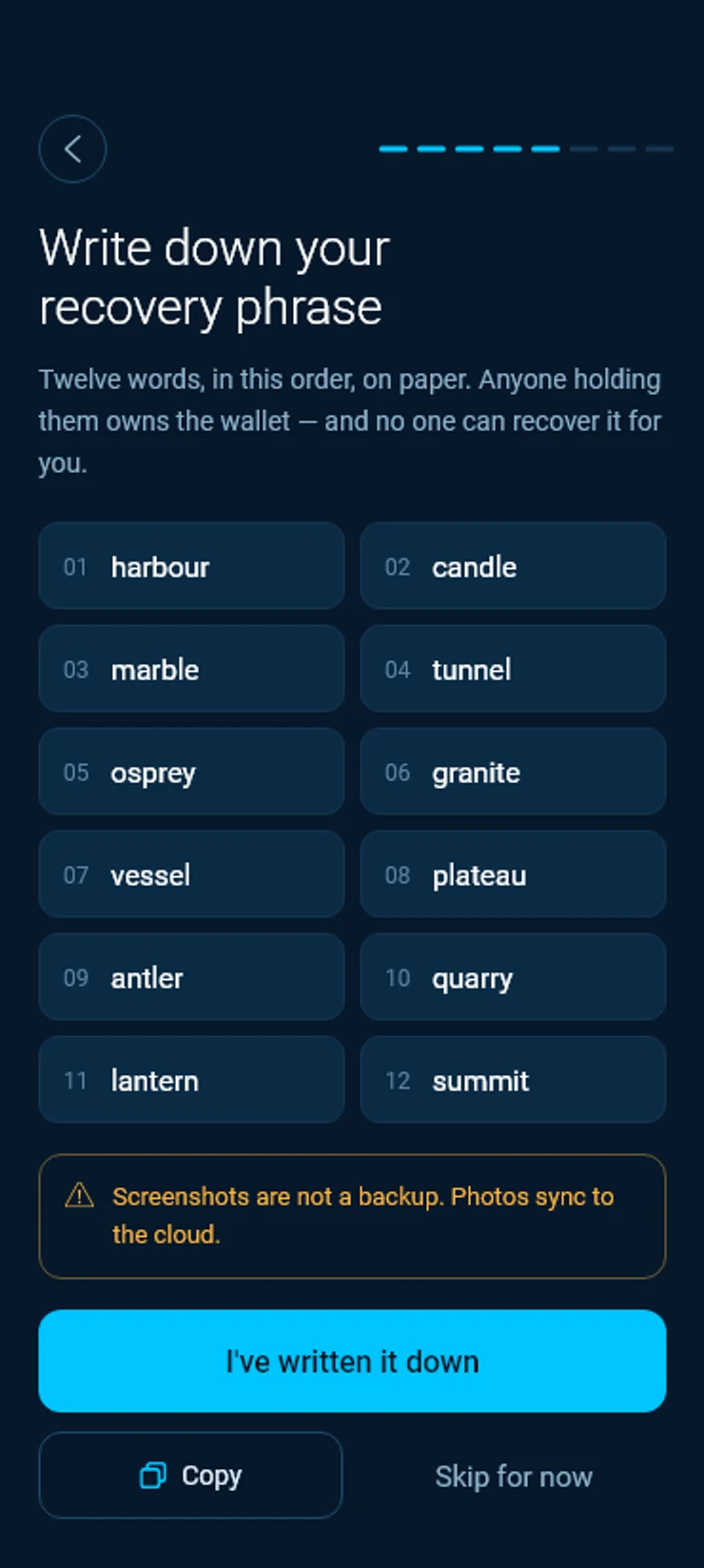
Your recovery phrase is the wallet. Anyone who has the words owns it, on any device, and no one can recover it for you if they are lost.
- Write the words on paper, in order, and keep the paper somewhere safe and offline.
- Never take a screenshot or a photo of them. Photos sync to the cloud.
- Never type them into a website, a form, a chat or an app you did not install from an official source.
- Never send them to anyone. SideSwap Support will never ask for them.
Your PIN or biometrics only unlock the app on this device. They are not your recovery phrase and cannot restore the wallet anywhere else. To see the words again, open Settings, then View my recovery phrase, and check that nobody is watching.
Fake support and fake links
Scammers pose as the SideSwap team and send links that ask you to connect your wallet or check it. SideSwap never sends links asking you to connect a wallet.
- Ask for help only at sideswap.io/support or by email to [email protected], and be wary of anyone who messages you first.
- Someone who asks for your recovery phrase, or for a payment to fix a problem, is not SideSwap.
- A connection or payment request you did not start yourself, reject it. See Approve what a website asks.
Copycat sites and apps
Install SideSwap only from sideswap.io/downloads or the App Store, Google Play and GitHub links on that page. For the desktop app, the page also gives the PGP key and signatures, so you can check the file you downloaded.
Before you connect your wallet to a website, look at the address bar. The wallet shows the site asking too. If the two do not match the site you meant to visit, reject the request.
Payments are final
A confirmed transaction cannot be reversed, by SideSwap or anyone else. Funds sent to a wrong address can only come back from whoever controls that address.
- Check the address and its network before you send.
- For a large amount, send a small test first.
- A swap cannot be undone either. The way back is a new swap in the other direction, at the market price of that moment.
If something went wrong
A payment you did not make means someone had your recovery phrase or your unlocked device. The same applies if you typed your phrase into a website. Act straight away.
- Create a new wallet with a new recovery phrase, written on paper. See Get started.
- Move everything left in the old wallet to the new one, and anything that arrives there later. Stop using the old addresses.
- Think about where the old phrase could have been seen, such as a photo, a cloud note, a website or person who asked for it, another wallet app or a browser extension. Whoever has it can keep using it.
- Keep the transaction links. If the amount is significant, report it to the police.
We are here to help
Write to [email protected] with the transaction IDs and we will go through it with you. Never include your recovery phrase.
What you share
Some things let others see your wallet without being able to spend from it. Share them only when you mean to.
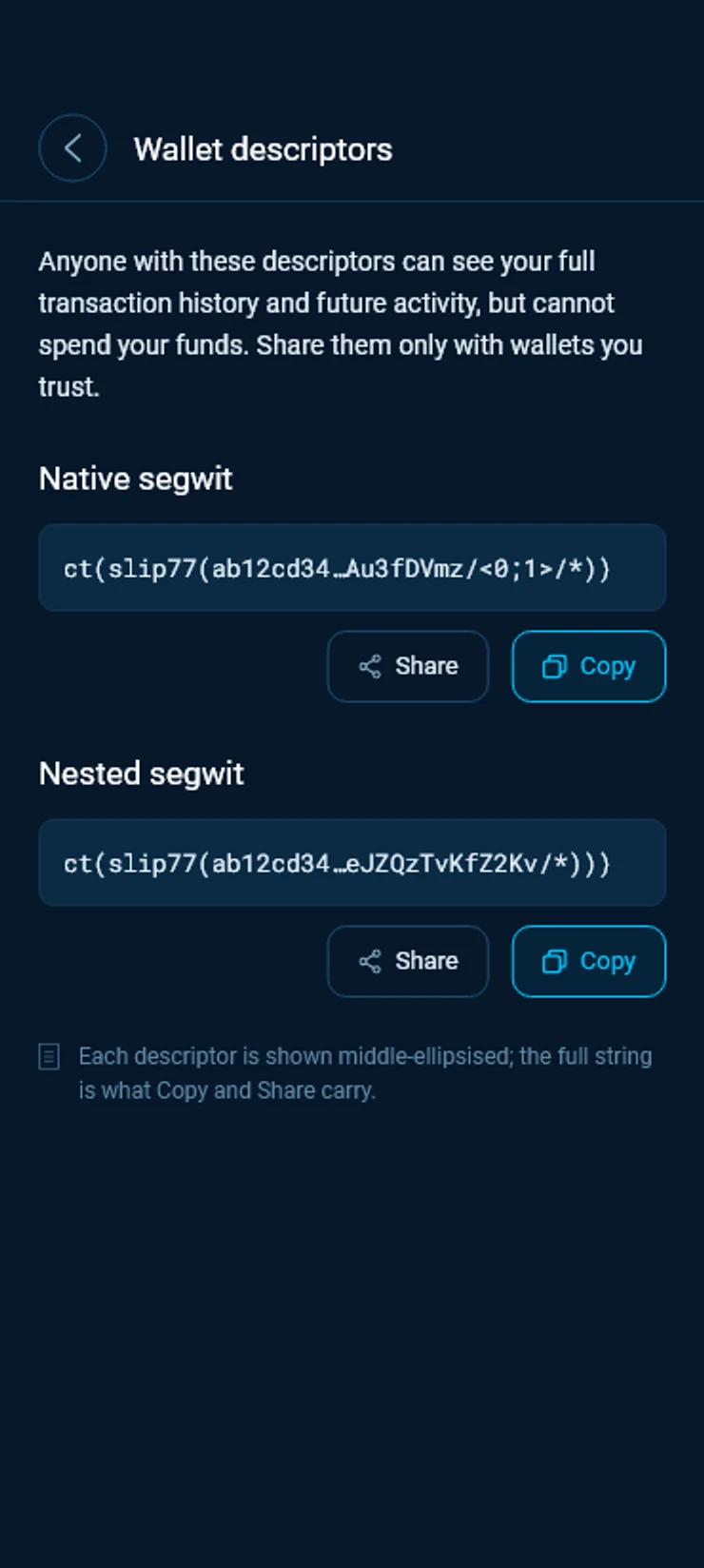
Watch-only descriptors, under Settings, show anyone who has them your full history and future activity. Share them only with wallets you trust.
A website you connect with Liquid Connect sees your balances and history. See Connect your wallet to a website.
An unblinded explorer link shows the amounts and assets of that transaction to whoever opens it. See Track a transaction or a peg.
Look your transaction up first. If it still looks wrong, write to support with the Bitcoin transaction ID.
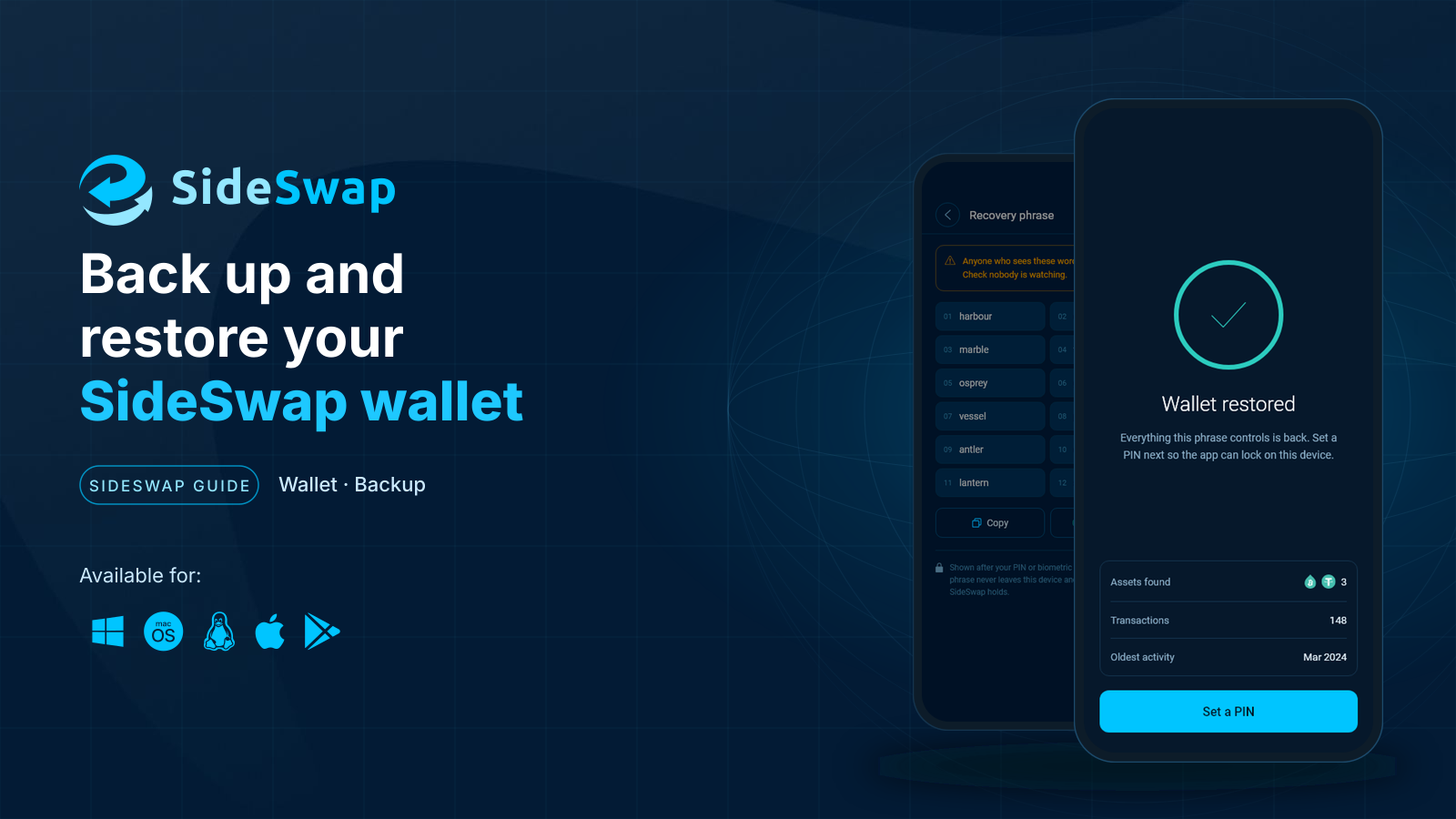
Back up and restore your wallet
Keep your recovery phrase safe, restore on a new device and know what a first scan looks like.
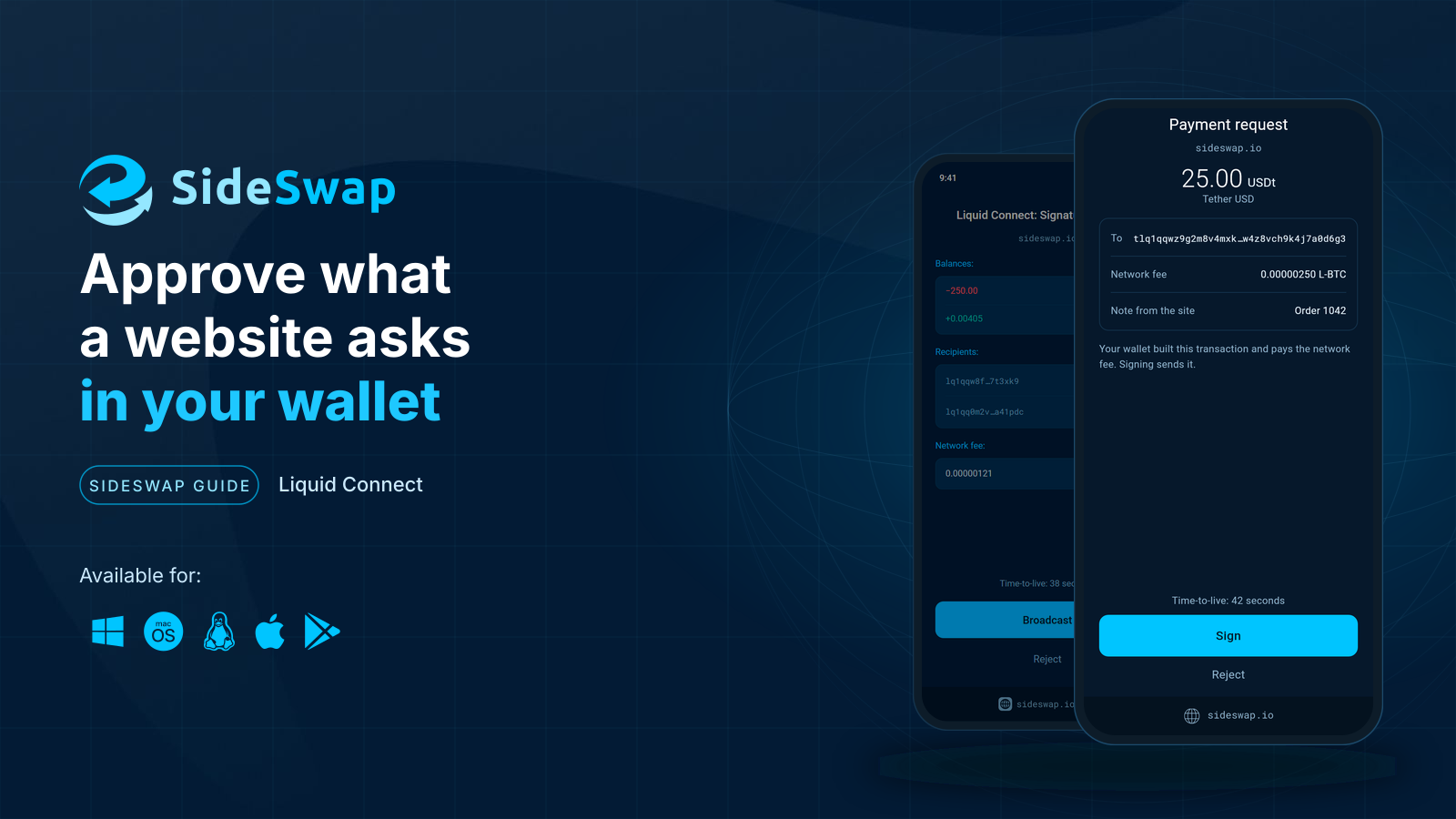
Approve what a website asks
Read a signature request, see what leaves and what arrives, and let small trades sign themselves.
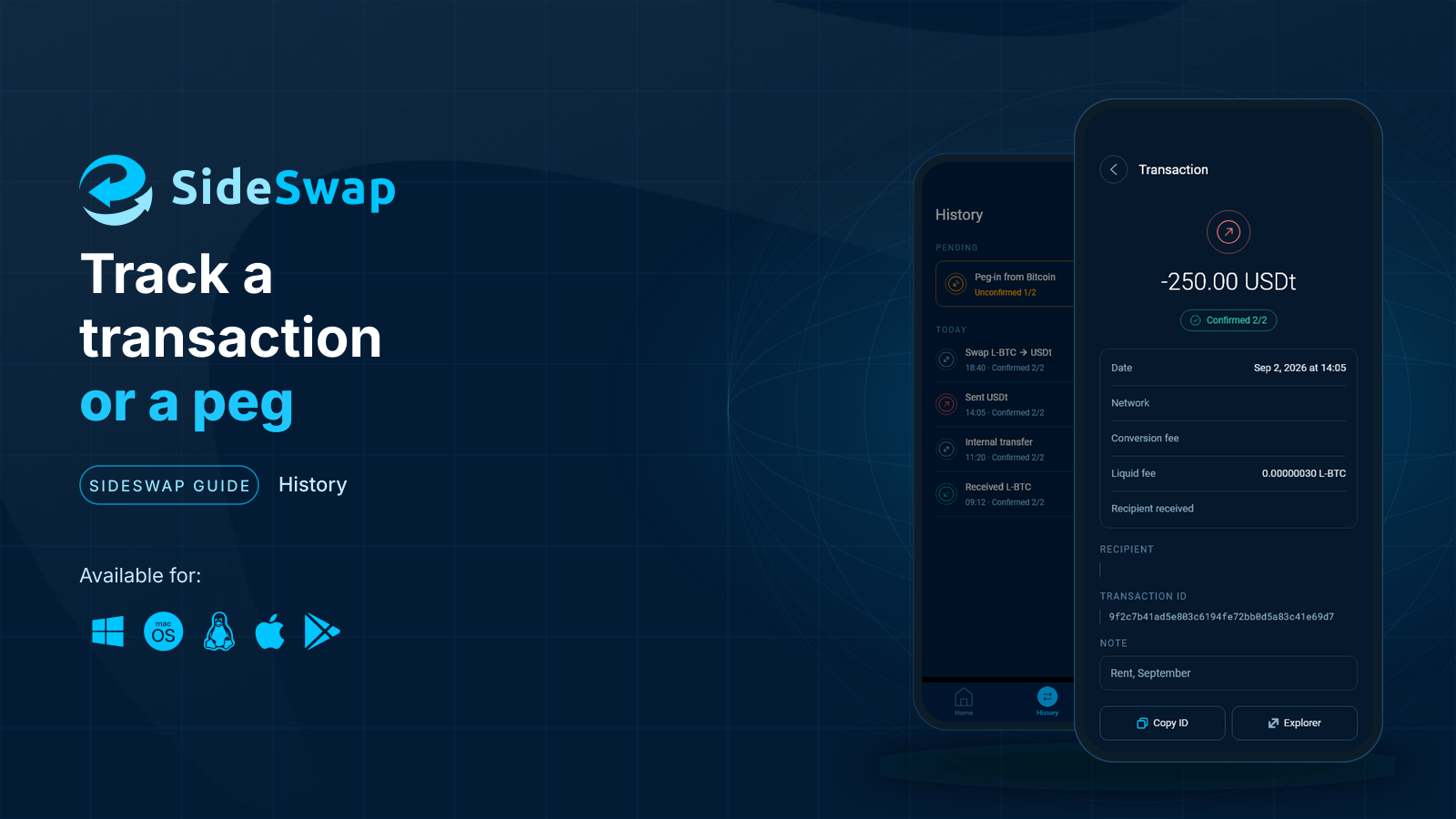
Track a transaction or a peg
Find any payment, swap or peg, read its status and check it on the explorer yourself.