
At a glance
What a public chain shows
On Bitcoin every transaction shows its addresses, its amounts and the coins it spends, to anyone and forever. Blockchain analysis builds on that. It groups addresses into owners and gives them scores, using the amounts, the assets and two rules of thumb. All the inputs of a transaction are taken to belong to one owner, and one output is guessed to be the change.
What Liquid hides
Liquid is a sidechain of Bitcoin with a new block every minute. Every transaction on it uses Confidential Transactions, which hide the amount and the type of asset from anyone watching the chain. A transfer of L-BTC, USDt or a security looks the same from outside.
Showing a transaction to someone
Sometimes you want someone to see the figures, an accountant or a person you paid. Open the transaction in History and tap Explorer. The blinded view shows what anyone sees. The unblinded view adds the amounts and assets your wallet can unlock, for that one transaction. See Track a transaction or a peg.
Unblinded links and descriptors
Anyone with an unblinded link sees the amounts in that transaction. Anyone with your watch-only descriptors sees every balance and transaction of your wallet, though they cannot spend. Share either only with someone who needs it.
Swaps, AMP assets and pegs
Swaps
A swap puts the coins of two or more people into one transaction. The rule of thumb that all inputs have one owner does not hold for it, and the amounts stay hidden like any other Liquid transaction. See How swaps work.
AMP assets
A transfer of an AMP asset needs a second signature that follows the issuer’s rules, and the issuer can see the transfers of its own asset. Outsiders cannot. See AMP assets and securities.
Peg-ins
Your deposit is an ordinary Bitcoin payment, visible on the Bitcoin chain like any other. With SideSwap, the L-BTC you receive is paid from SideSwap’s own wallet in a confidential Liquid transaction. See Move bitcoin to Liquid.
Peg-out
Peg-out returns once the new keys are issued and the peg is restored. Updates are posted on sideswap.io/news.
What SideSwap sees
SideSwap does not store your personal data and does not mine it. It keeps no list of your wallet addresses tied to your AMP ID or to any other identifier. The app talks to SideSwap’s servers to make swaps and peg-ins, and no profile of you is kept from that.
To show your balances, the wallet asks a server about your addresses. Whoever runs that server can see which addresses your wallet asks about. By default that is SideSwap’s server.
Logs
The log file the app can export helps support find a missing deposit. It includes addresses, amounts and transaction IDs, and never your keys or recovery phrase. Send it only to SideSwap support, and only when they ask.
Use your own server
Open Network access
In Settings, open Network access. Choose BlockStream instead of SideSwap, or Personal Electrum Server to use one you run. The Proxy tab sends the wallet’s traffic through a proxy you choose.Network access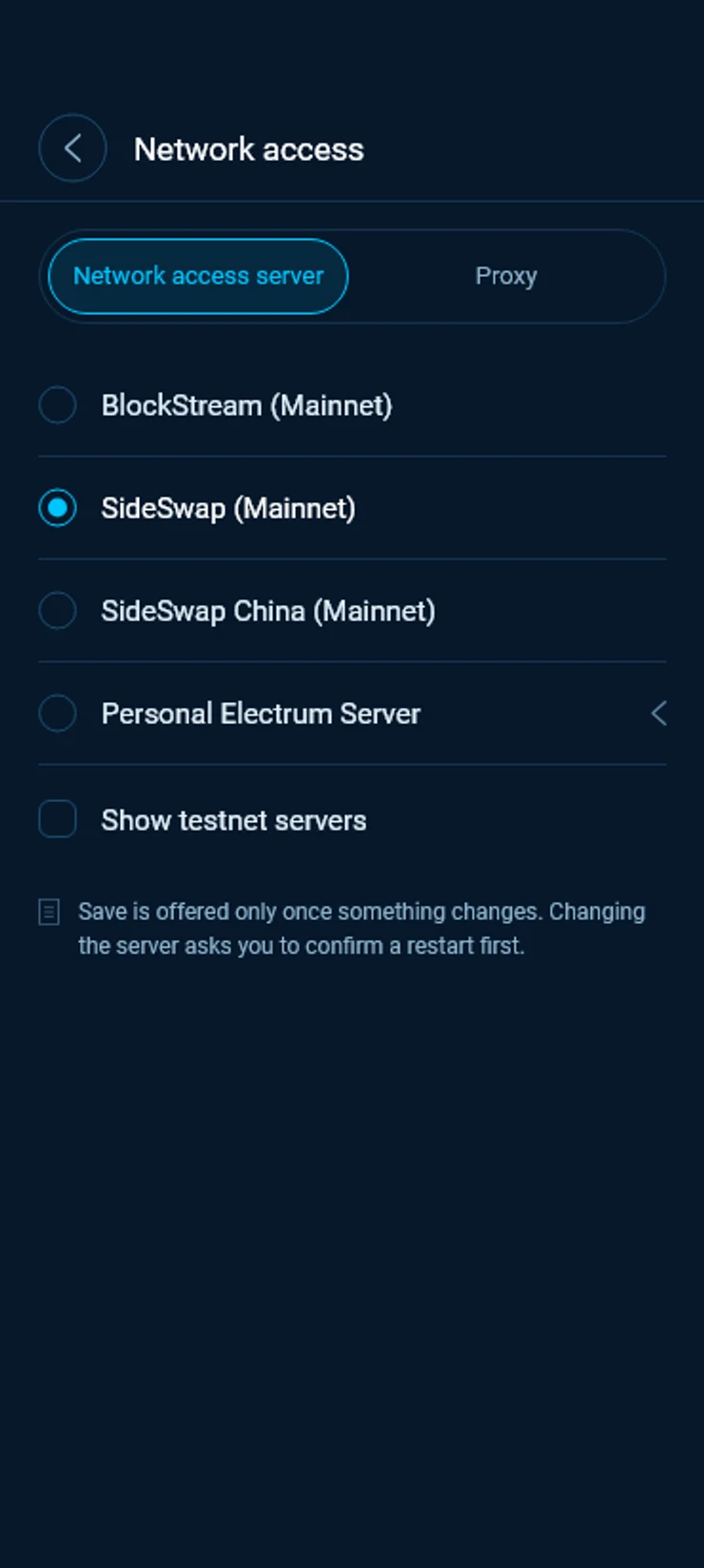
Point it at your node
Enter the host and port of your Electrum server, turn on TLS if it needs it, and tap Apply. SideSwap’s servers are then not used for chain data. The wallet keeps the old server until the new one answers.Electrum server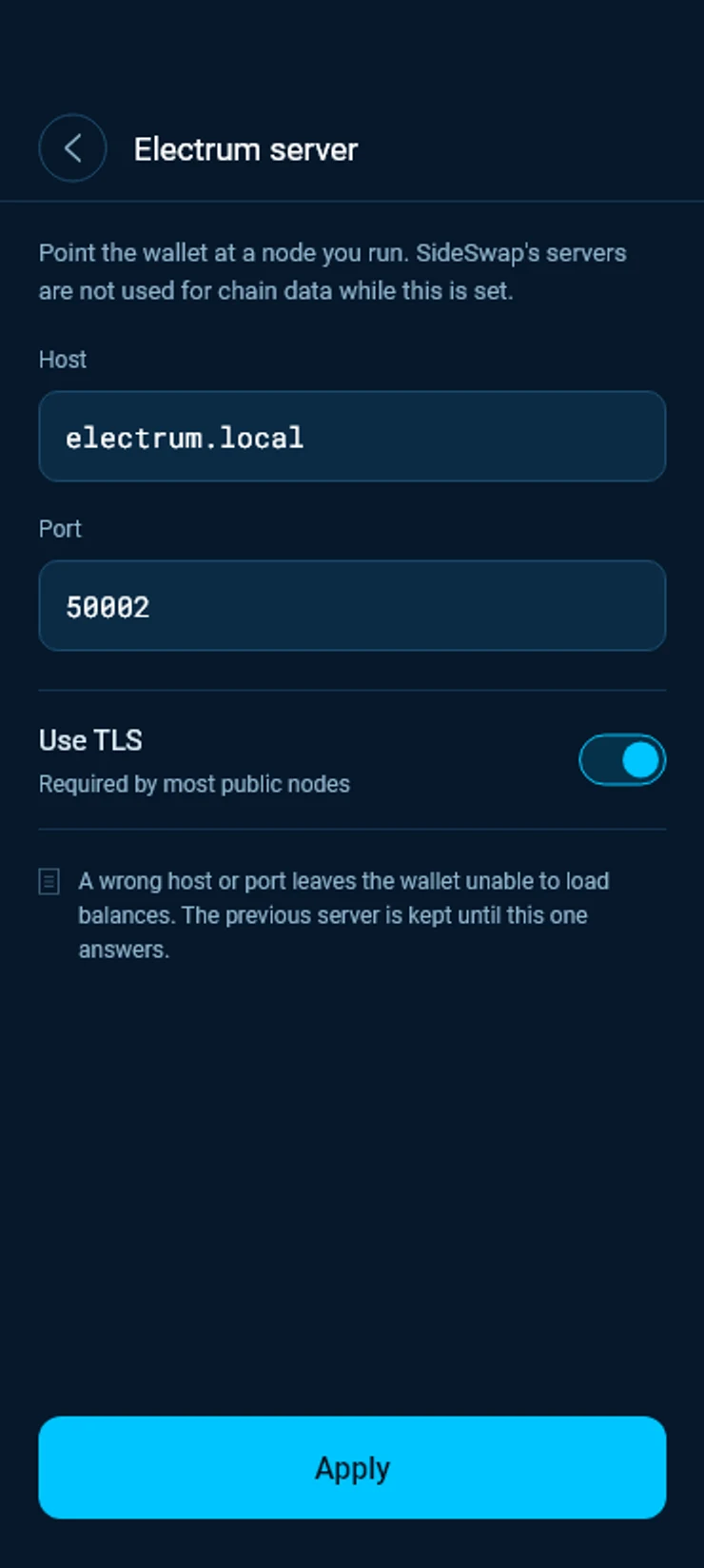
Swaps and peg-ins still go through SideSwap, because SideSwap runs them. Your own server only changes where the wallet reads the chain.
Good to know
One address for every Liquid asset
Your Liquid address is confidential. It includes a blinding key, so the sender’s wallet hides the amount and the asset in a way only your wallet can unlock.
Your recovery phrase shows everything
Anyone with your recovery phrase can see and spend everything in the wallet. Never share it. See Staying safe.
More detail
The privacy policy covers the SideSwap app and website.
Look your transaction up first. If it still looks wrong, write to support with the Bitcoin transaction ID.
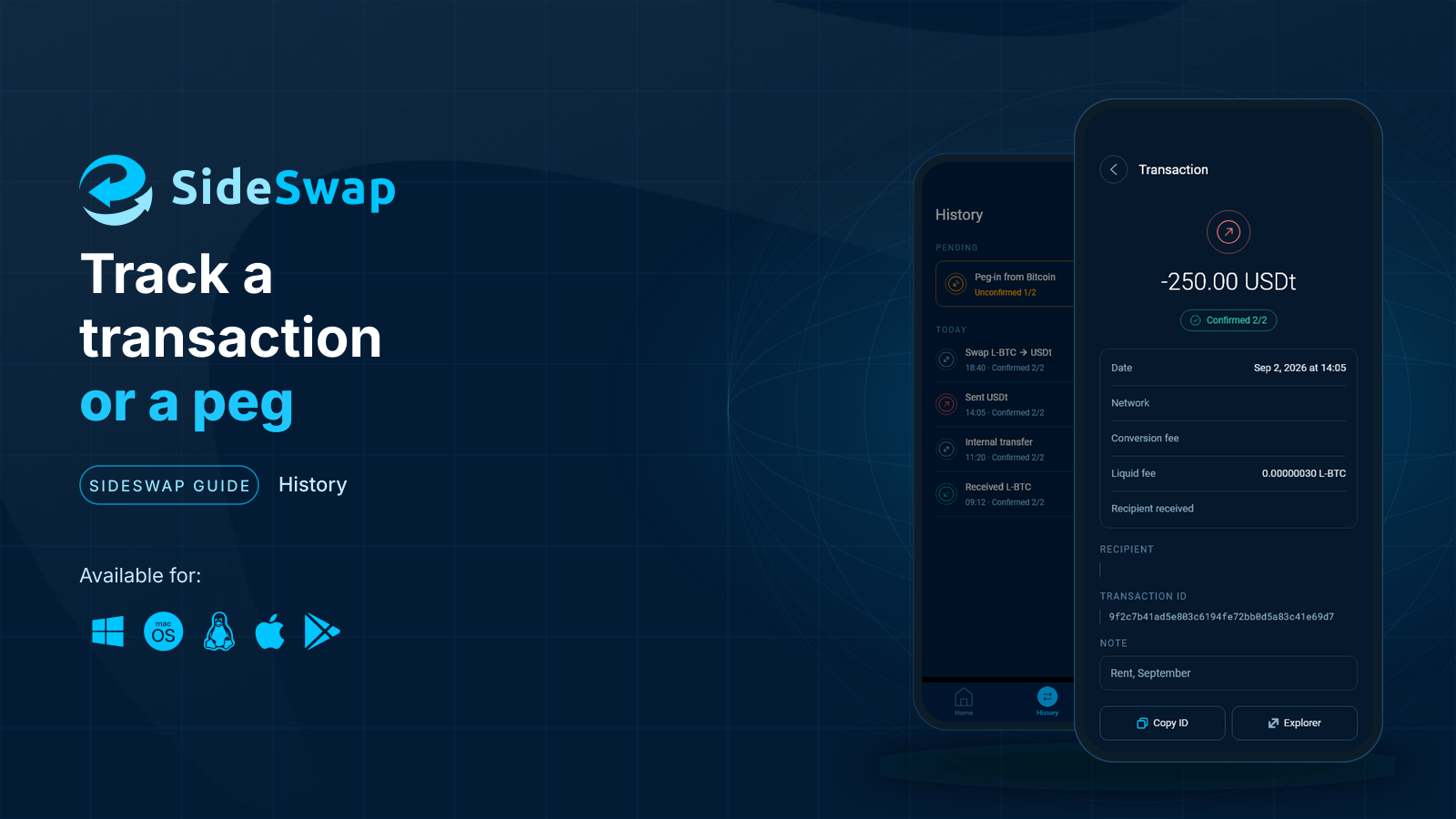
Track a transaction or a peg
Find any payment, swap or peg, read its status and check it on the explorer yourself.
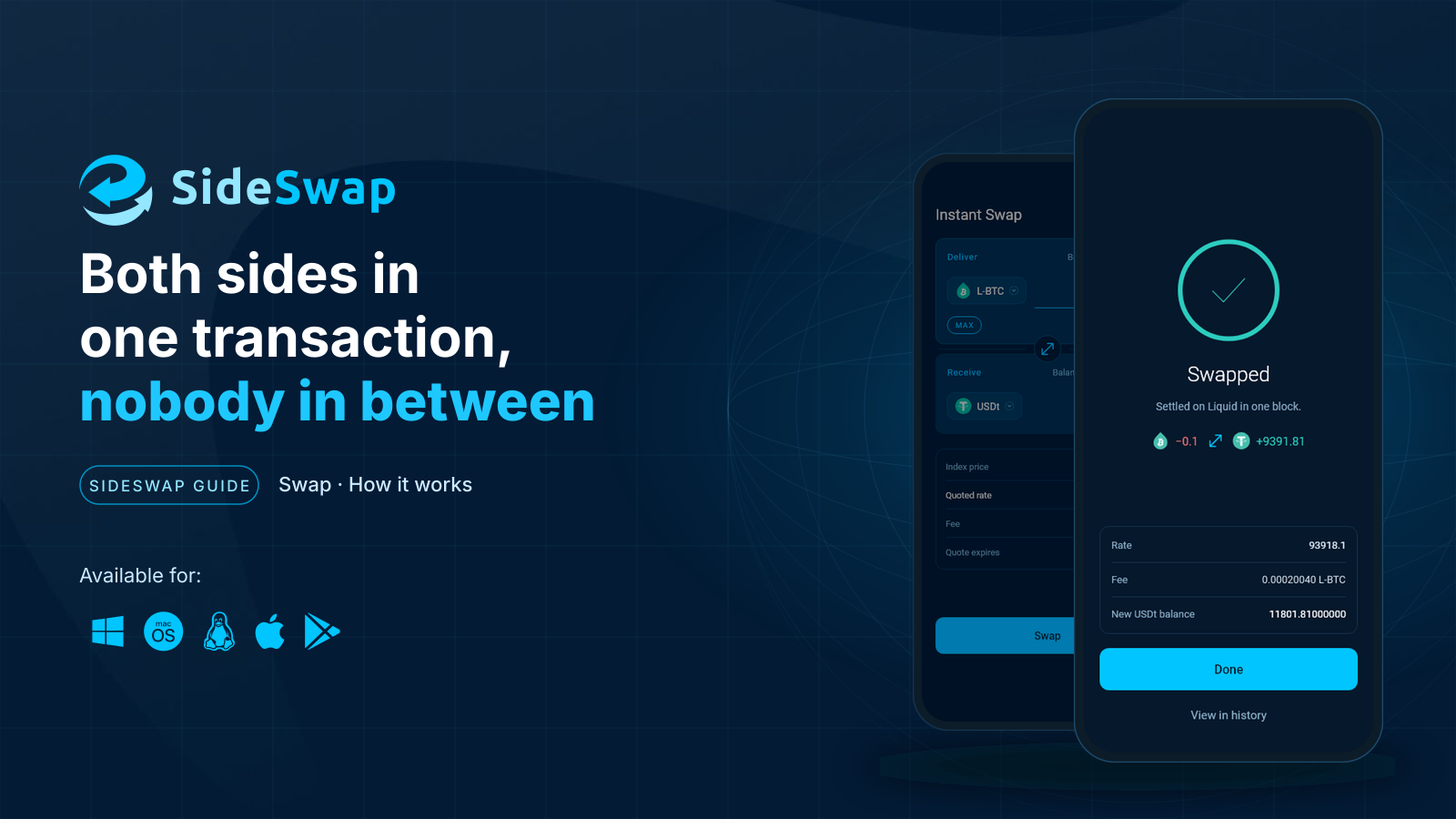
How swaps work
Why a swap removes custody and settlement risk, and what happens under the hood.
Staying safe
Spot fake support and copycat sites, and why a sent transaction cannot be reversed.